3D Cursor Tools by APEC groups cursor drawing, alignment, viewport controls and saved cursor positions in one Blender add-on. Find the controls in the Tab Panel under the C3D tab, which can be renamed in the add-on preferences. A C3D Tools Pie menu also gathers the tools for quick access.
Draw cursor axes and a grid
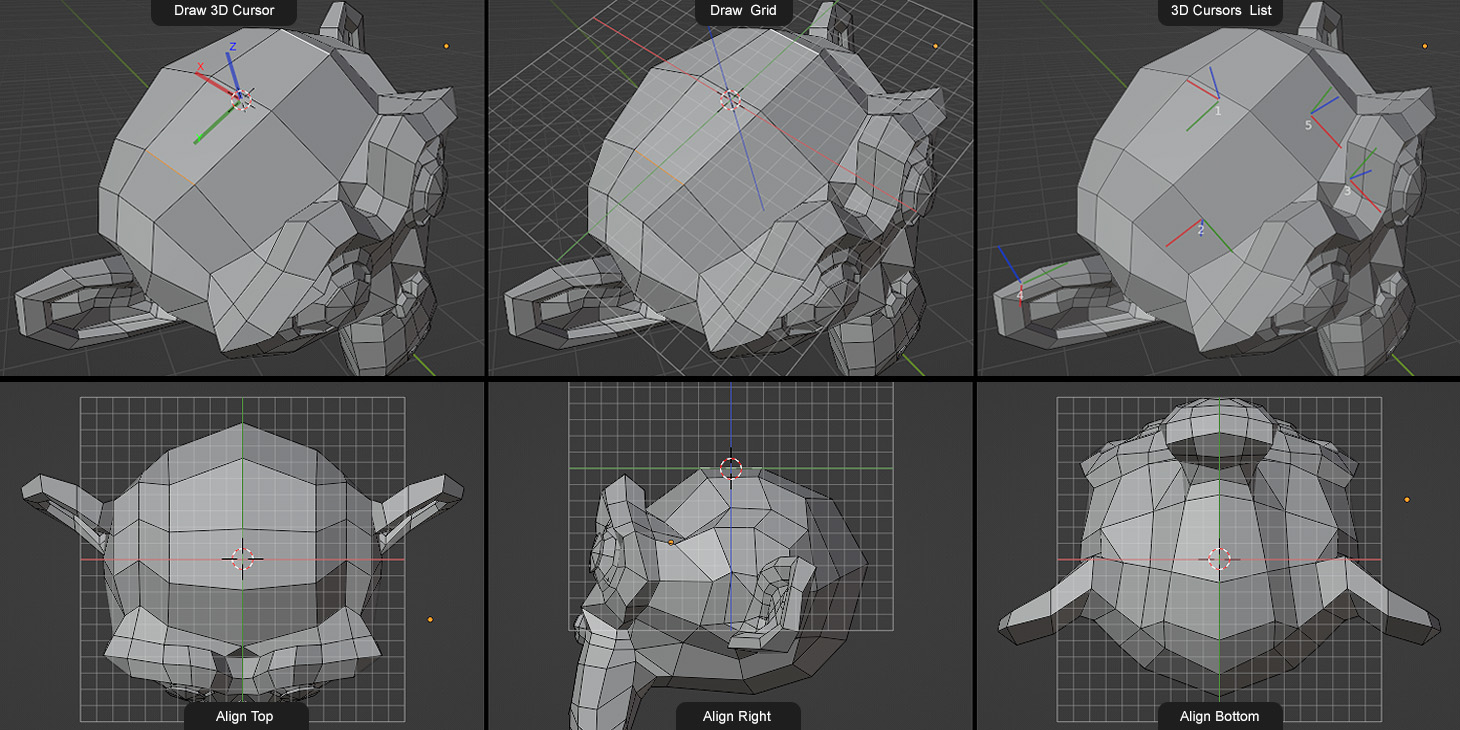
Draw 3D Cursor Axis displays the cursor’s axes in the 3D View. Draw Grid places a grid aligned to the cursor. Its divisions depend on the scene’s Unit System and Length settings. Version 1.0.1 added Custom Decimals for setting a grid size and Create Mesh for Snap. That option creates and updates a hidden, unselectable mesh matching the drawn grid for snapping. Blender removes the mesh and its collection when Draw Grid is turned off or the snap option is disabled.
Align and transform the cursor
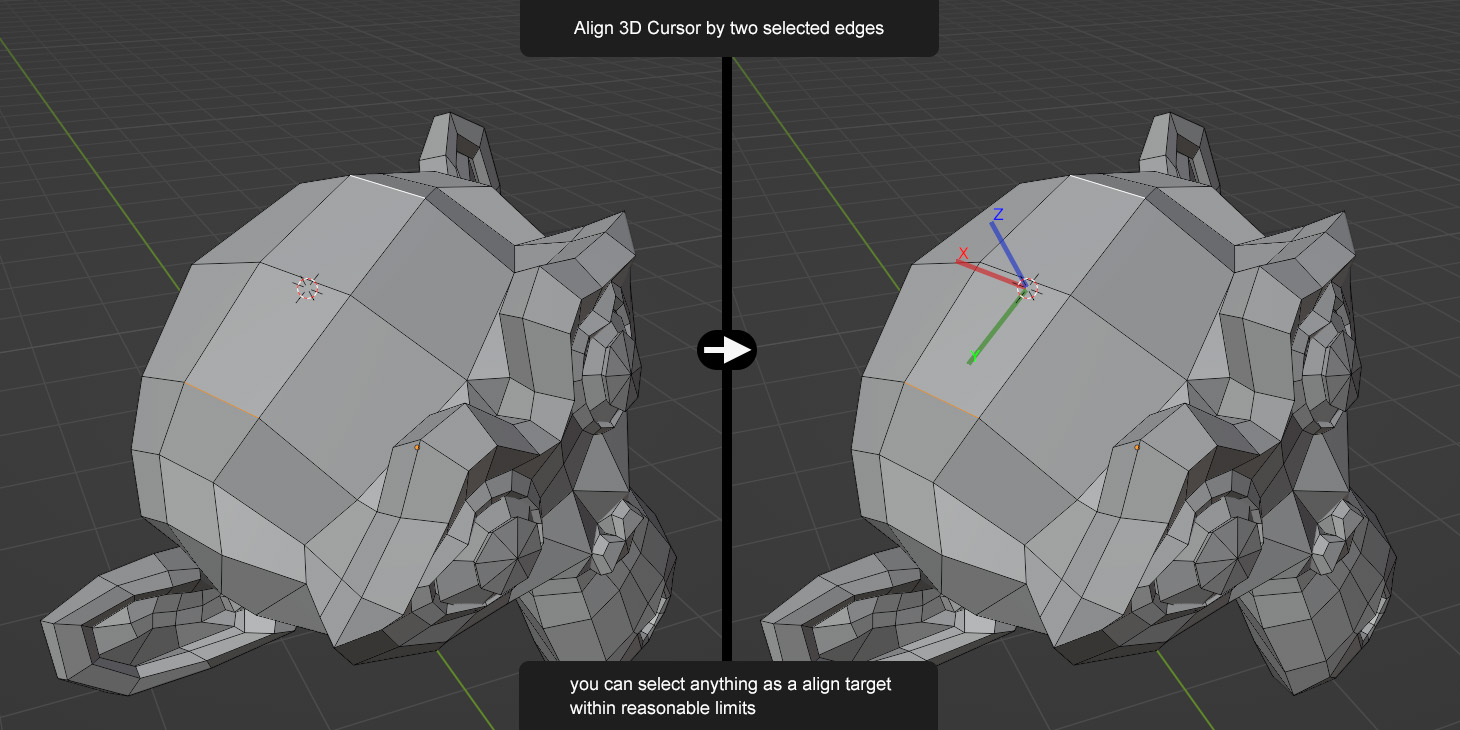
Align Cursor can match the cursor to a selection and change its location, rotation or both. You can adjust the cursor after alignment. In Object Mode, it also works with multiple selected objects, using their origins as points. This can help place the cursor at a mesh center for a mirror setup.
Tweak 3D Cursor Angles rotates the cursor so its X or Y axis runs parallel to a selected edge, two vertices, or a vertex and the cursor center. Transform 3D Cursor provides a simpler way to transform the cursor. Reset 3D Cursor restores its location and rotation and resets the transform orientation.
Orient the view and save cursor positions
Align View uses the cursor axes to set a Top, Front, Back, Left, Right or Bottom view. Perspective resets the view, and Rotate View lets you choose another angle. When Draw Grid is enabled and the view is aligned to a cursor side, the add-on can hide Blender’s global grid.
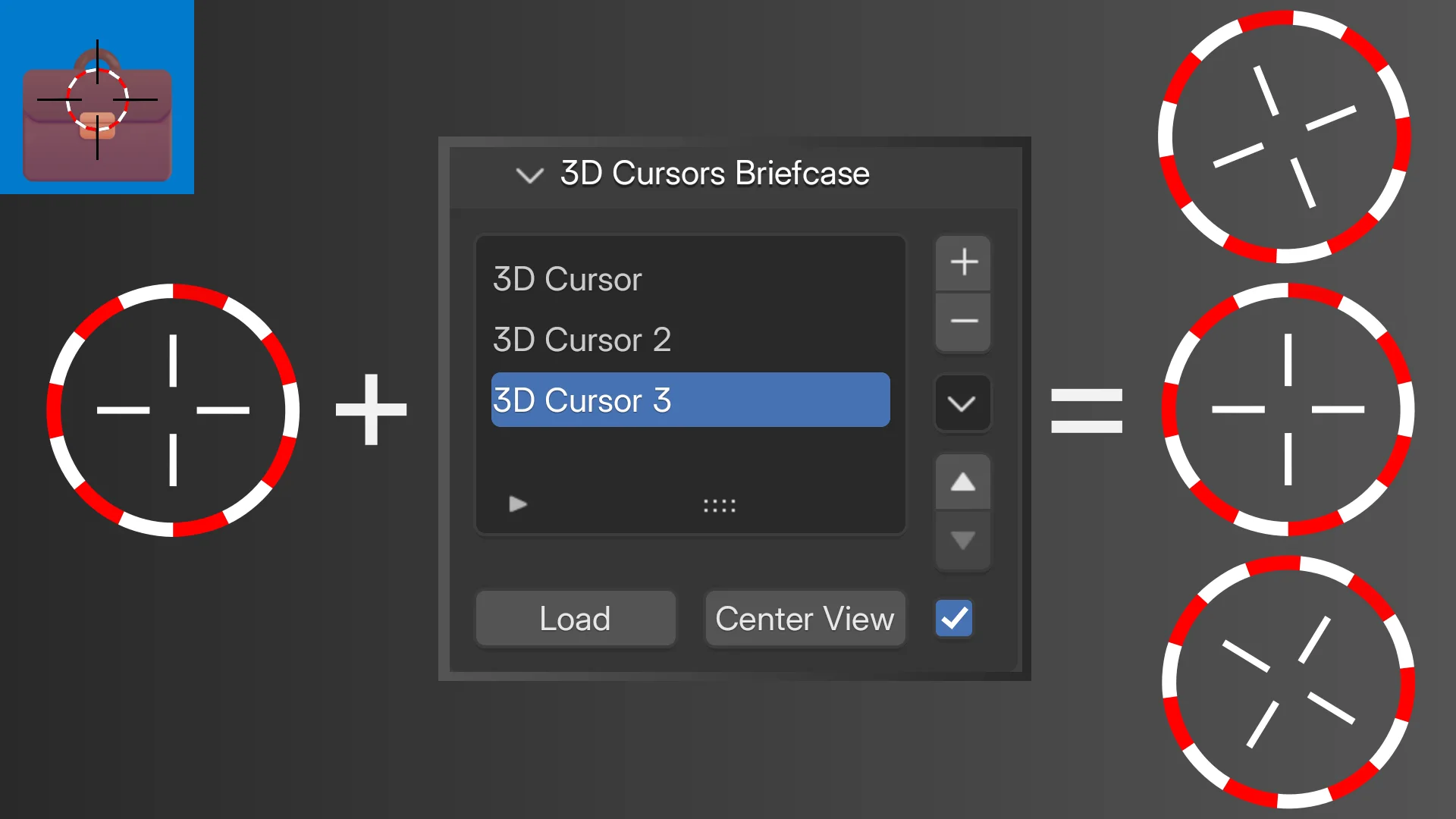
The 3D Cursor List stores cursor locations and rotations for later use. You can load a stored entry, create an empty at its position and rotation, and rename list items. Active Item and All Items can draw the saved axes for one entry or every entry.
Controls and compatibility
Blender’s modal operator behavior prevents Draw Axis and Draw Grid from being enabled by default in the startup file or toggled with a keyboard shortcut. The same limitation applies to Active Item and All Items in the cursor list.
The catalog record lists Blender 3.6 to 5.1, while Superhive’s product details list 3.6 to 5.3. Compatibility above 5.1 is uncertain; confirm with APEC before installing. Superhive lists the add-on under the GPL license.