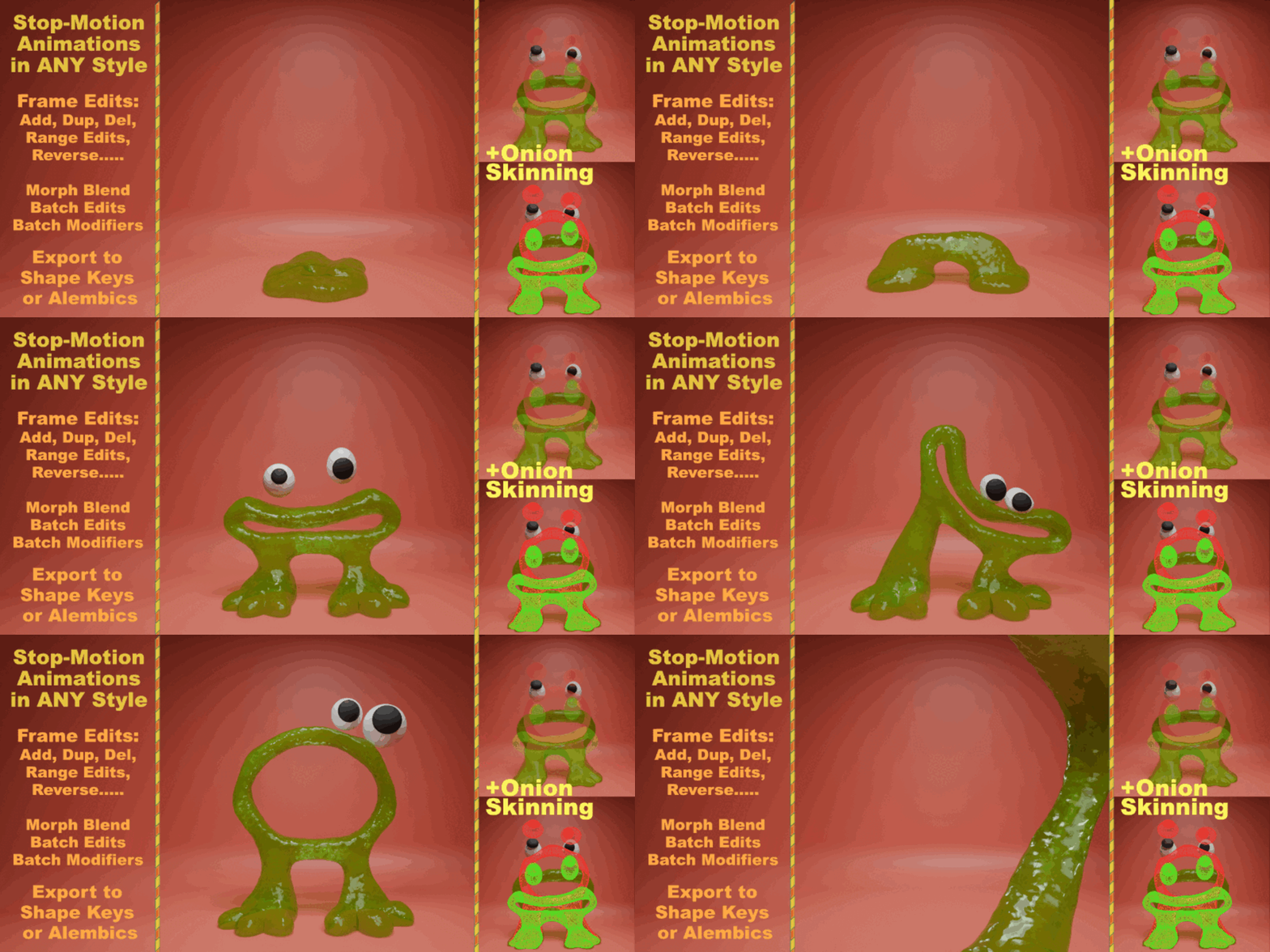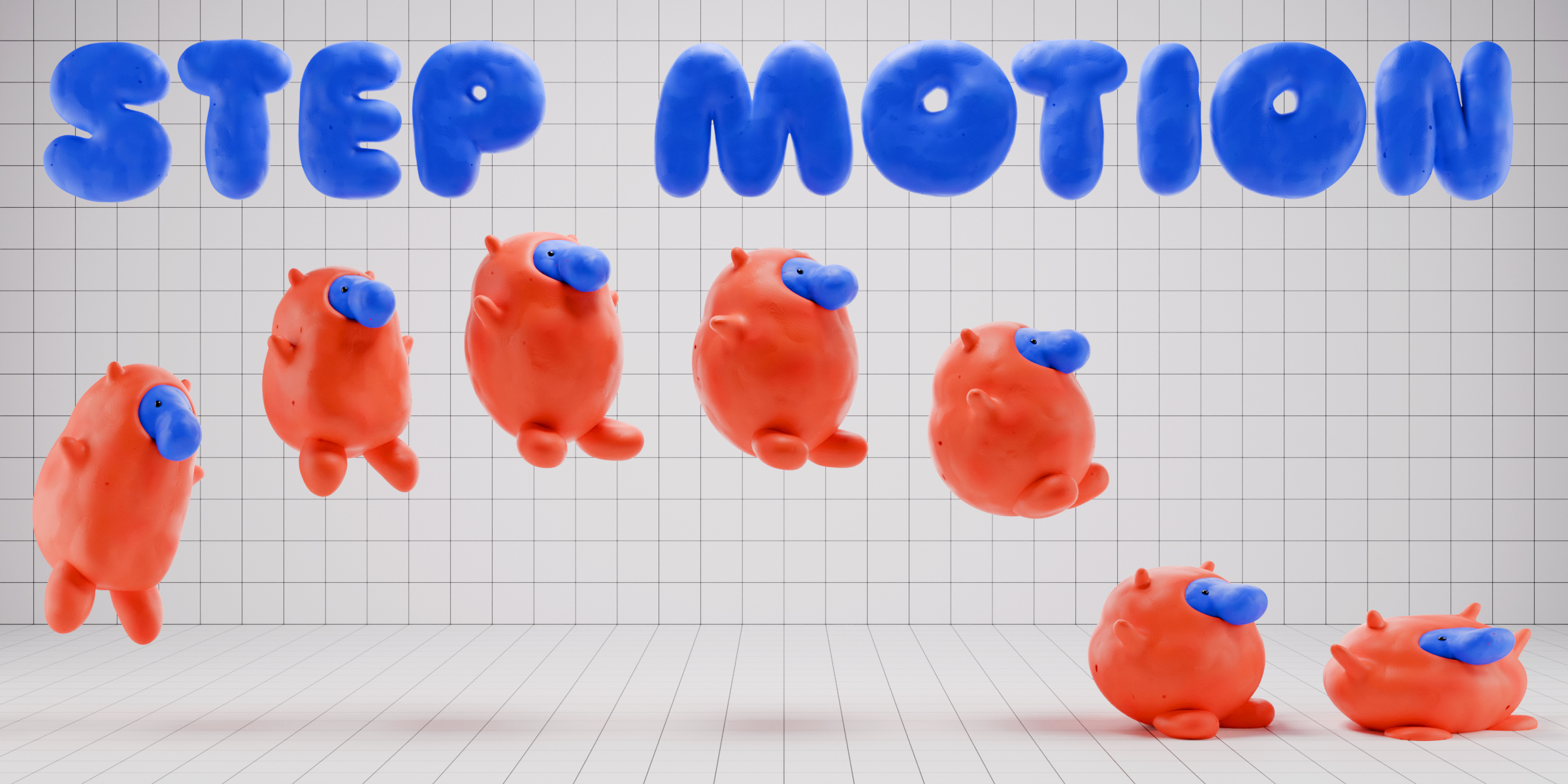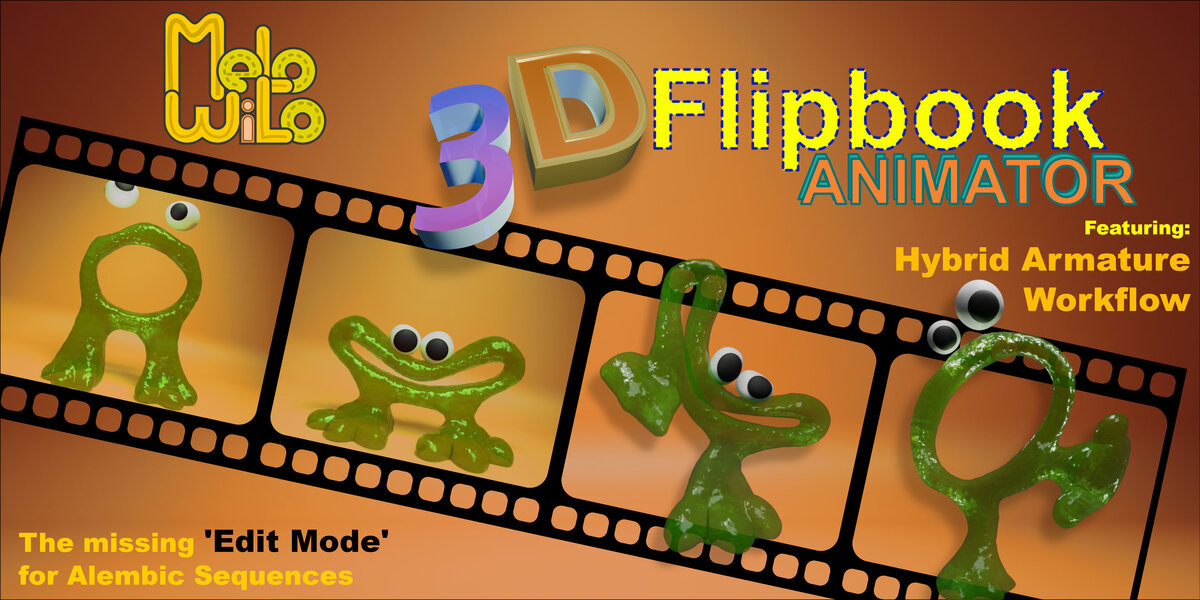
3D Flipbook Animator is a Blender add-on by Melowilo Animation LTD for creating stop-motion style animation from mesh sequences. It converts a collection of meshes into a Geometry Nodes-driven sequencer that selects a mesh for each timeline frame. The same tools can edit Alembic and simulated sequences represented as mesh snapshots. The product listing identifies it as a GPL add-on and lists compatibility with Blender 4.2 to 5.2.
Build and manage a mesh sequence
The add-on can extract animated meshes, curves, metaballs, and text into sequential mesh snapshots. It then organizes the frames into a flipbook that updates as you move through the timeline. You can merge two sequences, insert a mesh as a frame, or change a range by deleting, duplicating, reversing, or ping-ponging its frames. Hold options can keep the first or last frame visible outside the sequence range.
The technical manual describes how the sequencer samples evaluated meshes from the scene, including active modifiers and physics visible in the viewport.
Edit frames and shape motion
For detailed edits, switch to the mesh for the current frame and sculpt or model it while scrubbing the timeline. An edit mode can also expose all meshes in the sequence for shared adjustments. Onion skinning overlays nearby frames as colored ghosts, making it easier to compare a pose with the frames before and after it.
Morph Blending interpolates vertex positions between selected start and end frames, with easing options such as linear and ease in or out. The vertex clipboard can copy positions in local or world space, or paste a change relative to a saved baseline. A topology analysis tool finds ranges with matching vertex counts. Morphing and vertex copying rely on consistent vertex indices, so those operations are limited when topology changes between frames.
Combine sculpting with a rig
The Hybrid Armature Workflow keeps armature modifiers and vertex groups on the flipbook meshes. This lets you sculpt individual keyframes while also animating the armature. Tools can transfer vertex groups and weights from a source object, or bake armature deformation into the mesh sequence.
Export the animation
Export options include Alembic or USD sequences and conversion to a single mesh with Shape Keys. Shape Key conversion can use every frame, every nth frame, or frames selected manually, and the add-on can key the shape key influences to recreate the animation.
If Alembic export crashes, the product FAQ directs users to turn on Export Mode (Safe Bake) in the add-on's Export, Prep, Materials, and Delete panel before exporting. This mode disables the add-on's internal visibility logic during export.
Who it suits
This tool fits Blender artists working with separate mesh snapshots or animated objects who need to sculpt frames, reshape a sequence, or prepare animation for export. It can also help with Alembic editing when the sequence can be represented as frame-by-frame meshes. Check the listed Blender compatibility and the current developer documentation for requirements specific to your project.