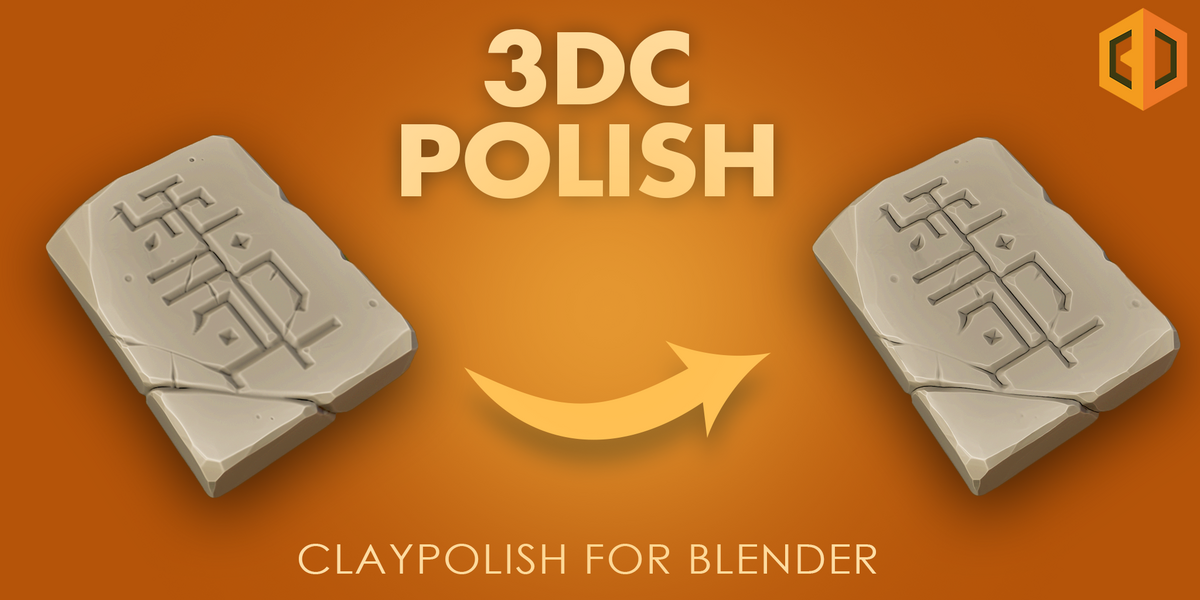
3DC Polish is a Blender add-on from 3DCEPTION for mesh refinement and deformation. Its Edge Polish tool sharpens edges, tightens creases, and smooths surfaces. Separate controls add inflation and displacement. The developer describes it as a close Blender substitute for ZBrush Clay Polish. See the product listing .
Edge refinement for sculpted meshes
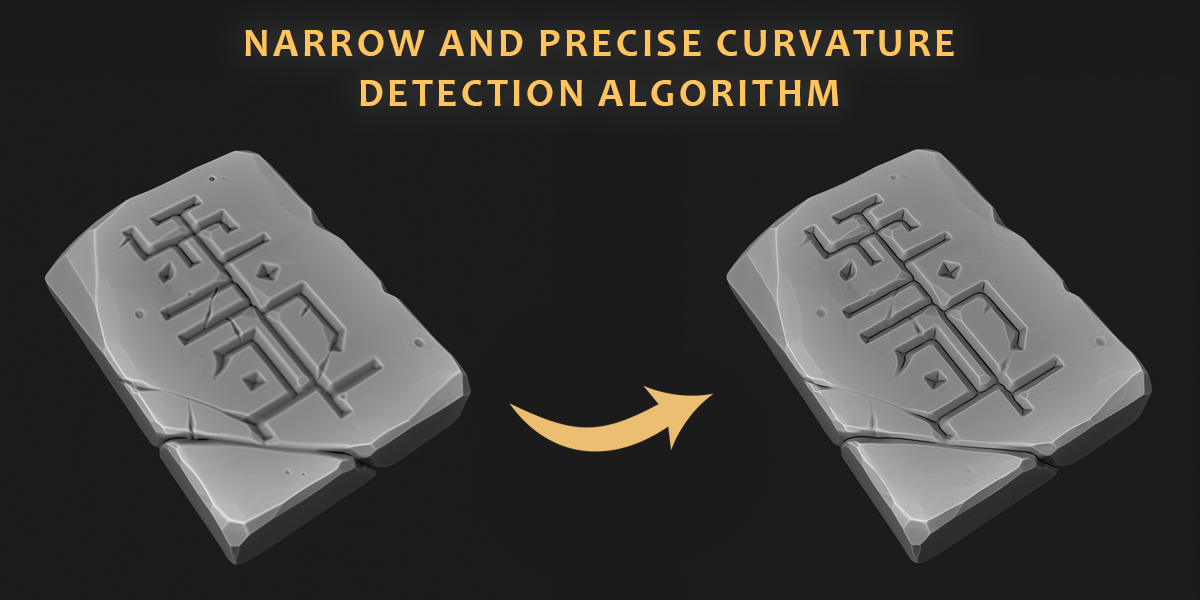
Edge Polish applies 1 to 10 refinement passes. A Preserve Details slider controls how much fine surface detail remains as forms are strengthened. Curvature detection treats convex and concave regions independently, while edge tightening draws geometry toward curvature peaks. Pre-smoothing and post-blur settings help control the result, and adaptive movement limits are designed to prevent self-intersection and distortion.
Inflation and texture displacement
The Deformation section can expand or contract a mesh along its local normals. For surface variation, choose Perlin, Fractal, or Voronoi noise, or use a custom image texture. Texture mapping supports UV or Box (Generated) coordinates, with an adjustable blend for the box projection. A built-in image browser loads textures from the panel, and smoothing can be applied after displacement.
MultiRes workflow and presets
3DC Polish detects active MultiRes modifiers. It duplicates the mesh, applies the operation to the high-resolution version, then reshapes back while preserving the subdivision levels and low-poly cage. The add-on also stores the original mesh as a deformation base so repeated operations can refer to it instead of accumulating changes.
You can save up to 10 global presets in Blender's configuration folder. Presets cover Edge Polish parameters and can be loaded, overwritten, or deleted from the interface.
Version 1.3 and installation
Version 1.3 adds MultiRes support and Box (Generated) mapping with adjustable blending. The changelog also says the Remesh tool was removed; the listing suggests using Blender's Remesh modifier for that task. Live Deformation was removed as well, so deformation becomes visible after applying it as an undoable operation.
The product listing states Blender 4.3 or newer as a requirement, while its details row lists Blender 4.3–5.0. Check the listing for compatibility if you use a newer release. To install, download the ZIP, choose Edit > Preferences > Add-ons > Install in Blender, select the file, and enable 3DC Polish. Open the 3D Viewport sidebar with the N key and select the 3DC Polish tab.