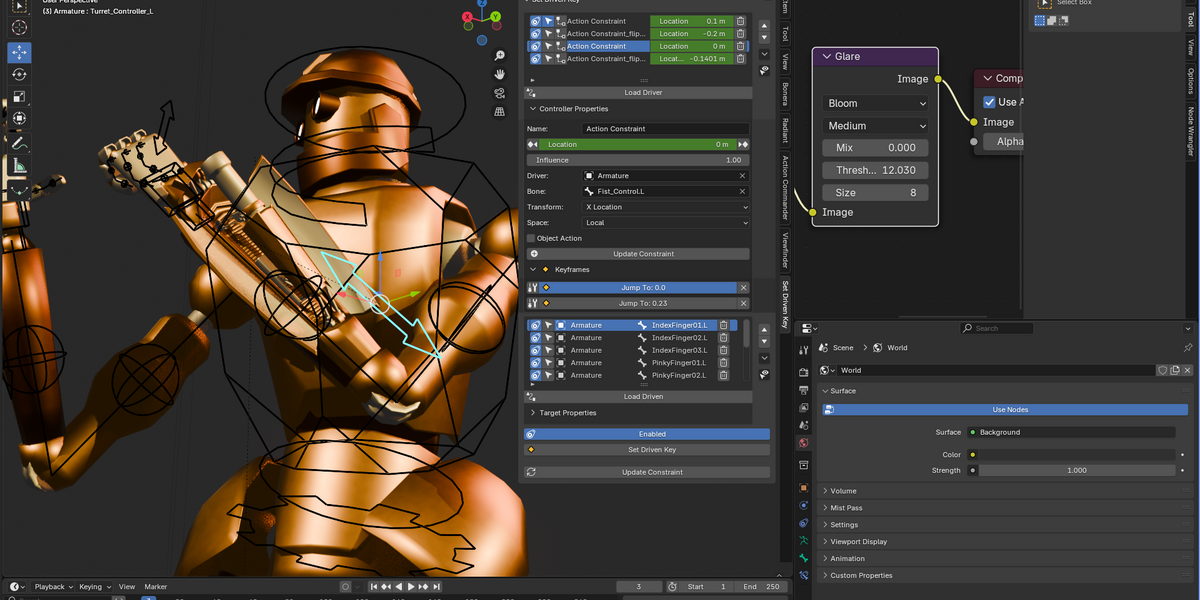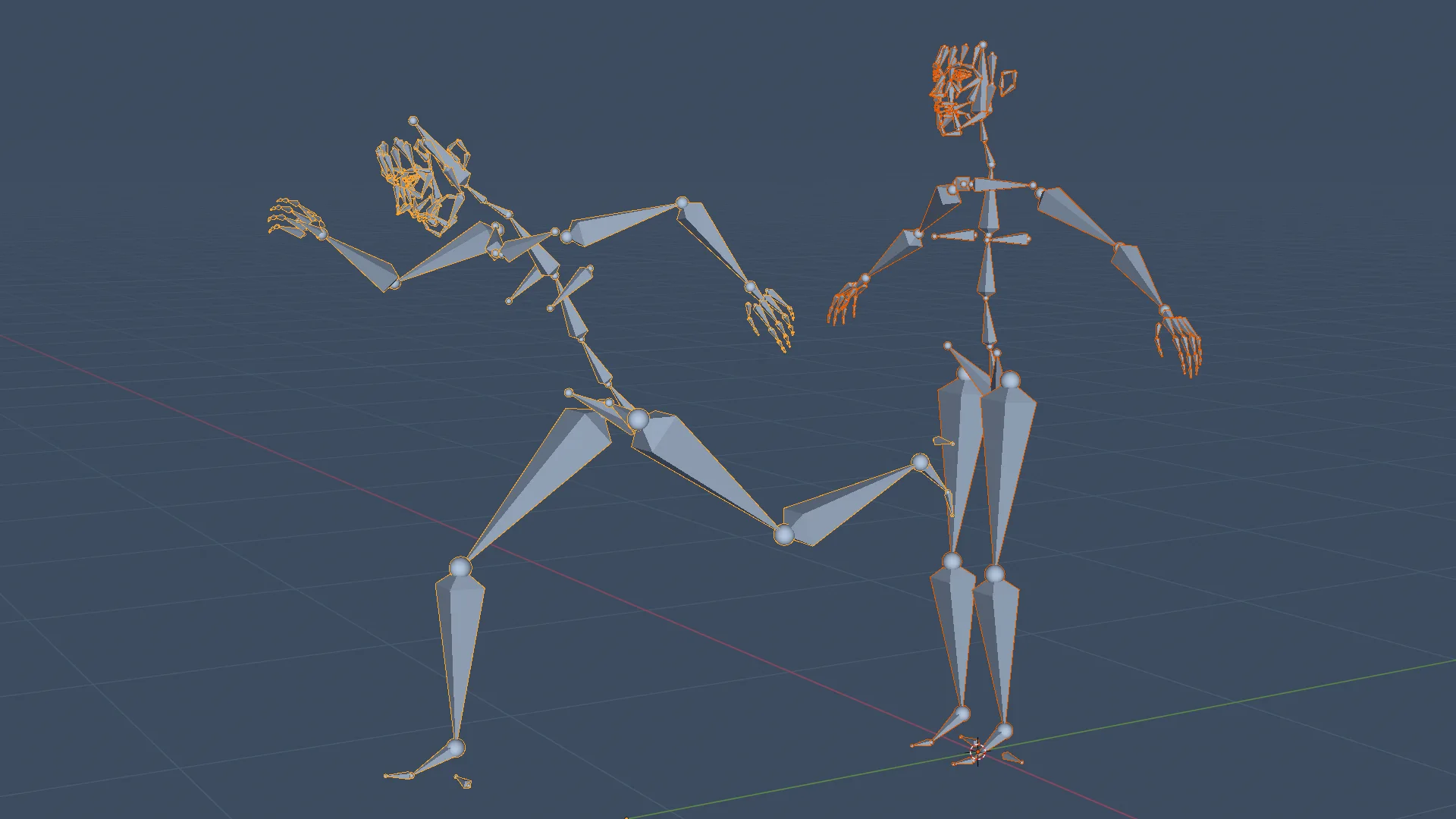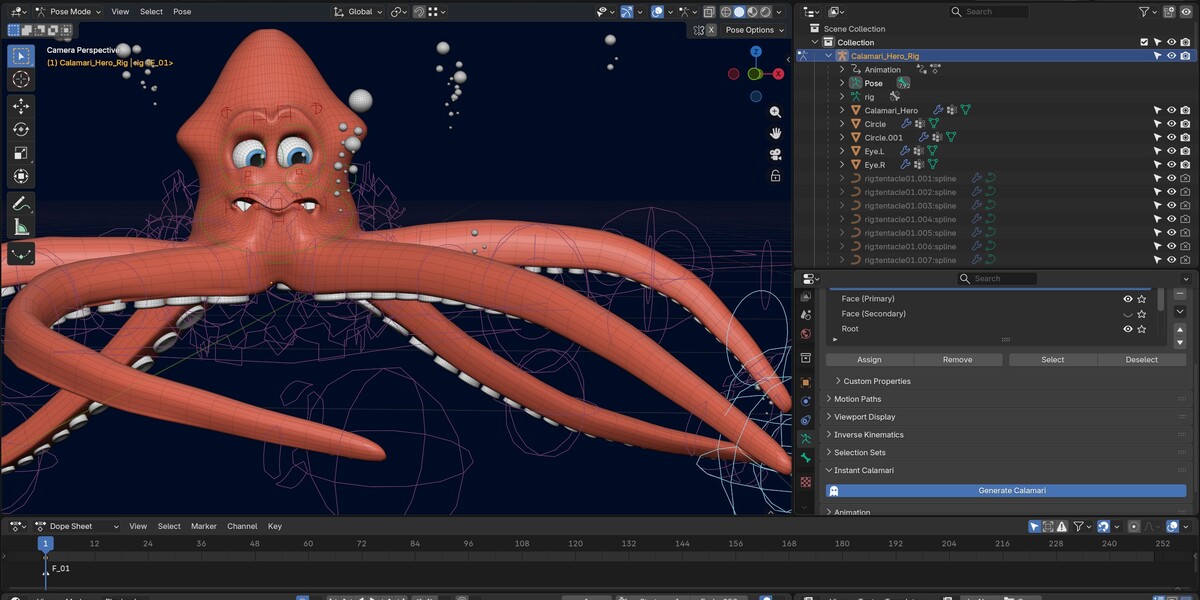
Action Constraint Builder - Set Driven Key by TinkerBoi is a Blender add-on for setting up action constraints. Its interface is inspired by Autodesk Maya's Set Driven Key workflow, linking a controller driver object or bone to a driven target object or bone.
Set up a driven action in four steps
Choose the controller, choose the driven target, pose it, then set the driven key. The add-on brings those steps into one workflow for building action constraints. It is intended for rigs that need predetermined poses or actions.
TinkerBoi lists wing folding, facial rigging, mechanical transformation, and hand gestures as possible applications. These examples can help you judge whether the workflow fits a rig you are building.
The constraints work without the add-on
TinkerBoi describes the add-on as a setup and builder tool: it creates the constraints, and the add-on is not required afterward. The product page says a Blender file can be shared with someone who does not have the add-on installed, while the constraints continue to work.
What the demonstrations show
In a vendor demonstration, TinkerBoi reports setting up a wing-folding mechanism in 54 seconds. A separate comparison on the product page reports 4.44 minutes for manual setup of the same action constraints and 59 seconds with the add-on. These are creator-reported demonstrations, not a general performance benchmark.
Compatibility and documentation
The product listing marks the add-on as Blender Extension Compatible, lists Blender versions 4.3 to 5.3, and identifies the license as GPL. Check TinkerBoi's product page for current details. The Set Driven Key documentation explains the add-on. The product is also included in the Set Driven Key - Value Bundle with Shapekey Driver Builder. For support, the listing points to its Ask a Question feature and TinkerBoi's Discord server.