Use detected beats as composition timing
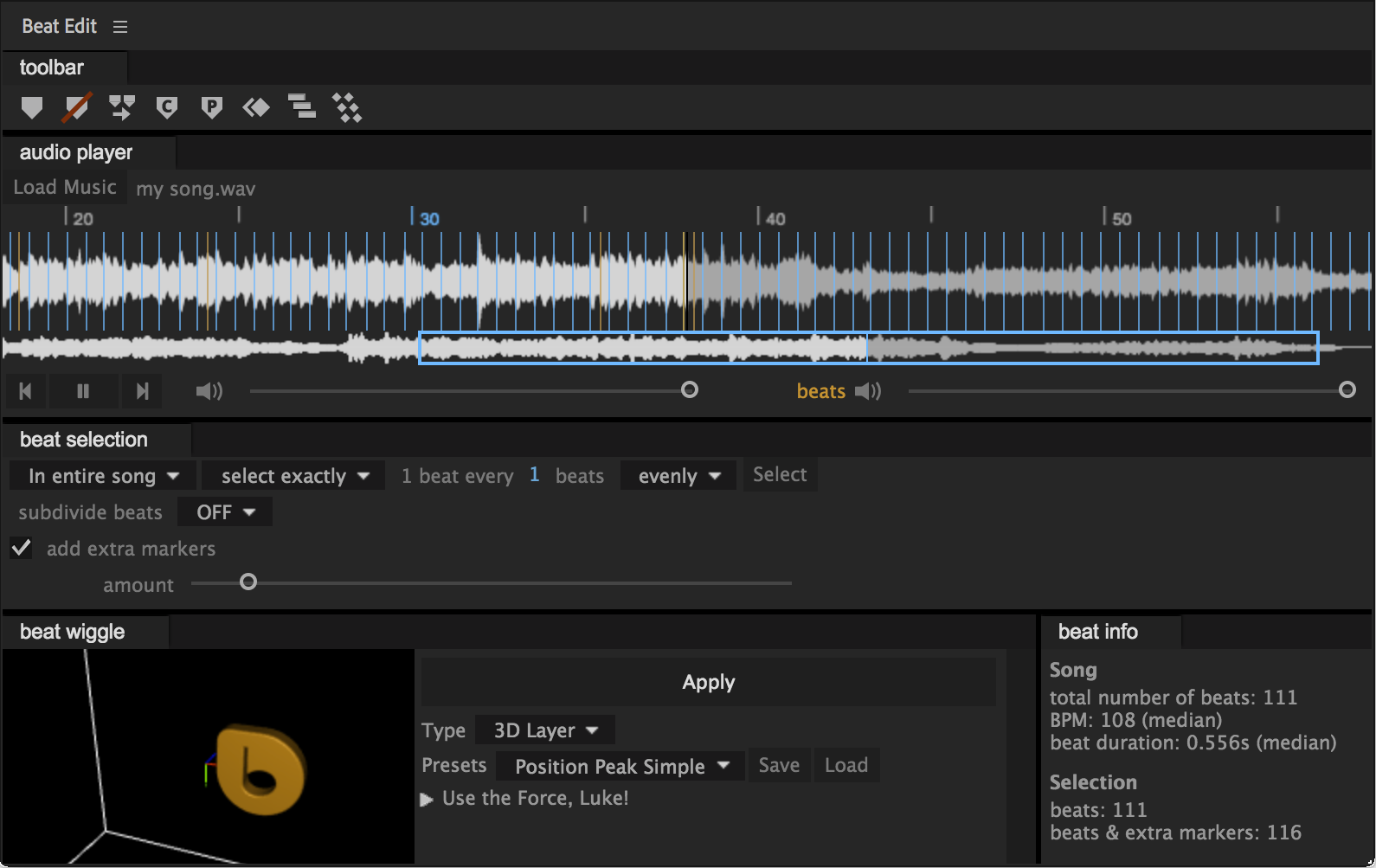
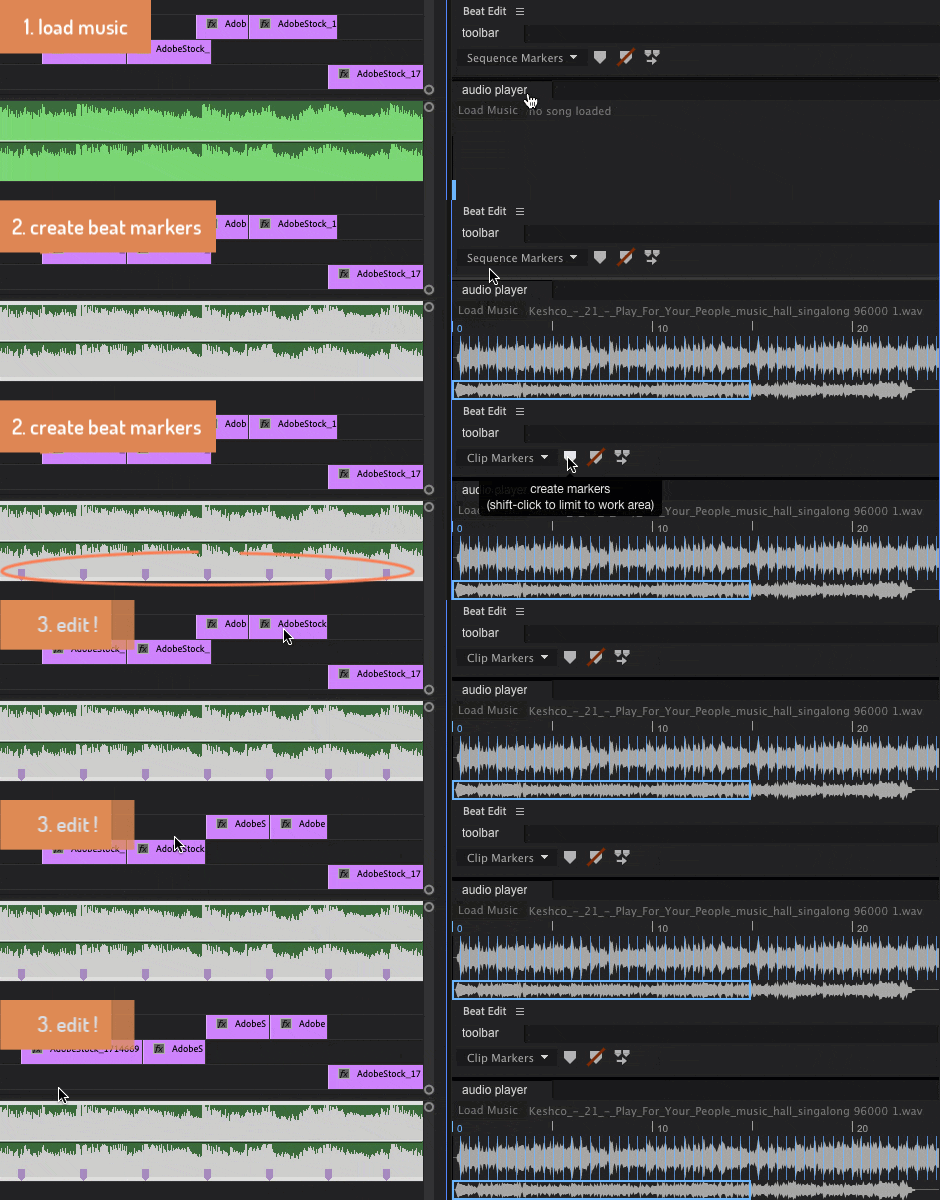
mamoworld tools' BeatEdit detects beats in a music track and can write them as markers in an After Effects composition. You can copy, paste and move those markers while arranging timing. Its beat tracker combines several methods beyond simple peak detection and can find beats in songs where the rhythm is not obvious.
Drive motion from the rhythm
Beat Wiggle can animate sliders or 2D and 3D layers, and it can drive time remapping on footage. Presets and beat patterns let behavior vary between beats. You can select every fourth beat, choose beats randomly, subdivide beats, or use other rhythmically relevant points in the track. These controls let you choose which accents drive motion and how much variation to add.
BeatEdit can repeat existing keyframed animation in sync with the detected beats. In continuous mode, each repetition is offset to begin where the previous one ends, which suits motion that needs to flow across repeats. Stagger controls can bring text layers in step by step with the music or synchronize existing keyframes to it.
These features fit After Effects sequences such as beat-timed title reveals, layer entrances, animated parameters and time-remapped music visuals.
Check compatibility and licensing
The compatibility list names After Effects 2026, 2025, 2024, 2023, 2022, 2021, 2020, CC 2019, CC 2018, CC 2017 and CC 2015.3. The listing offers a free trial and a paid license. Its EULA permits one copy on one computer at a time; use across multiple users or computers requires an appropriate license agreement for each user and copy.