BeatEdit analyzes music and turns its rhythm into markers or animation controls in Premiere Pro, DaVinci Resolve, After Effects, or Audition. The editions suit different jobs: building cuts to a soundtrack, rearranging music, making loop points, or animating to a beat. Choose the edition for the application and workflow you use.
Premiere Pro editing
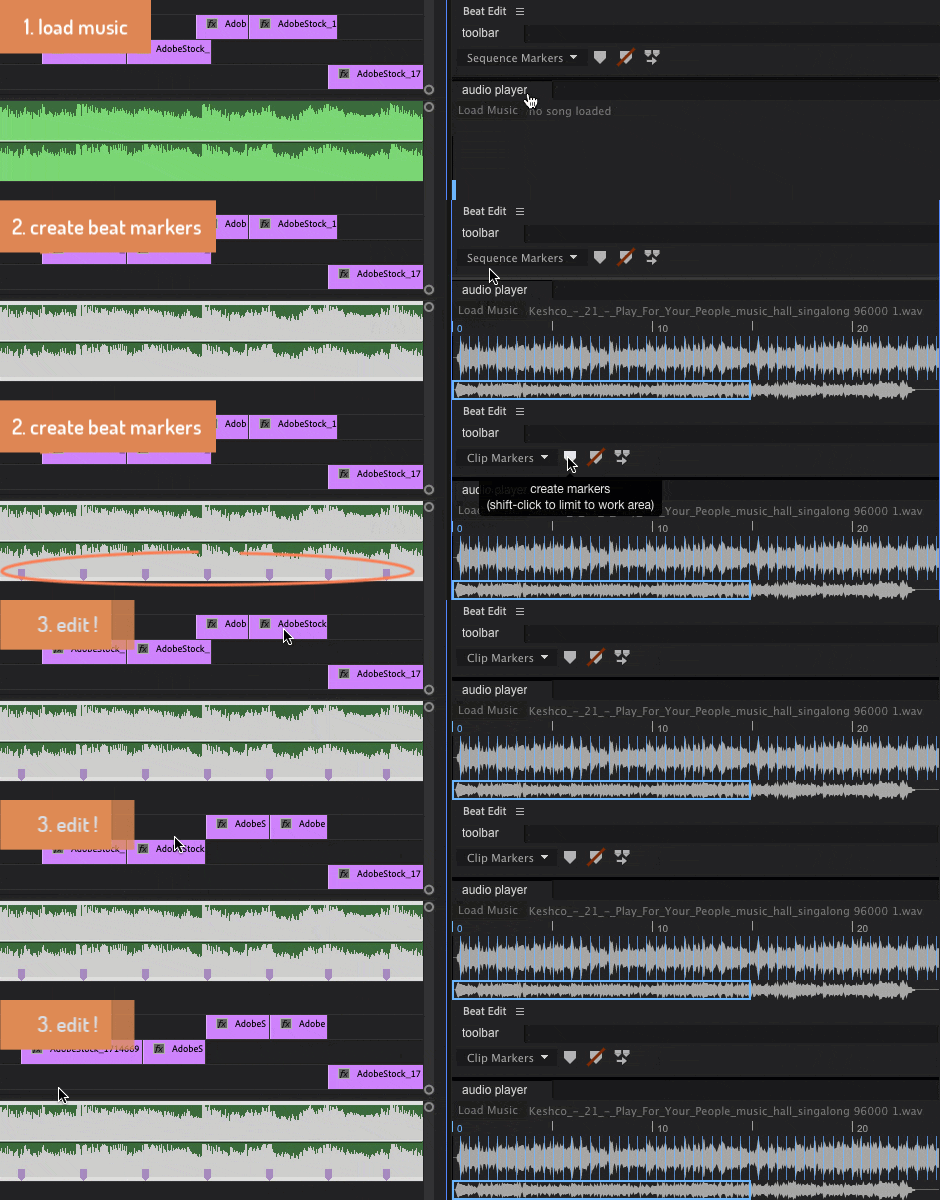
In Premiere Pro, BeatEdit can load music from a sequence and place beat markers on the sequence or audio clip. You can select beats, subdivide them for quicker patterns, and include other rhythmically relevant peaks. Use the markers as manual cut points or with Premiere Pro's Automate to Sequence function to build a rough cut or slideshow. BeatEdit 2 also supports batch creation, movement, and deletion of markers, with an option to limit those actions to the work area. Its beat information panel shows the BPM and selected beat count.
DaVinci Resolve music edits
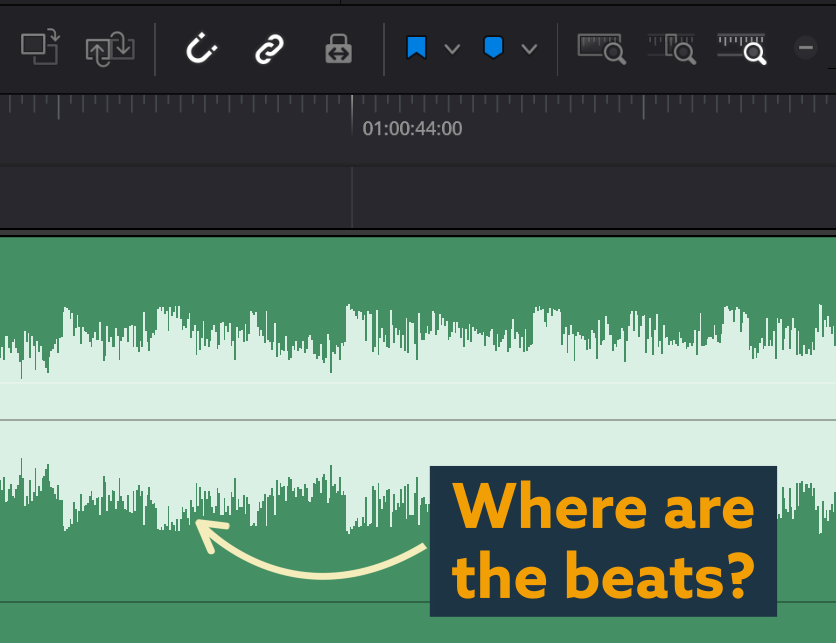
The Resolve edition provides timeline markers, clip markers, beat clicks, and subtitles. Markers help locate cuts for extending, shortening, or rearranging a music track. For edits to the audio itself, cut at the peak of a beat click for sub-frame timing; Resolve markers are positioned on video frames. Resolve Free is supported through version 19.0.3; Resolve Studio is required for version 19.1 and later.
After Effects animation and Audition audio
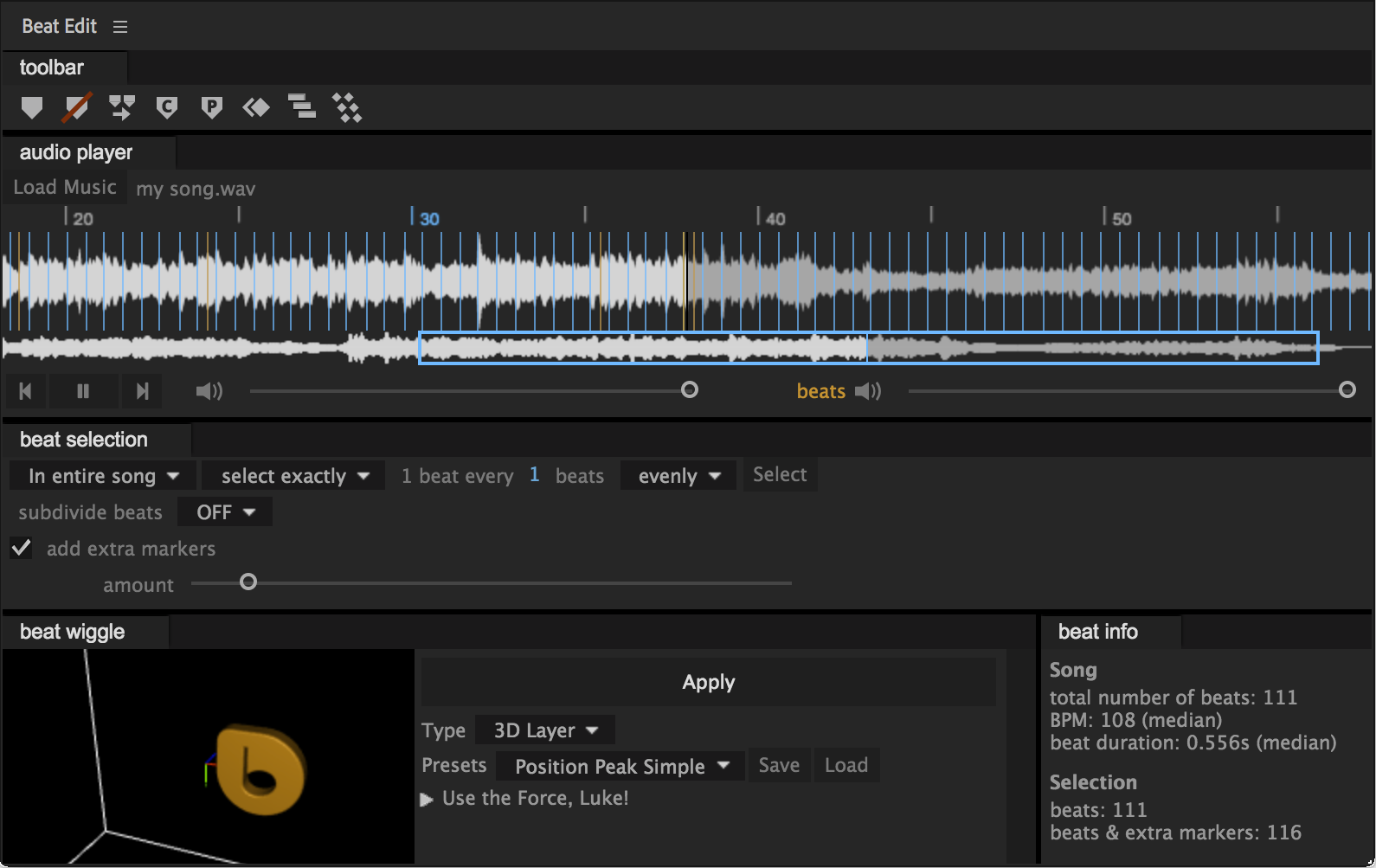
In After Effects, detected beats can drive markers, sliders, layers, time remapping, repeated keyframes, and staggered animations. Beat selection includes patterns such as every fourth beat, random beats, subdivisions, and additional rhythmic peaks.
In Audition, BeatEdit creates standard markers visible in waveform and multitrack views. The markers are saved as metadata with the audio file, so you can snap selections to them, select sections such as four or eight beats for loops, and align clips by time-stretching them until their beat markers match. This edition works with WAV and MP3 files and cannot load audio directly from video clips.
Compatibility and licensing
The marketplace lists Premiere Pro and After Effects compatibility from CC 2015.3 through 2026, Audition from CC 2018 through 2025, and Resolve versions 17 through 21. BeatEdit 2 supports Premiere Pro 13.1.5 (CC 2019) and later. The host editions have separate product listings with free trials and license selectors. The published license terms grant one copy for use on one computer at a time, so check the terms for the edition and setup you need.