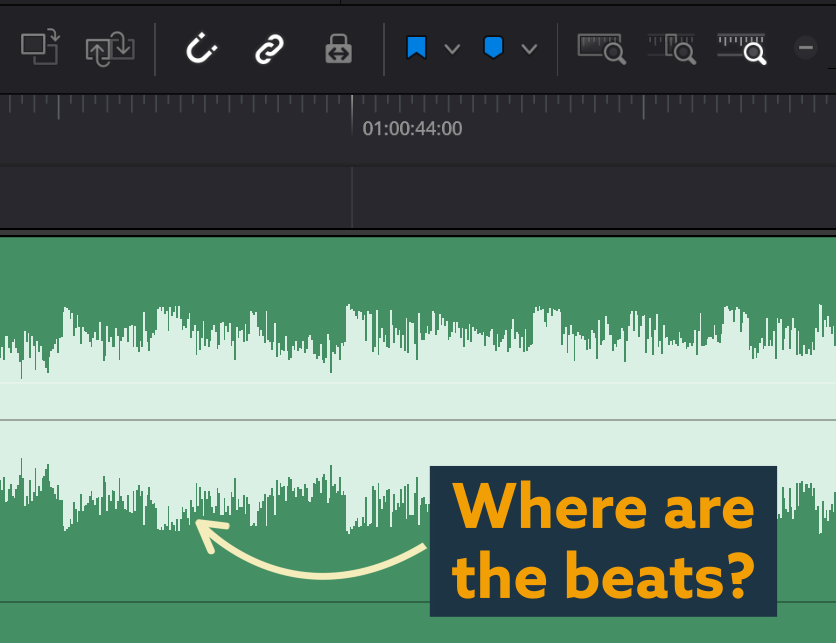
BeatEdit analyzes a music track in DaVinci Resolve and detects its main beats. It can show beat positions as color-coded markers, which you can use to cut music to the rhythm or adjust a track to fit an edit.
Working with detected beats
Load a music file in Resolve, analyze it, then choose how to work with the detected beats: timeline markers, clip markers, beat-click audio (a metronome), or subtitles.
For edits to the music itself, the developer recommends beat-click audio. Resolve markers sit on video frames, while the audio clicks provide a peak to cut at with sub-frame accuracy. Use the detected beats as edit points when making a track longer, shorter, or rearranging its sections.
Compatibility and limits
The product listing names DaVinci Resolve versions 17 through 21. Resolve edition matters on newer versions: the developer says BeatEdit works with the Free and Studio editions through Resolve 19.0.3, while Resolve 19.1 and later require Studio because of restrictions in the Free edition.
BeatEdit is compatible with the operating systems supported by DaVinci Resolve; Linux support was added in BeatEdit 1.1.000. The Mac App Store version of Resolve is not compatible with BeatEdit; the developer directs users to the version from Blackmagic Design.
Trial and license
The product listing offers a free trial. Its license allows one copy on one computer at a time. Use by multiple people or on multiple computers requires an appropriate license for each user and copy.