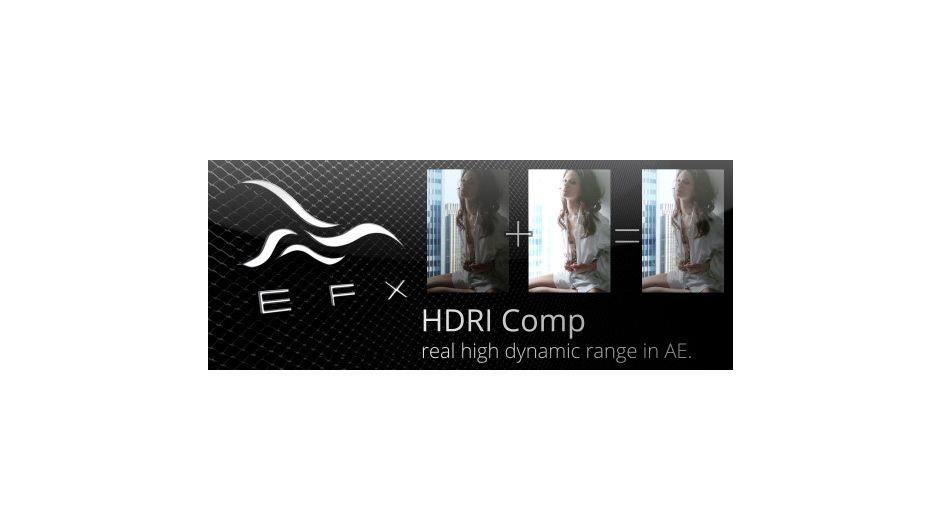
EFX HDRI Comp combines two clips shot at different exposures. Apply it to the higher-exposure layer, where highlights are overexposed, then select the lower-exposure clip with detail in those highlights as Input 2.
Set the highlight blend
Choose Hlights matte in the Show control to select which highlights to replace. Full highlights cut sets the threshold above which pixels are fully replaced with data from the second clip. Pixels below the 0 highlights cut threshold stay unchanged; pixels between the thresholds are partly replaced.
Use Exposure difference to match the clips’ luminosity. Increase its multiplier until the edge between original and replaced pixels is no longer visible. Use this control only with one of the final display modes.
Final compressed scales the dynamic range to 0-1. Final raw 32bit keeps it unscaled, so pixels can be brighter than pure white. For raw 32-bit output, the After Effects project must use the 32-bit color space.
Compatibility, installation, and licensing
The listing names After Effects CS4, CS5, and CS5.5 as compatible and states that CS6 and later are not compatible. The manual identifies the effect as a PixelBender plugin: place its files in a subdirectory of After Effects’ main Plugins folder, then find it under Effects in the EFX group.
The seller lists $4.99 as the suggested Name Your Own Price amount. Individual users may pay any amount; businesses and teams must pay the suggested amount for a valid license. The EULA permits one copy on one computer at a time and requires an appropriate license for each user and copy.