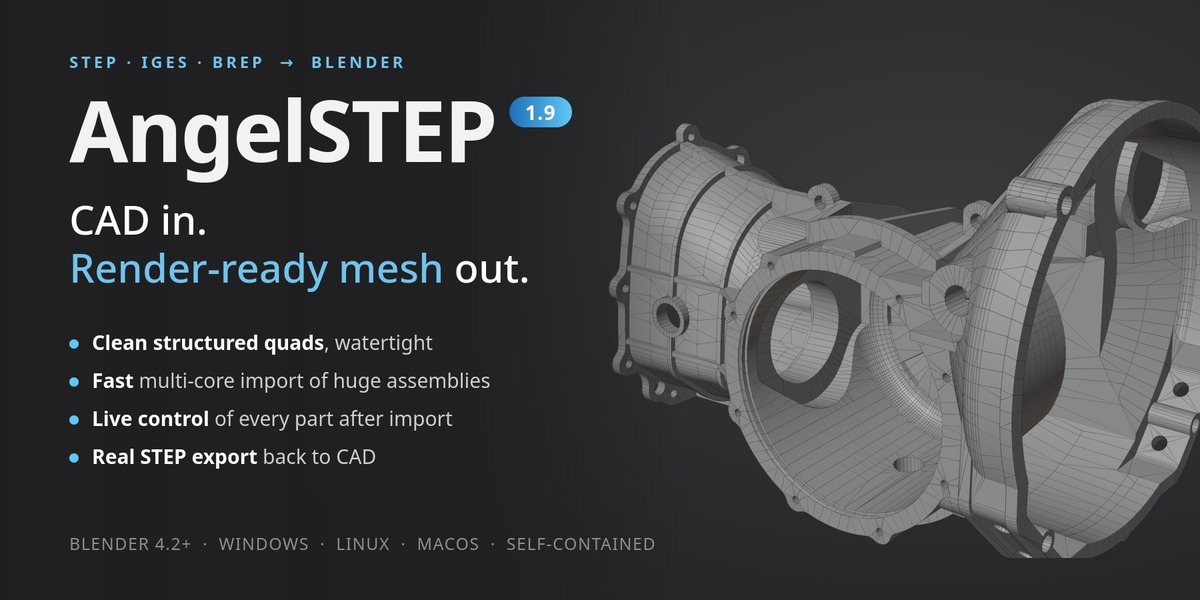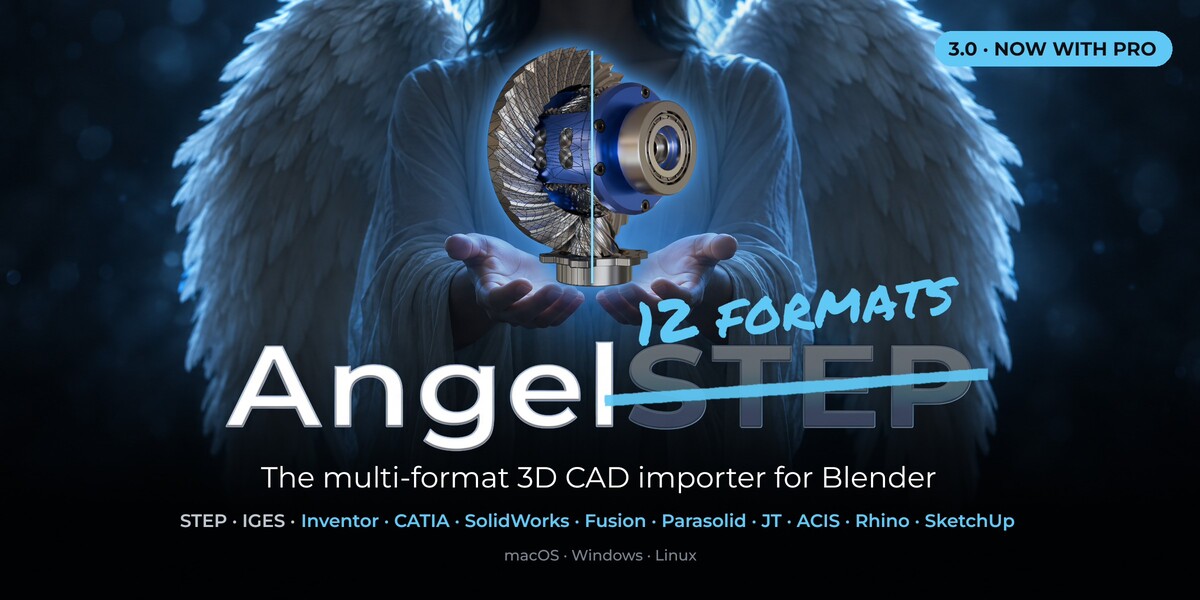
AngelSTEP brings CAD geometry into Blender as meshes for rendering, animation and scene work while retaining the original CAD geometry for STEP export from parts that have CAD surfaces. The Standard edition imports STEP, IGES and BREP. AngelSTEP Pro adds readers for nine more formats, including native Inventor, CATIA V5 and SolidWorks files. The add-on reads those files without requiring the corresponding CAD applications.
Formats depend on the edition
Standard supports STEP (.step, .stp), IGES (.iges, .igs) and BREP (.brep, .brp). Pro adds Inventor, CATIA V5, SolidWorks, Parasolid, Fusion 360, JT, ACIS, Rhino and SketchUp. Both editions export STEP; Pro can export each of its supported import formats to STEP.
CAD assembly files can reference parts stored elsewhere in the project. Keep the project folder together when importing Inventor, CATIA or SolidWorks assemblies, because missing referenced files are left out. Pro's Find Top Assemblies tool scans a project folder and reports top-level assemblies and missing parts.
Adjust the mesh after import
Each imported part retains a link to its CAD source. In the Live Link panel, change the resolution or mesh mode and rebuild one part, the selected parts or every part linked to the same source file without starting over. Resolution sets the maximum distance between the mesh and the CAD surface: a smaller value follows the surface more closely and creates more polygons.
AngelFLOW creates curvature-following quad rows for rendering and visualization. AngelGRID lays out a more even quad grid for deformation, displacement or subdivision. Raw triangulation is also available as a baseline or fallback for damaged geometry. Mesh rebuilding requires CAD surface data; parts stored only as meshes or facets keep the geometry supplied by the file.
Clean and organize assemblies
AngelTRIM can remove holes, recesses, bosses, fillets and chamfers from CAD geometry before meshing. Results depend on the source shape, so details that cannot be removed cleanly are kept. Aggressive removal can leave open edges; AngelSTEP marks them in the panel, where Close Mesh can cap them.
AngelSHADE transfers stored material properties and can infer missing material properties from material names. Patch UVs create a packed island for each CAD face. Assembly tools organize hierarchy into collections, split fused parts into bodies, and turn exact repeated parts into shared mesh instances.
What STEP export preserves
For parts with CAD surfaces, STEP export writes the original BREP geometry rather than the display mesh, with assembly names, placements and instances. Enable Export Geometry Edits to include AngelTRIM changes; otherwise the original CAD geometry is exported. Blender mesh edits are not converted into new CAD surfaces. Plain Blender meshes can be included as faceted AP242 mesh bodies, and SketchUp models and mesh-only JT parts remain faceted in the export.
STEP carries material names, colors and transparency. It has no separate fields for metalness or gloss, so those properties are carried in the material name for AngelSTEP to interpret when the file is read again. AngelSTEP is for bringing CAD into Blender for visualization; it does not read CAD feature history or serve as an FEM simulation mesher.
Requirements and setup
The product listing specifies Blender 4.2 through 5.2, with Windows x64, Linux x64 and macOS Apple Silicon packages. Installation uses Blender's add-on preferences and a downloaded package. See the AngelSTEP product listing for edition and compatibility details, and the user guide for installation, import settings, Live Link controls and STEP export options.