Forge is a Blender add-on for building boundary representation (BRep) CAD geometry in a dedicated workspace. It gives hard-surface designers a sketch-to-solid workflow inside Blender, with dimensioned profiles and tools such as extrude, revolve, sweep, and loft. Live booleans, fillets, and chamfers shape the resulting solids. The Superhive listing identifies Forge as an add-on, and the Forge documentation describes its modelling tools.
Sketch and shape CAD parts
Forge's sketch tools create profiles from lines, splines, circles, rectangles, and arcs. In Forge 2.0, dimensions can be typed directly into sketches. You can then build solid forms from those profiles and refine edges with fillets or chamfers. Boolean operations provide a live preview before a cut, union, or intersection is committed.
Edit operations and prepare a Blender mesh
Forge 2.0 records modelling steps in an editable history. Reopen a sketch or operation to change a dimension or value; later steps rebuild around the edit. When the CAD shape is ready for Blender tasks such as texturing or rendering, Forge can convert it to a quad mesh. During mesh conversion, support edges are added only on sharp CAD edges, and the result is automatically unwrapped for UVs.
Exchange CAD files
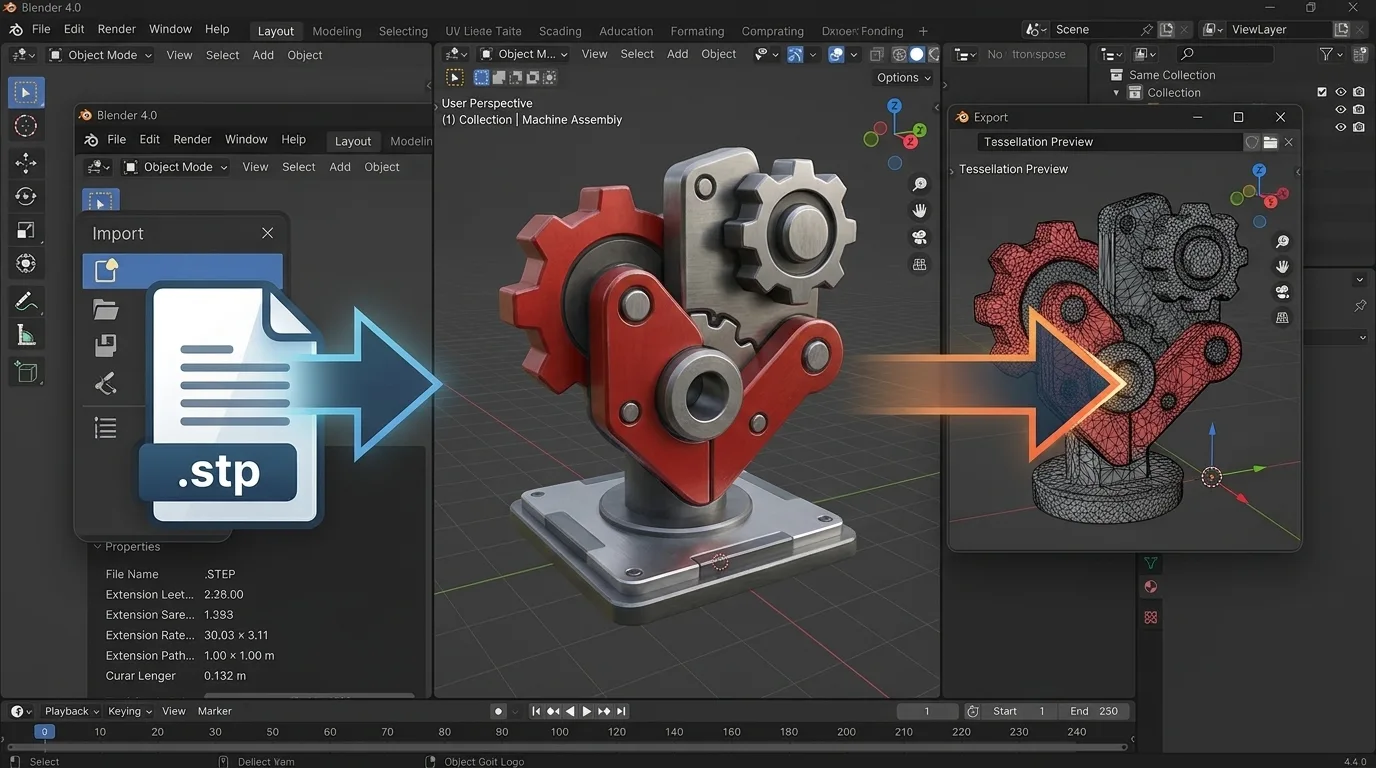
The Forge 2.0 documentation lists import and export for STEP, IGES, and BREP. It also describes importing a Blender mesh as a CAD solid. That conversion works best on hard-surface meshes with flat faces; curved mesh faces remain faceted.
Check the release details
The Superhive listing labels Forge as GPL and lists Blender versions 4.2 through 5.2. Forge 2.0 documentation specifies Blender 5.1 or newer. Check the documentation for the release you plan to install, since compatibility depends on the version.