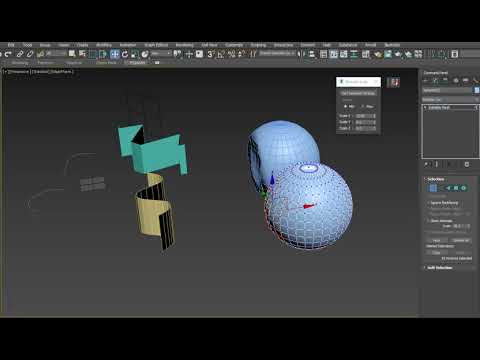
AutoEdge Selected is a 3ds Max script for processing .3ds objects exported from AutoCAD. Select imported Mesh objects that are not group members before running the toolbar button. The linked macro warns that Auto Edge on grouped objects can break 3ds Max on some systems and filters out group members after warning; Jon Seagull's Tools page says a grouped selection makes the script warn and stop. In one pass, the script converts each selected object to Editable Mesh, selects all edges, and performs Auto Edge at the current threshold. The ScriptSpot listing describes this workflow.
When to use AutoEdge Selected
Use it when several imported Mesh objects need the same edge operation. The documented target is the AutoCAD-to-3ds Max workflow; the listing does not describe support for other exporters or file types. If your geometry comes from another application, check with the developer before relying on it.
Version and download
ScriptSpot lists version 0.5 and a version requirement of 4, while the macro linked from its page is marked version 0.2 for 3DS MAX. Its listing links to an external download on Jon Seagull's site. Check there for setup details and compatibility with your installed 3ds Max release.