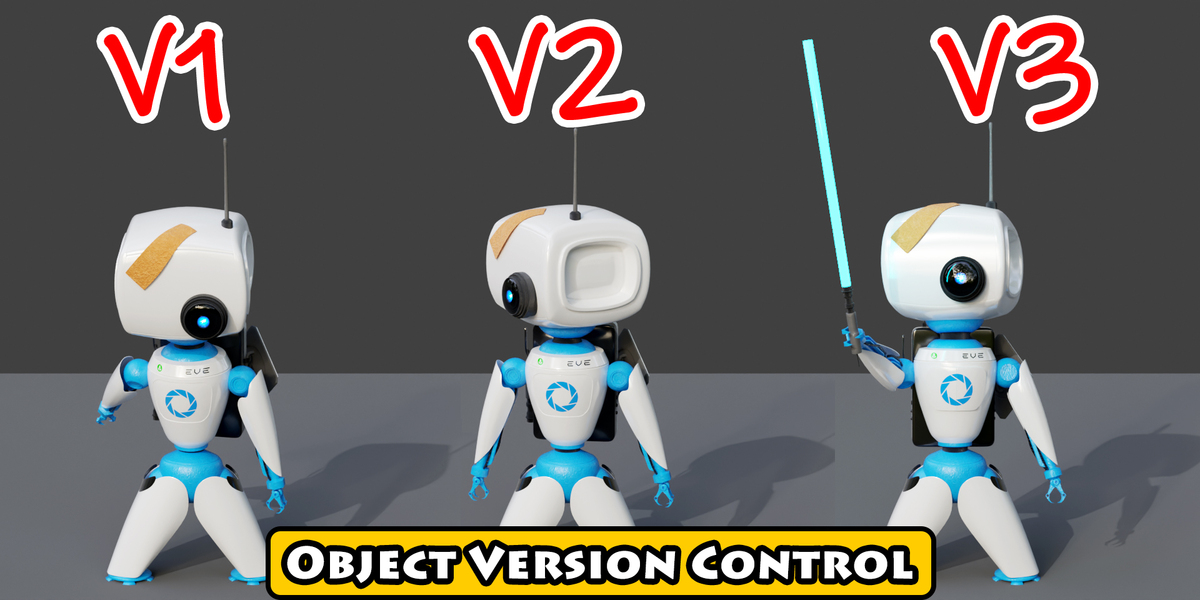
Smart AutoSave+ Pro is a Blender add-on with timer-based and edit-based autosaving. Its Studio tier adds named checkpoints, a searchable session timeline, and crash recovery. In edit-based mode, it compares the scene state on each timer tick and saves when it has changed. A separate inactivity autosave setting runs independently.
Studio tier backup folders
In the Studio tier, the add-on stores backups in an autosaves/ folder beside the .blend project, with separate auto, edit, manual, and checkpoints folders. The maximum backup count applies to each folder, so checkpoints do not use up space reserved for regular saves. Named checkpoints are protected from automatic pruning and can be renamed or overwritten. Legacy _Backup_N.blend files migrate into the auto folder on the first save.
Studio timeline and version restore
In the Studio tier, the session timeline shows save times and reasons, with filters by save type and searches by name or date. Backups include 320 × 180 viewport thumbnails. You can restore a version or open it in a separate Blender window. A restore creates a file such as _restored_1.blend beside the original project, rather than making the autosaves folder your working location.
Studio recovery and additional save triggers
The Studio tier of Smart AutoSave+ Pro distinguishes a normal close from a crash or force quit. After an unexpected exit, it displays a recovery message pointing to the latest backup. It helps recover saved work; it does not prevent Blender itself from crashing.
The Studio tier adds automatic backups before and after a render, with the render engine and frame range in the filename, and a first-undo safety net that makes one silent save on the first undo after an autosave. Background processing also pauses during renders and compositing.
Studio cloud backups for selected saves
In the Studio tier, after you connect Google Drive or Dropbox, checkpoints and manual saves upload in the background. Files larger than 150 MB upload in chunks. You can enable deletion of the local copy after an upload succeeds. Cloud uploads complement the local backup folders, so moving a project folder does not automatically move its backup history.
Setup and edition details
Install the downloaded ZIP through Blender’s Edit and Preferences menus under Add-ons, enable the add-on, then open its controls in the viewport N-Panel. Save the .blend project once to initialize saving. Smart AutoSave+ Lite is free and includes the core autosave engine, edit-based saving, and the smart startup popup. Smart AutoSave+ Pro has Basic and Studio tiers; compare their current features and license details before choosing an edition. The listing identifies Windows, macOS, and Linux support and a GPL v3 license.
The Superhive v8.8.1 overview and FAQ list Blender 4.0–5.1+, while its Details section lists 4.4–5.2. NovaStrikes' v8.7.0 page also lists 4.0–5.1+, but it does not establish compatibility for v8.8.1; confirm your build with NovaStrikes before installing: Smart AutoSave+ Pro on Superhive.