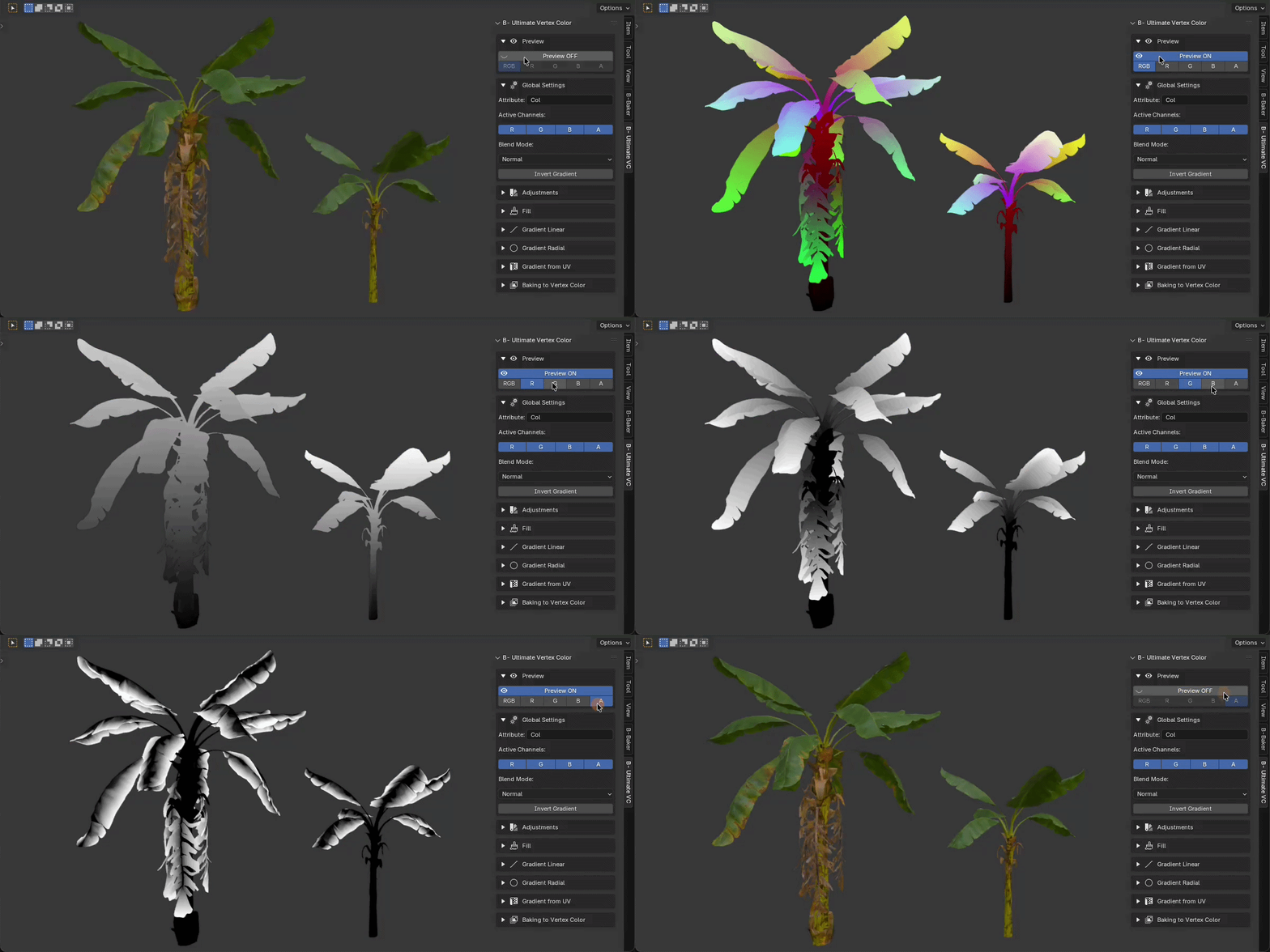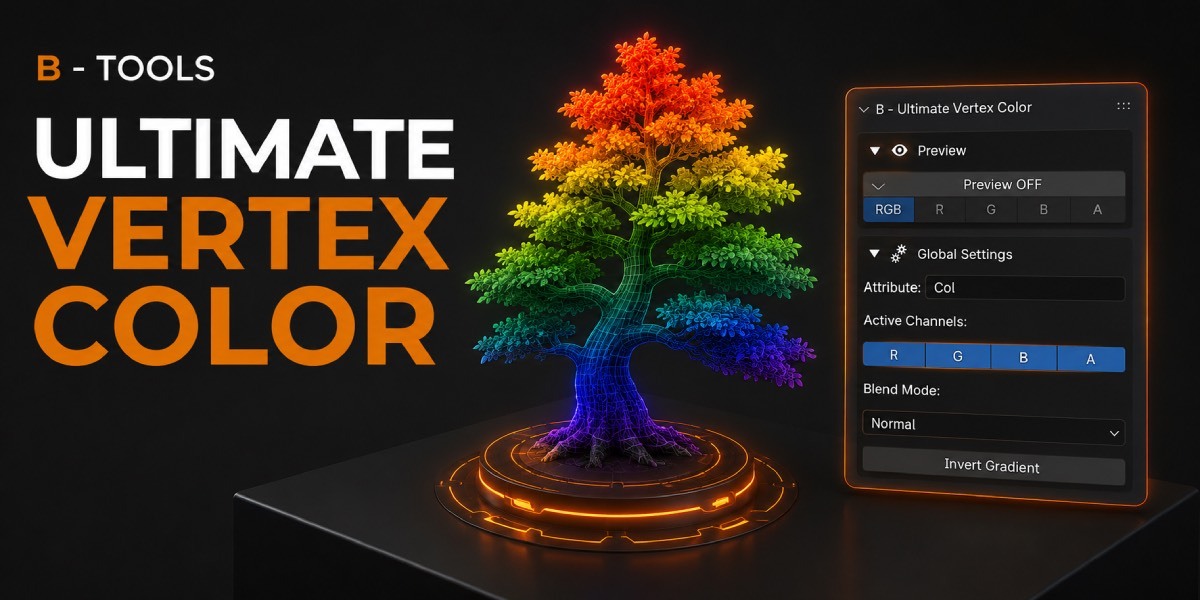
B- Ultimate Vertex Color is a Blender add-on for previewing and editing a mesh’s vertex color attribute. Its View3D sidebar brings together channel controls, painting, fills, several gradient tools, color adjustments, and baking. You can choose which RGBA channels to write, leaving inactive channels unchanged.
Preview and edit RGBA channels
Preview can show the full RGB color or isolate R, G, B, or A as grayscale. Sync Channels keeps the channel you are viewing as the one the tools write to. Active Channels lets you select which values to change, so a pass can update one channel while preserving the others.
Paint, fill, and adjust color
The brush has size, hardness, and an option to ignore backfaces. Painting and many other tools use opacity and one of four blend modes: Normal, Add, Multiply, or Overlay. Fill, Random Fill, and the gradient tools use these controls too. Hue, saturation, and value adjustments have Apply and Reset options.
Choose a gradient method
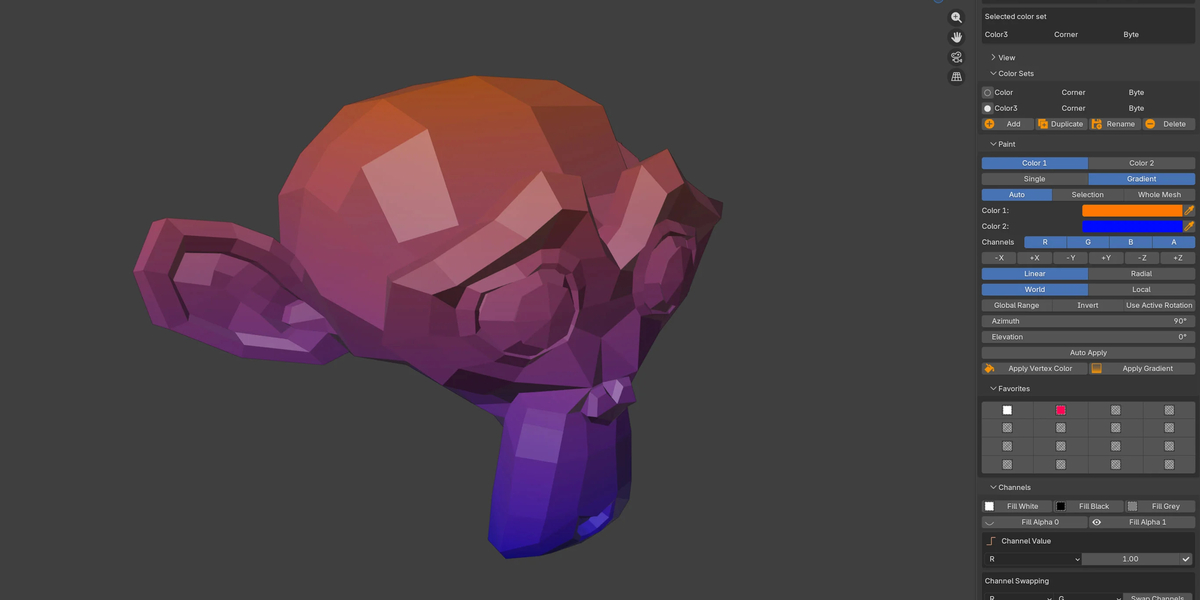
For a simple gradient, set a local or world axis and choose X, Y, or Z. Auto-Guess lays out a gradient using the bounding box. You can also draw a pencil gradient in the viewport, shape one with a curve, draw a radial falloff, or use U or V from a UV map.
Bake an image or ambient occlusion
To bake an image onto the vertex color attribute, choose the image and a UV map. The image bake uses the selected opacity and blend mode; choose sRGB for a color texture and Linear for an image used as a mask. Bake AO writes ambient occlusion to the attribute without a UV map or those settings.
Panel and compatibility
Open the tools in the 3D View sidebar under B- Ultimate VC. In Edit Mode, the add-on keeps the vertex selection. The Superhive product listing identifies Blender 4.2–5.1 compatibility, Blender Extension compatibility, a GPL license, and Cycles and Eevee as render engines used.