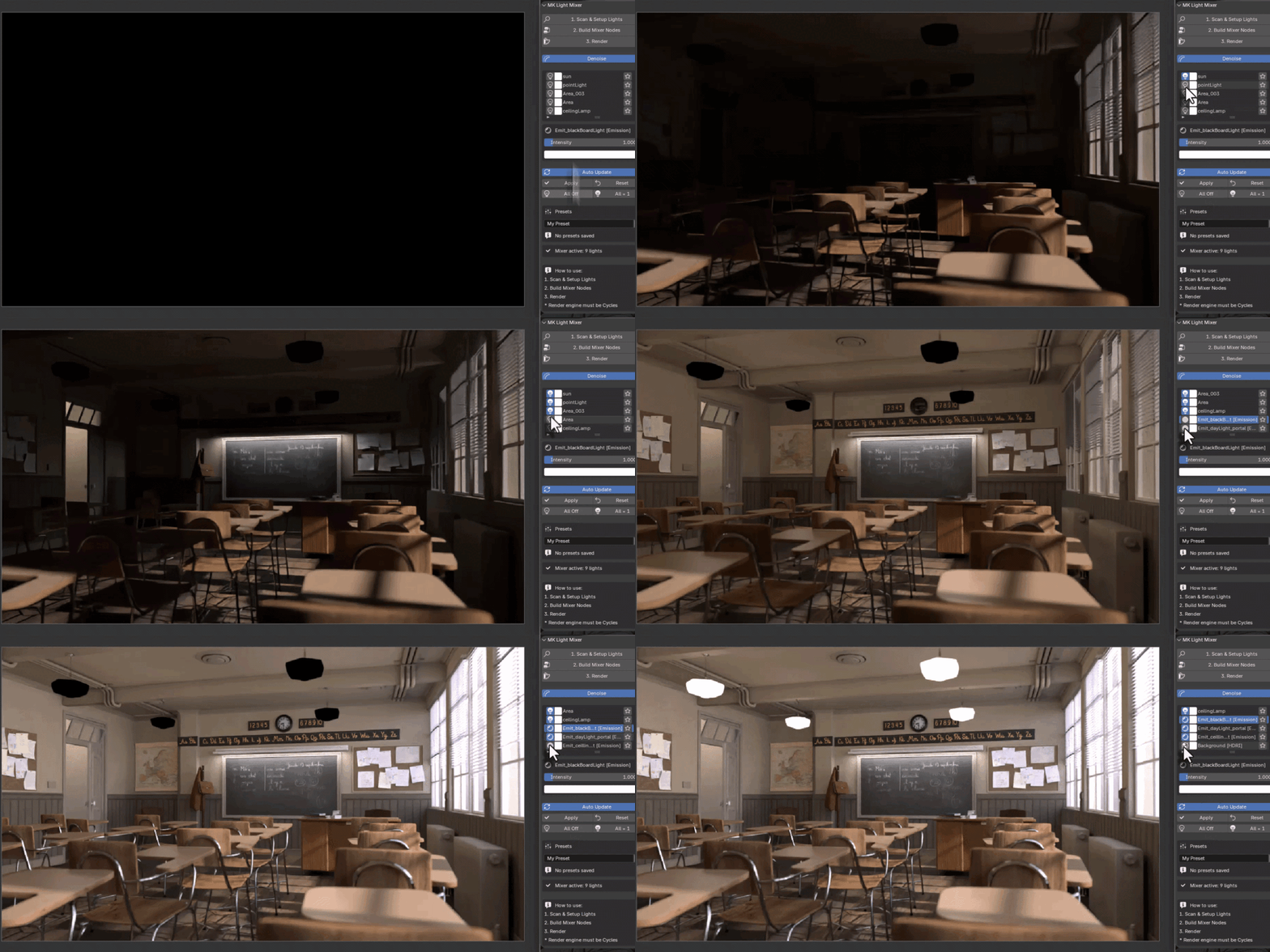
Blender Light Mixer puts Cycles lighting controls in a single Blender panel. It detects Point, Area, Spot and Sun lights and the HDRI world background. Ultimate also detects emission materials and instanced lights. You can adjust intensity, tint a source, isolate it with Solo or mute it while comparing the scene. The Superhive listing identifies Cycles as the render engine.
Adjust and compare lights
Each detected source gets an intensity slider and color picker. That makes it easier to compare, for example, a warm key light with a cooler fill without changing the original light values. Tinting is non-destructive: the add-on applies a mix, and removing that mix restores the original light settings. Color swatches stay visible in the source list.
In Ultimate, instanced lights are grouped by source, so repeated copies of a lamp do not fill the panel with duplicate entries. Solo and mute controls help you inspect one light's contribution at a time. Quick actions include Reset, All Off and All = 1, plus a Render action.
Presets, HDRI and compositor controls
The Ultimate edition can save and load lighting presets and swap the HDRI from the panel. You can compare setups or try another environment map without searching through World shader nodes. Its compositor setup uses visible Value, Multiply, Color and Add nodes that you can inspect in Blender's compositor. Ultimate’s built-in denoise is designed to work with Light Groups and can be toggled with one click.
Lite and Ultimate editions
The free Lite edition supports up to two lights. The listing says locked lights appear in red; Lite does not include presets or HDRI swap. Ultimate is listed with unlimited lights, emission detection, HDRI swap, preset saving and loading, smart denoise, instance grouping and future updates. Choose based on the number of lights you need to control and whether you use presets or swap environments as part of your workflow.
Who it suits and compatibility
Light Mixer is aimed at artists lighting architectural visualization, cinematic scenes, games and product renders in Cycles. The listing gives Blender 4.x and 5.x compatibility and lists Windows, Mac and Linux. It specifies Cycles as the render engine, so Eevee compatibility should not be assumed.
For current edition details and availability, see the Superhive product listing.