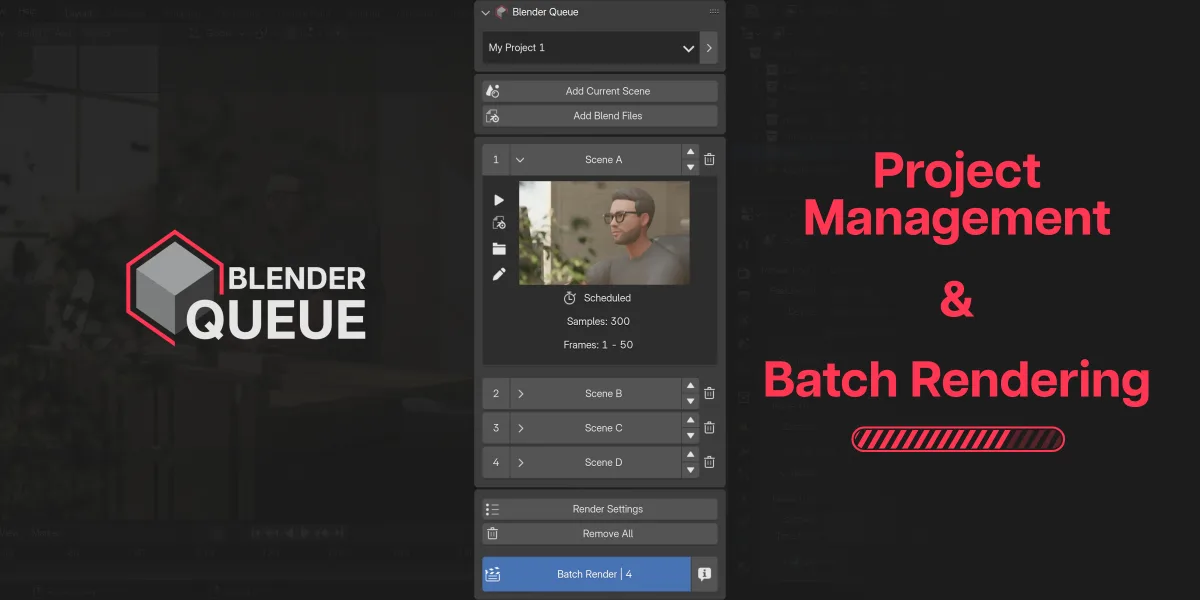
Blender Queue is an add-on by Blender Q for rendering multiple Blender files and scenes in sequence. Add all scenes from the open .blend file, only the currently open scene, or selected blend files to a queue from Blender, then manage the list and run a batch. It suits artists who prepare several scenes or projects and want to organize their render jobs in one place.
Organize files and review render settings
Queue items can be reordered, enabled or disabled, duplicated, renamed, or retargeted to a different file and scene. Their details include information such as the render engine, samples, frame range, and output format. Before rendering, the Render Settings popup lets you review and change settings across items, including samples and output paths. The user guide notes that changes made in this popup are not saved back into the blend files.
A global settings row can apply changes across queued items. Shortcodes can help batch rename items and create output paths. These controls are useful when several scenes need consistent settings but still require separate output locations.
Choose view layers and output paths
The Render View Layers popup lets you select which view layers to render. Blender Queue can set up separate output paths for those layers using shortcodes, or you can edit the paths manually. When using OpenEXR Multilayer, the selected layers can be saved together in a single file sequence. The product listing also notes compatibility with the Octane Renderer.
Save separate project lists
Blender Queue stores project information in JSON files separate from the blend files. In the Projects Panel, you can create distinct project files, choose where to save them, and load them again later. This keeps each list available when you switch blend files or reopen Blender. If a moved project file is missing from its saved location, the panel shows a Locate Project control so you can find and relink it.
Track a batch and check compatibility
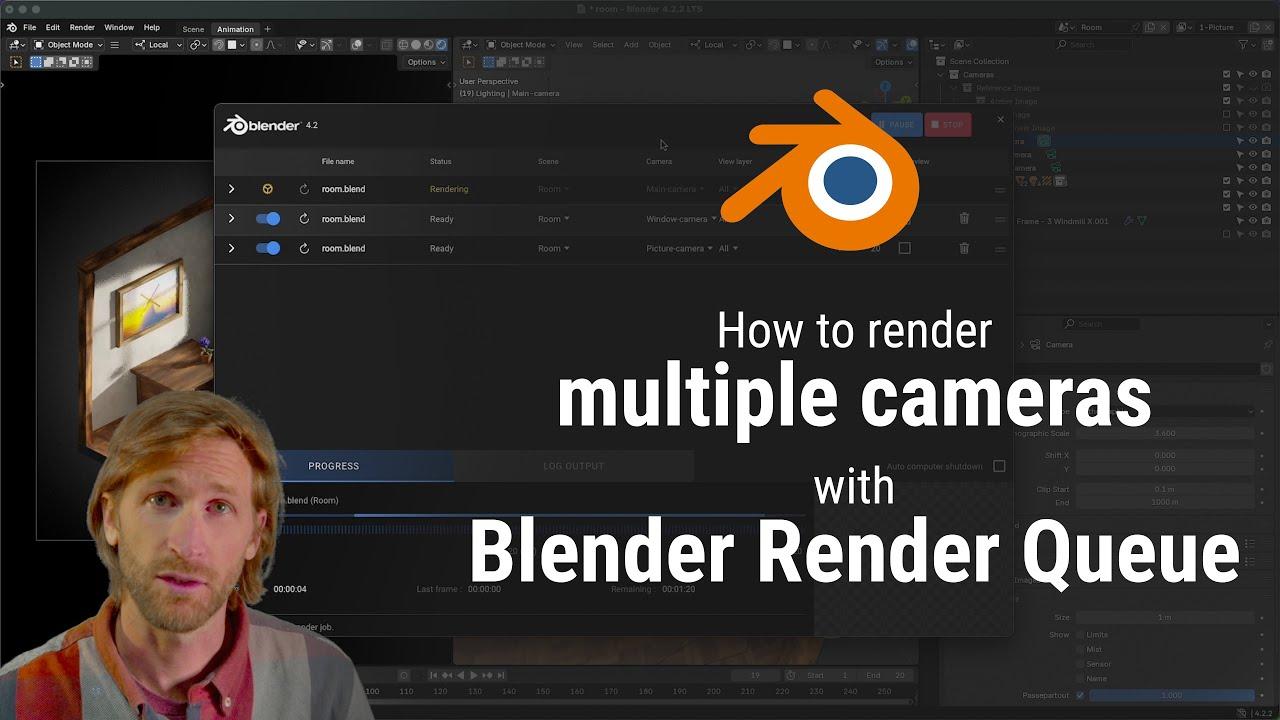
The Rendering Overview Panel shows overall and item-level progress, estimated time remaining, and counts of completed and pending items. You can stop a batch and resume where you left off without changing the frame start values in the file.
Superhive's product details list Blender 3.5, 3.6, 4.0, 4.1, and 4.2, and identify the add-on as GPL licensed. Check the Blender Queue product listing for current compatibility and release details. The Blender Queue user guide covers installation and panel controls.