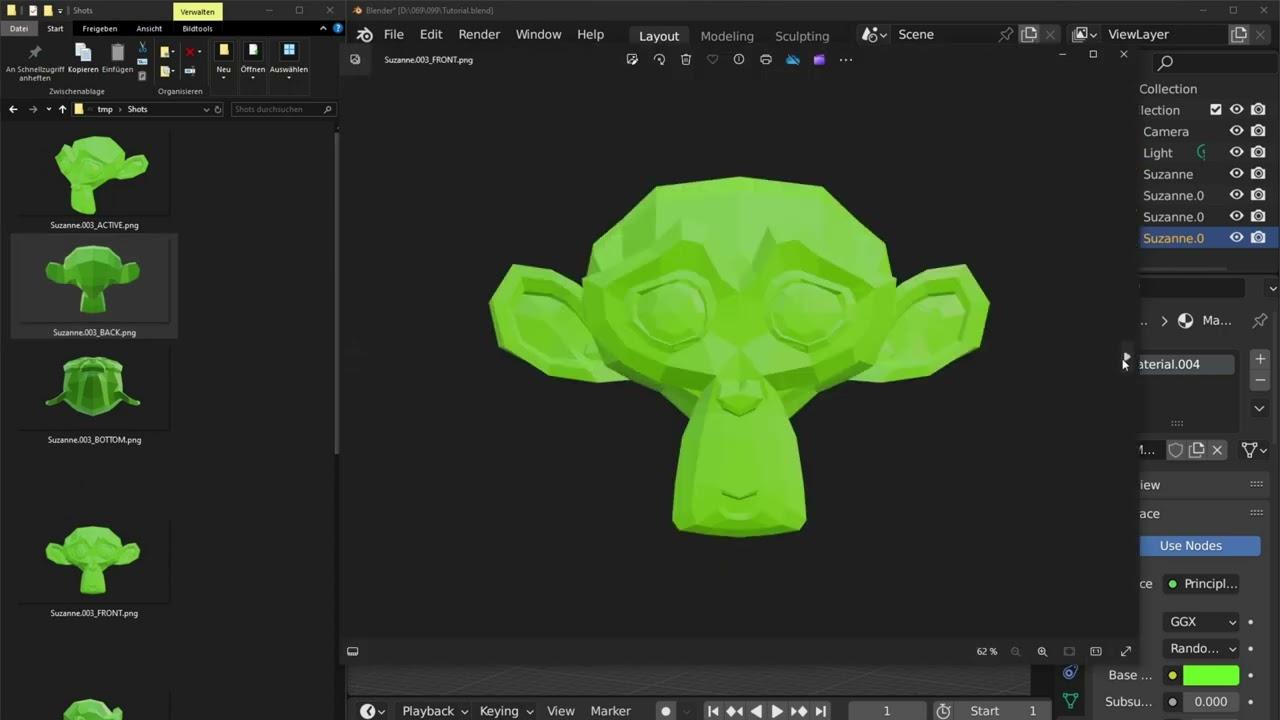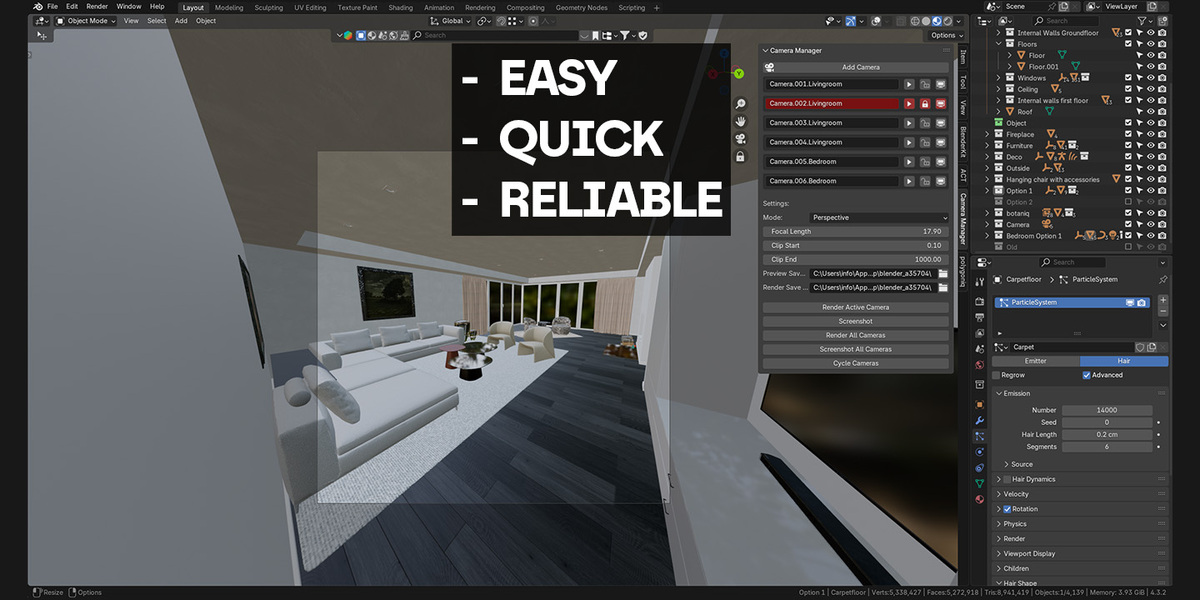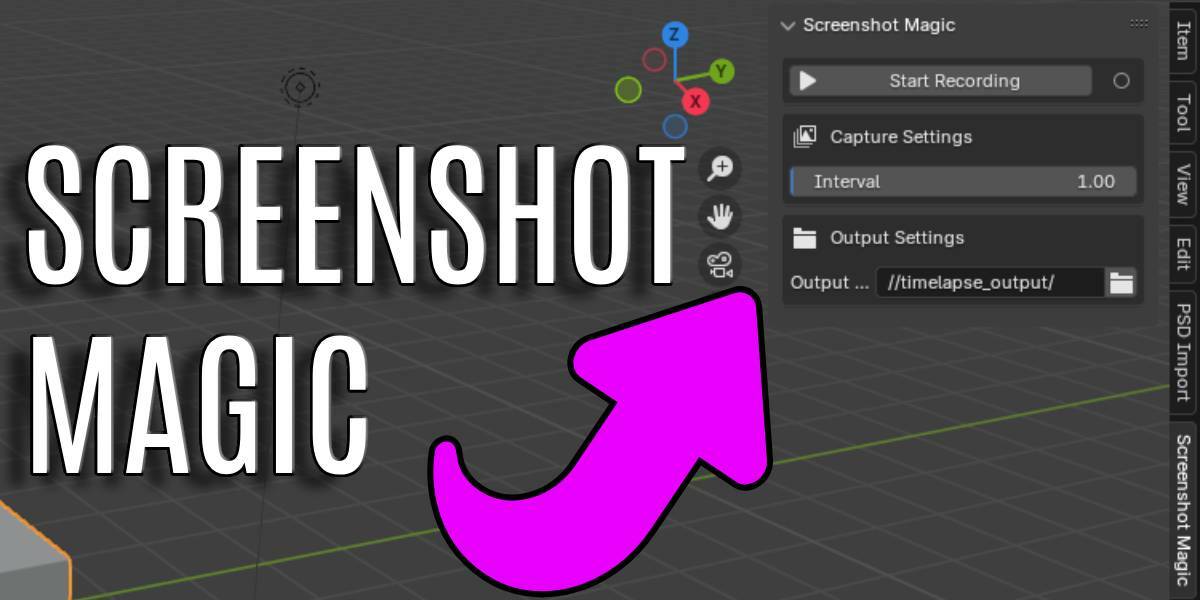
Blender Screenshooter is an add-on from U mocap that captures images of objects in an open Blender scene and saves them as transparent PNG files. Choose a front, back, left, top, or bottom view, then capture one object or use the same view across the eligible objects in the scene.
Capture objects from a Blender scene
The add-on is intended for making object images for project visualization or documentation. With a Blend file open, choose the view you need and start capture. The product listing describes the process as a one-click way to create images for scene objects, which can save the repeated work of capturing each one manually.
Settings can be adjusted for image quality and the capture process. The listing does not name each setting; it links a demo video for more detail.
Choose a view or capture multiple views
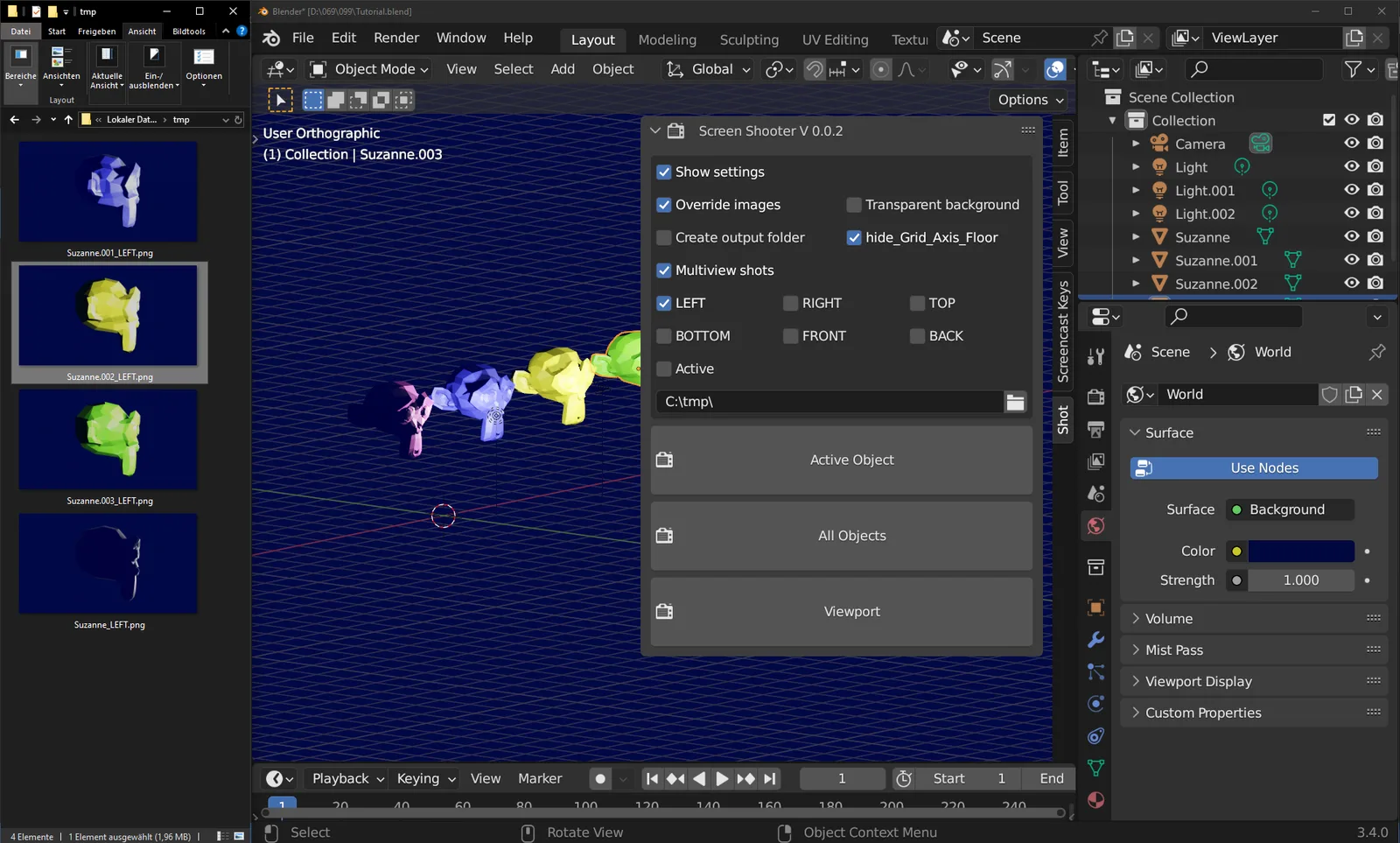
Available views are front, back, left, top, and bottom. You can select a view for an object or enable multiview to create images from all supported views. For example, the listing describes selecting Left in multiview and capturing all objects to produce a left-view image for every eligible object in the scene.
Objects included in the output
Blender Screenshooter captures MESH and Armature objects and outputs transparent PNGs. Version 0.0.3 removed image generation for empty objects, which had produced blank images. If your scene contains other object types, the listing does not say that they are captured.
Blender versions, Windows, and license
Superhive's compatibility field lists Blender 3.4, 3.5, 3.6, and 4.0 through 4.4. The release notes specifically name 3.4, 3.5, 3.6, 4.0, and 4.4 as tested and working; version 0.0.3 addresses Blender 4.4. The product page reports testing on Windows 10 and says it should run on Windows 11. It lists the license as GPL.
The add-on installs like other Blender add-ons. See the Blender Screenshooter product listing for its current details and the linked demo video.