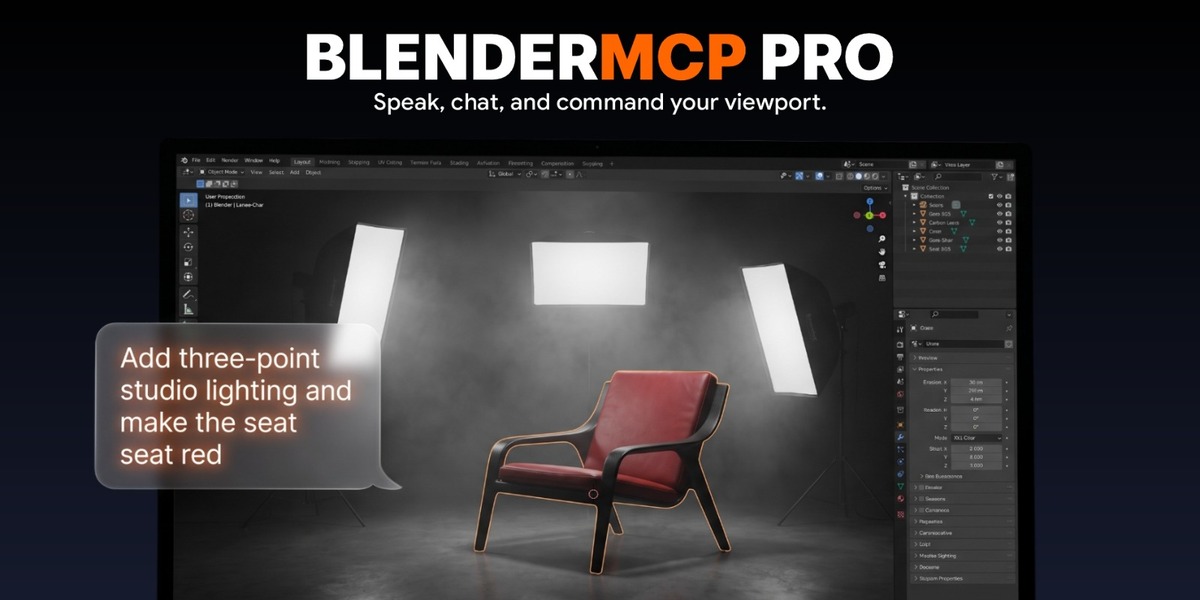
BlenderMCP Pro is a Blender extension that turns written requests into actions in Blender. Use its built-in chat or connect an AI client such as Claude Desktop, ChatGPT, Cursor or claude.ai. It is designed for tasks such as mesh cleanup, UV work, LOD creation, layouts, lighting, rendering and export. See the product listing for current details.
Tasks it can handle
BlenderMCP Pro can carry out focused requests in an open Blender project. Examples on the product page include:
- Clean up a mesh, merge doubles and decimate it. The developer's test report shows one mesh reduced from 39,190 to 7,446 triangles.
- BlenderMCP Pro 2.7.2 can build an LOD chain in one pass at requested ratios, such as LOD1 at 50% and LOD2 at 20%, with an optional side-by-side preview.
- Arrange a room and check object placement, intersections, boundaries and walking clearance.
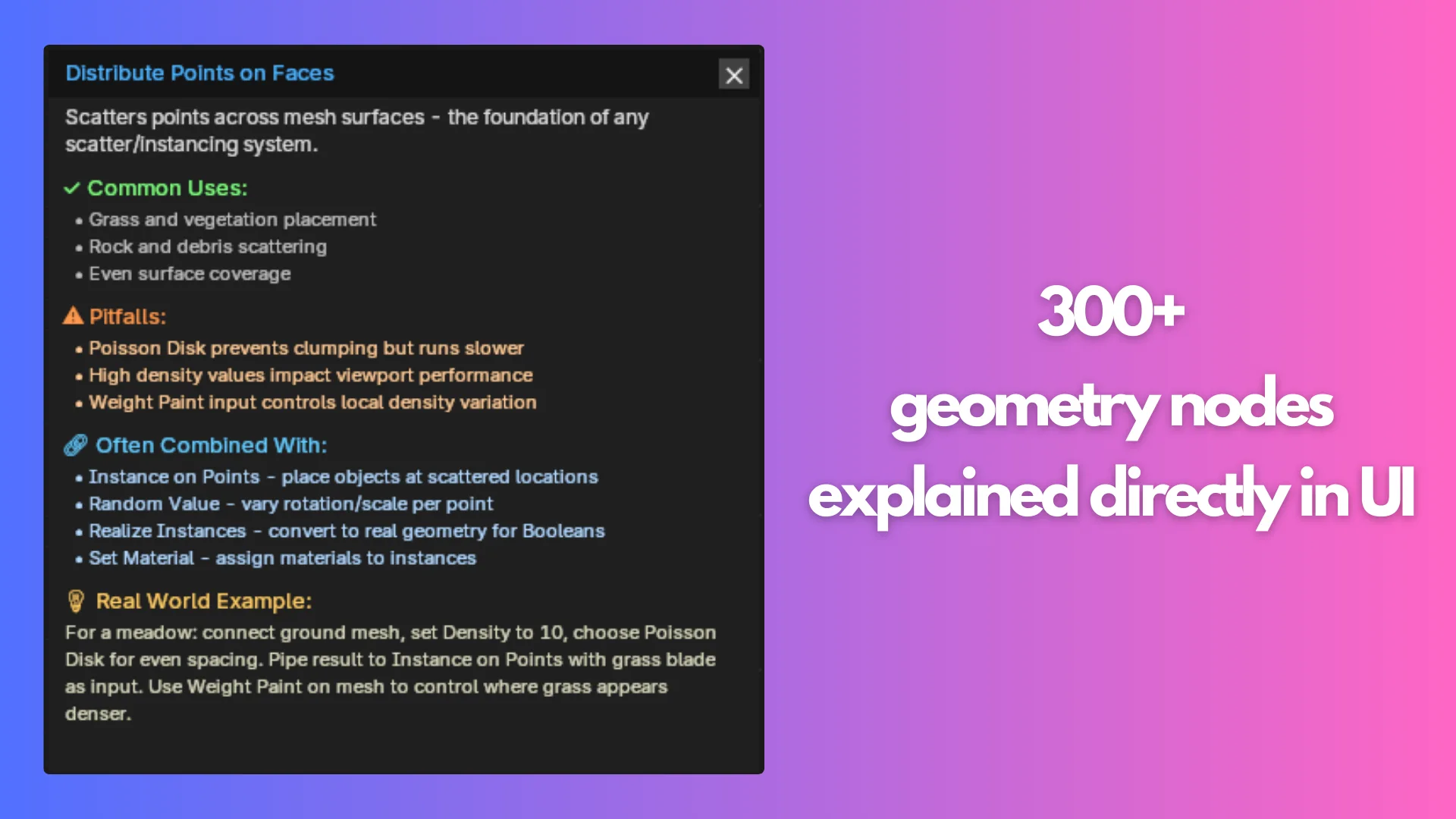
- Scatter objects with Geometry Nodes, set up lighting and a camera, render with Cycles, or export an asset.
The add-on can report mesh counts before and after a cleanup operation. For layout work, it can check the resulting Blender scene and report whether the requested conditions passed.
Review and undo actions
BlenderMCP Pro asks for approval before running its own Python or taking actions such as deleting, clearing, joining or applying changes. You can undo changes with Ctrl+Z, and the Activity log keeps the last 200 actions. The add-on can inspect a viewport screenshot to check what is in the scene; it reports when it has not checked a result.
Setup and AI connections
The listing advertises Blender 4.2 and newer; its compatibility details show versions 4.2 through 5.2. It also describes a standard Extension install and one-click connection. For AI, it supports the Gemini and Groq free tiers and Ollama for offline use. The built-in chat and connections to other AI clients give you options for using a provider you already have. Provider terms and any charges depend on the provider.
BlenderMCP Pro is sold as a one-time purchase with free updates, no recurring subscription and no license key. The available listing details do not give the price, so check the current listing for purchase terms.
Choosing between Pro and Ultra
Pro is for individual Blender tasks you request. BlenderMCP Ultra is a separate add-on for users who want whole-job workflows, batch runs across files, design engines or its game-asset pipeline. Compare the current Ultra listing if you need those features.
Developer-reported testing
The developer says BlenderMCP Pro 2.7 passed 27 tasks in live Blender sessions, with results checked in the scene. A separate six-request test used Blender 5.2 and Claude Sonnet 5.5 and reported $0.63 in API cost. Those figures describe the developer's test runs; they are not a cost estimate for other projects or providers.