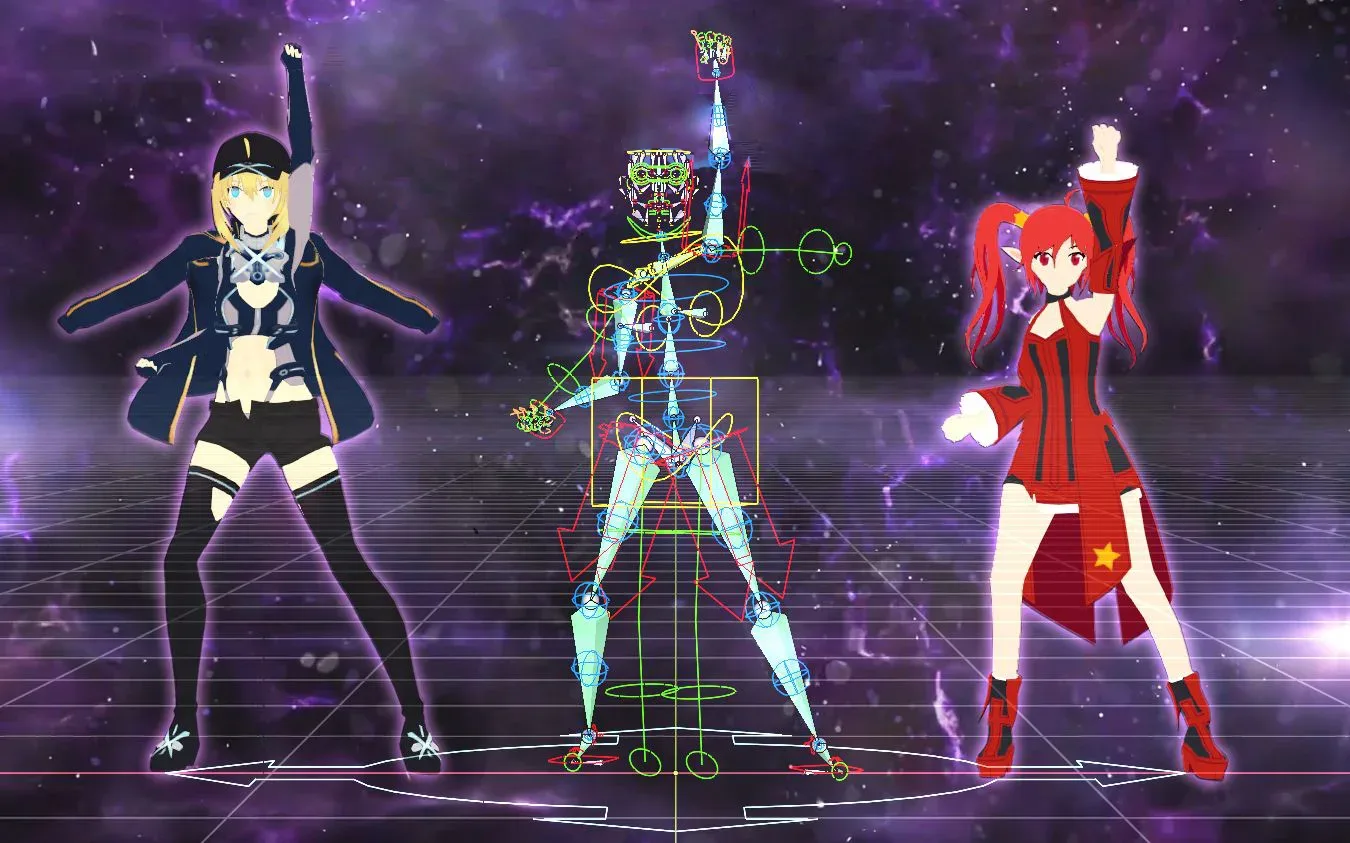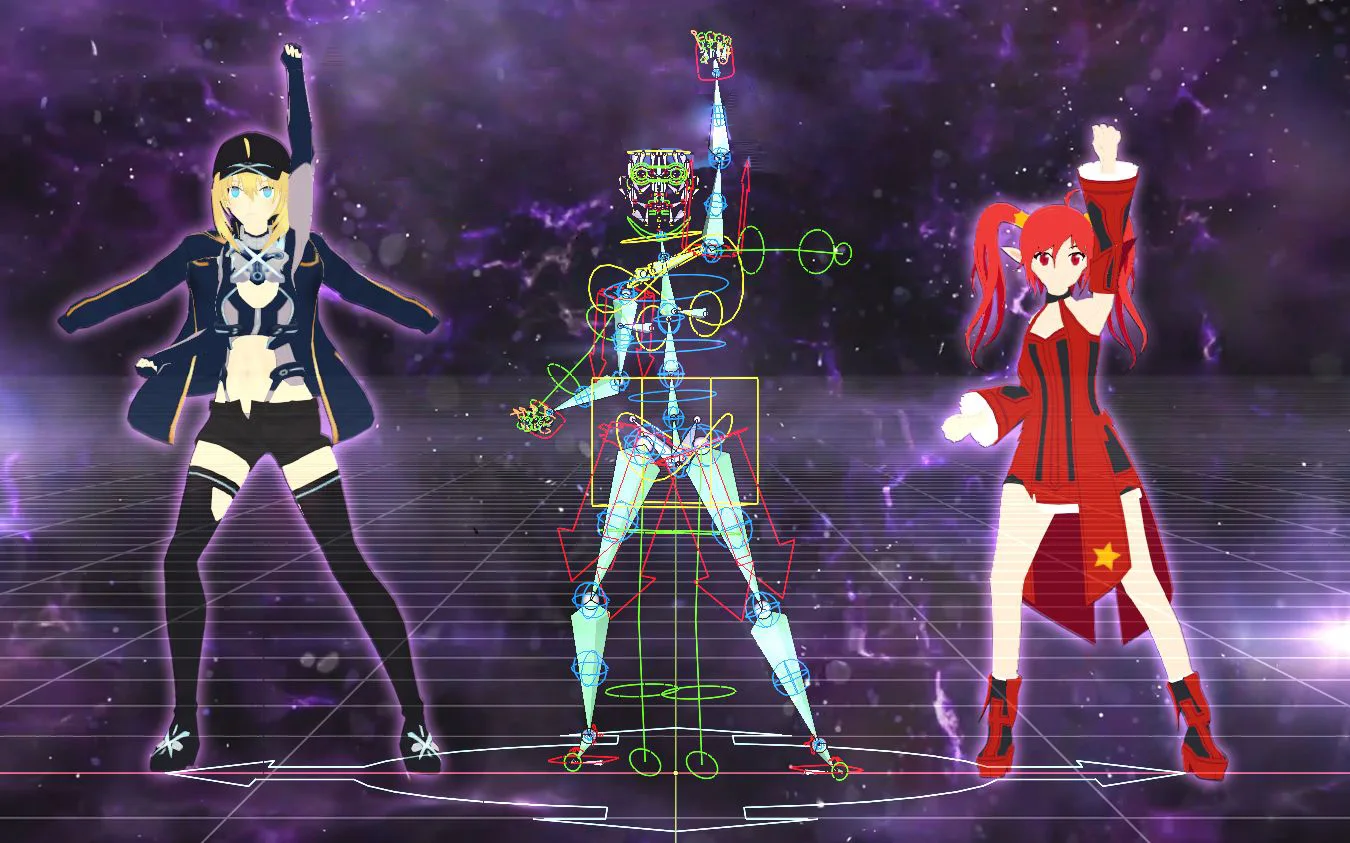
Bone Animation Copy Tool transfers skeletal motion between Blender armatures by adding constraints to the receiving rig. Select the armature that will receive the motion, set the animated armature as its constraint target, then pair corresponding bones in the mapping table. This gives you a way to work with rigs whose bone names or orientations differ while keeping the transfer setup available in Blender for inspection.
Build the bone mapping
You can add mapping rows manually or select bones in Pose Mode and create rows for them in a batch. Child mapping can fill in a pair when each matched bone has one child. When branches have multiple children, child mapping creates a row for each target child and leaves the source-bone assignments for you.
Name mapping compares bone names with string similarity, while mirror mapping can pair bones when both armatures have corresponding bones that Blender recognizes as mirrors. The maintainer’s guide describes name matches as references, so check the suggested pairs before relying on them, especially when a rig uses custom names.
Correct rotation, position and limb placement
Rotation mapping transfers bone rotation. Rotation correction adds a constant angle offset for bones with different initial orientations. The guide notes that Blender bones extend along the Y axis, so Y rotation is often the adjustment needed. Position mapping adds location transfer to the rotation mapping.
For hands and feet, IK correction adds a two-bone inverse-kinematics constraint to help match their placement. The result depends on the rigs: the maintainer notes that differences in skeleton height can affect hand IK, and that enabling IK does not always improve a mapping.
Reuse mappings and bake animation
Save a completed mapping as a preset and reuse it with similar rigs. The add-on also provides access to the preset folder, where you can keep copies or share preset files. Its animation-baking control wraps Blender’s built-in bake operation, including frame-range settings and the fake-user setting.
Constraints and compatibility
The add-on builds the transfer from Blender bone constraints. Constraints it creates use the BAC prefix, which makes them easier to identify and adjust directly if you are familiar with Blender constraints.
The Blender Extensions catalog lists version 1.1.7 with Blender 4.2.0 as the minimum version and GPL-3.0-or-later as the license. See the Blender Extensions listing for the catalog record and the maintainer’s BoneAnimCopy repository for setup details and feature behavior.