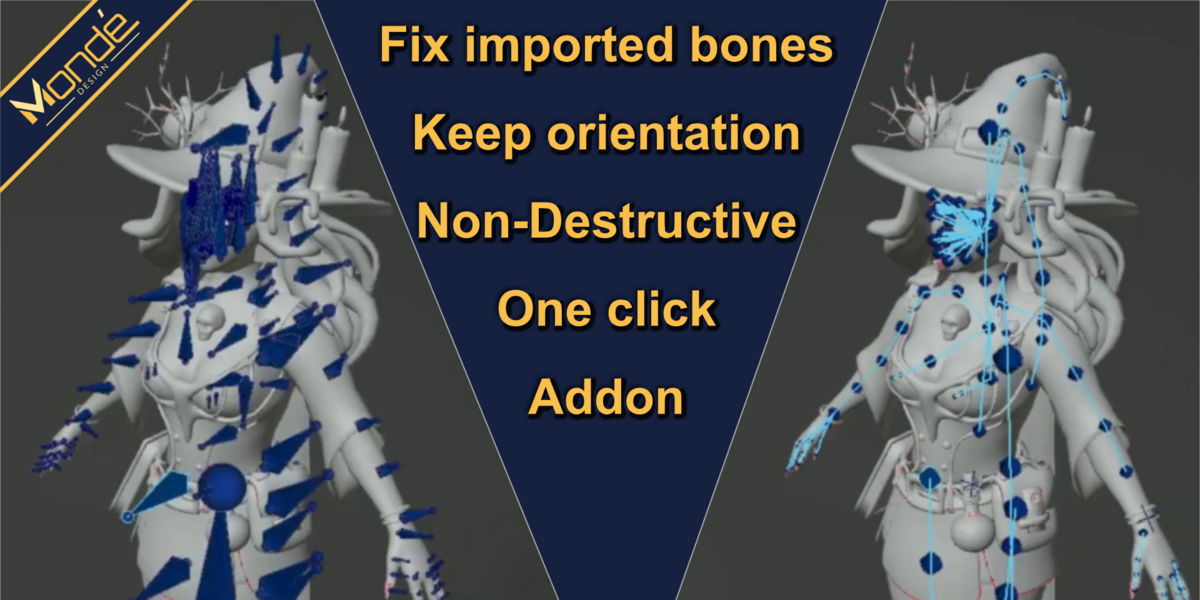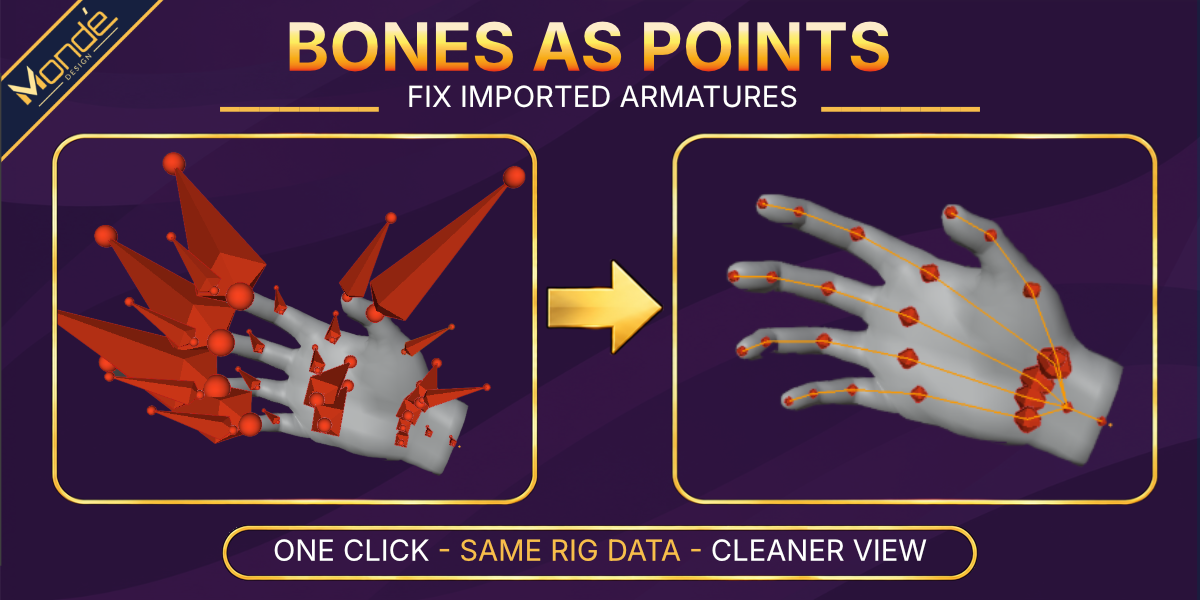
Bones As Points is a Blender add-on by Mondé that draws armature bones as points instead of Blender’s default head-and-tail shapes. It is intended to make imported armatures easier to read when their bone orientations look awkward or their hierarchy is difficult to inspect. The change affects the viewport display, not the armature data.
What changes when you enable it
You can toggle the point display on or off. The Superhive listing says the add-on does not modify armature data, so exported armatures and animations remain compatible with the original DCC. The listing also warns that automatic bone weights rely on bone directions, so check the actual rig when using automatic weights.
Where it may help
The add-on is suited to imported armatures that are harder to read with Blender’s default bone shape. It draws hierarchy lines to help show the bone structure. Rigs that rely on drivers instead of bone hierarchy, or use many custom shapes, may gain little from this display.
Known limits
- In edit mode, the extension works only partially. Hierarchy lines are drawn, but bones keep Blender’s default shape because of an API limitation.
- Armatures scaled below 0.01 may not display the lines properly.
Compatibility and license
The Superhive product listing identifies Bones As Points as a Blender extension compatible with versions 4.3 through 5.3 and lists its license as GPL. Check the listing for the current compatibility and license details before installing.