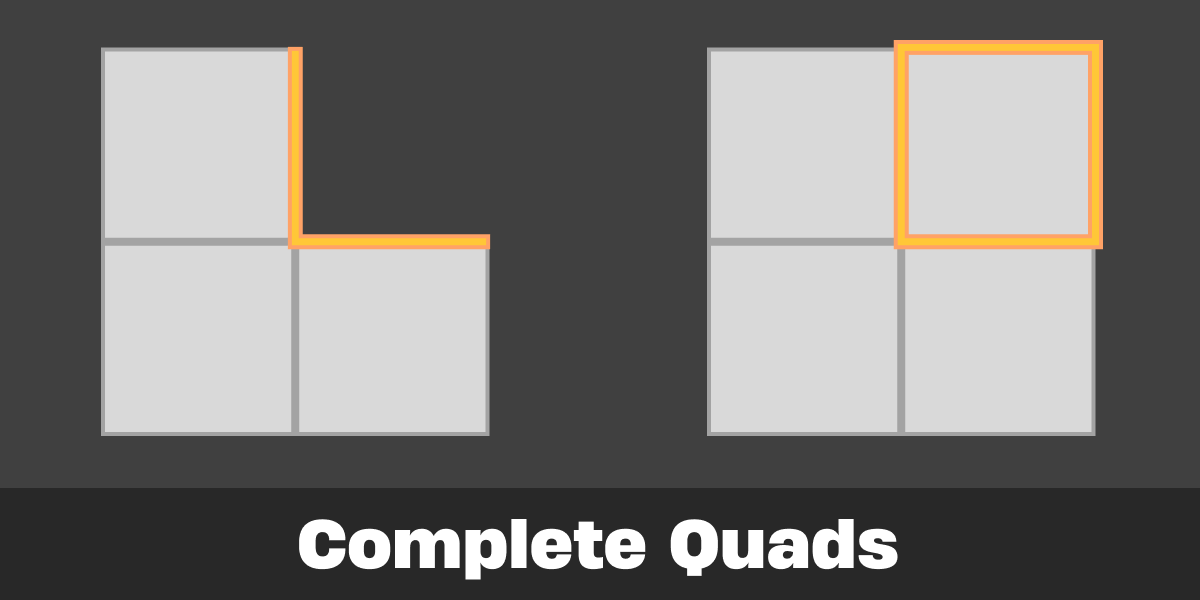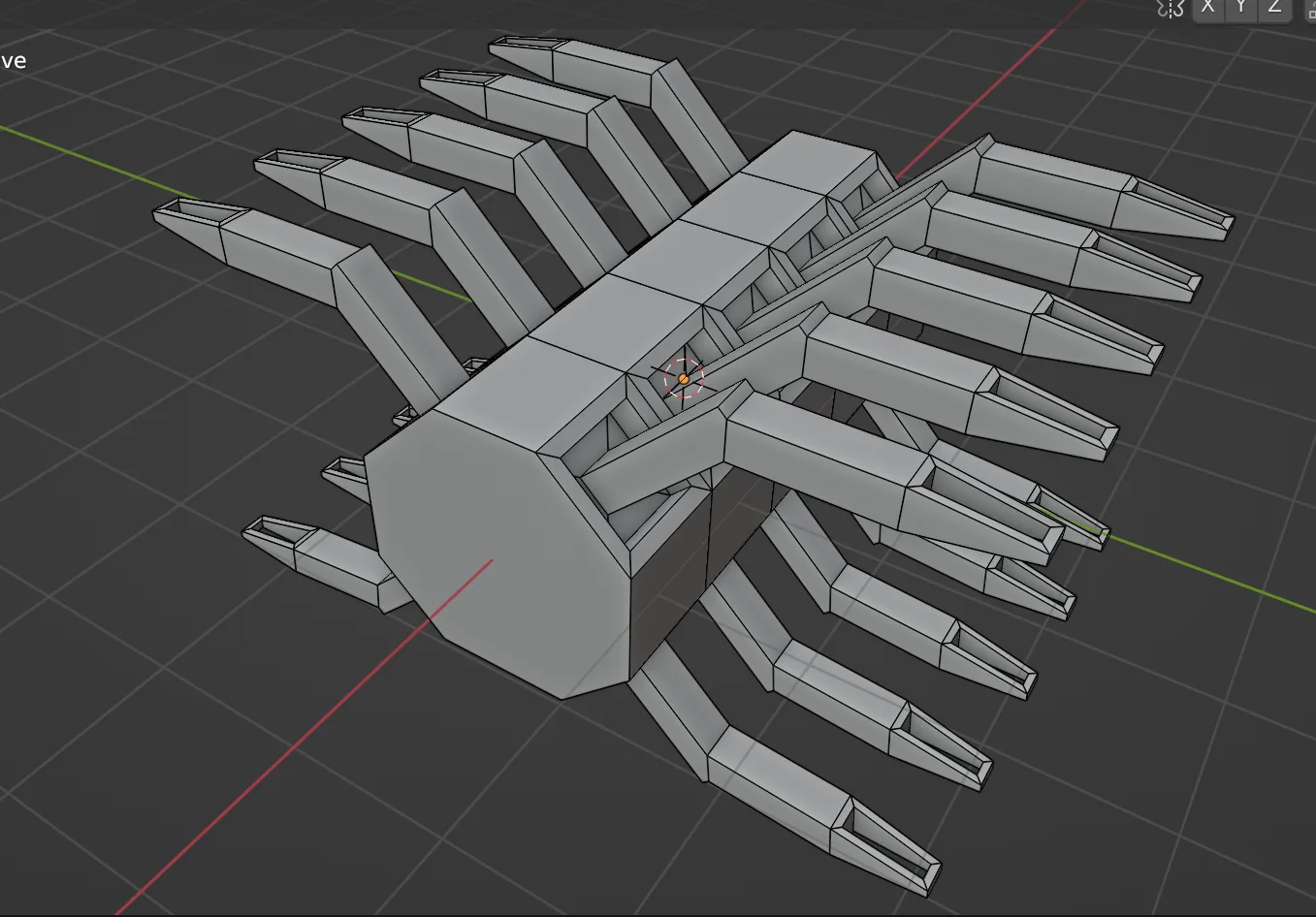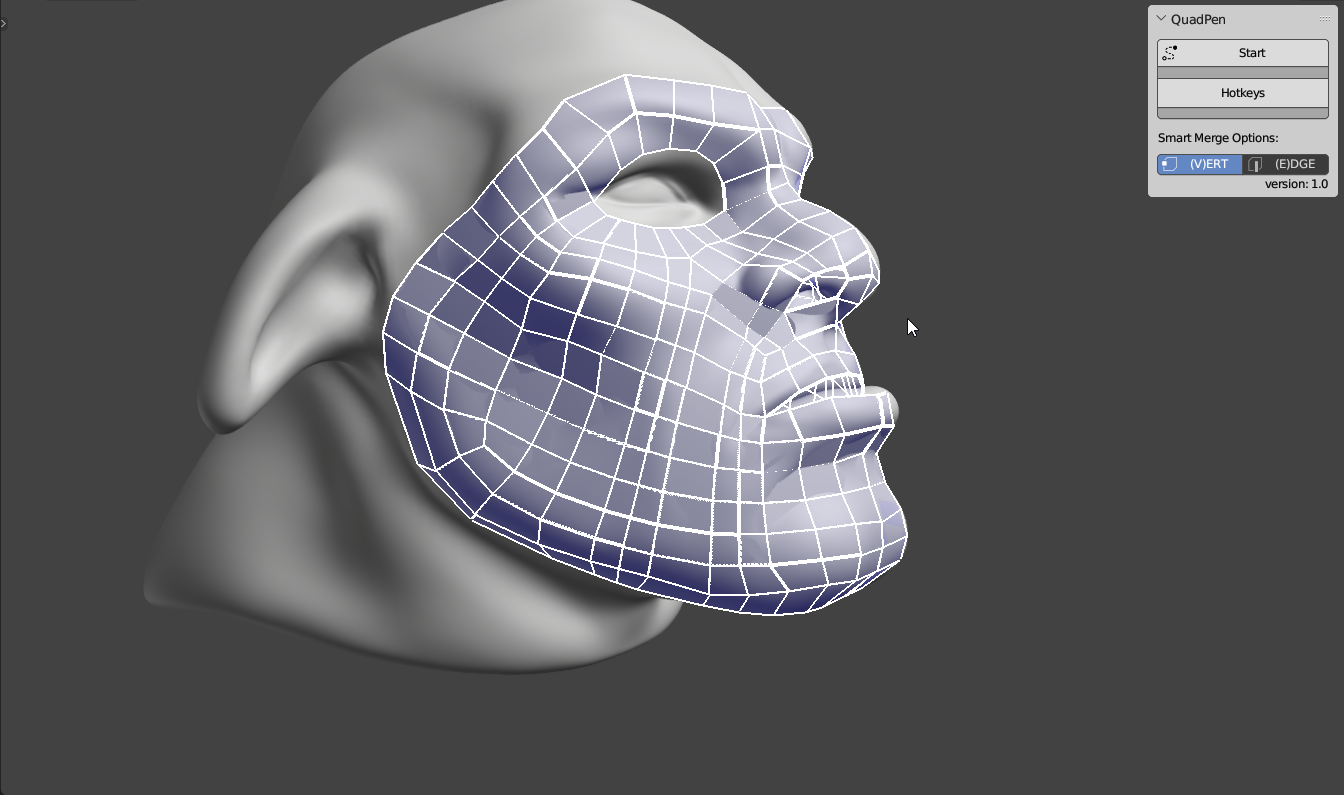
Boundary Aligned Remesh [Bookyakuno Edit] remeshes geometry to retain open borders, edge angles, and other characteristic edges, although feature edges may not be fully retained. It is useful for meshes extracted from high-poly models and geometry generated from cloth, text, or vector curves. The add-on is derived from one created by Jean Da Costa.
When to use it
Use it when preserving boundaries or marked edge features is a priority. It also works on meshes without open edges, though the product documentation notes that it may not work properly in some cases. Its topology quality is lower than voxel remesh, so weigh that tradeoff when choosing a remeshing method.
Edge and output options
The add-on can separate specified edges before remeshing to preserve distinctive features. Edge angle, selected edges, seams, sharp edges, bevel weight, and crease are among the available criteria. Feature edges may not be fully retained.
- Remove 2-side vertices and Reduce the polygons on the border are separate options. The latter prioritizes fewer polygons over keeping complete boundaries.
- Transfer UV uses a mesh transfer modifier to preserve UVs.
- Mirror uses a mirror modifier after remeshing, with X, Y, and Z axis options.
Where to find the command
Run Boundary Aligned Remesh from Mesh Data > Remesh in Properties, from the Tool panel's Remesh section in the 3D View Sculpt Mode sidebar, or from the 3D View header's Object menu.
Operations run from outside the 3D View cannot have their settings adjusted afterward. To make post-execution adjustments, run the command from the add-on's menu in the 3D View.
Compatibility and documentation
The product listing specifies Blender 2.81 through 5.2 and a GPL license. See Bookyakuno's product documentation for usage notes and the source add-on repository for the project it derives from.