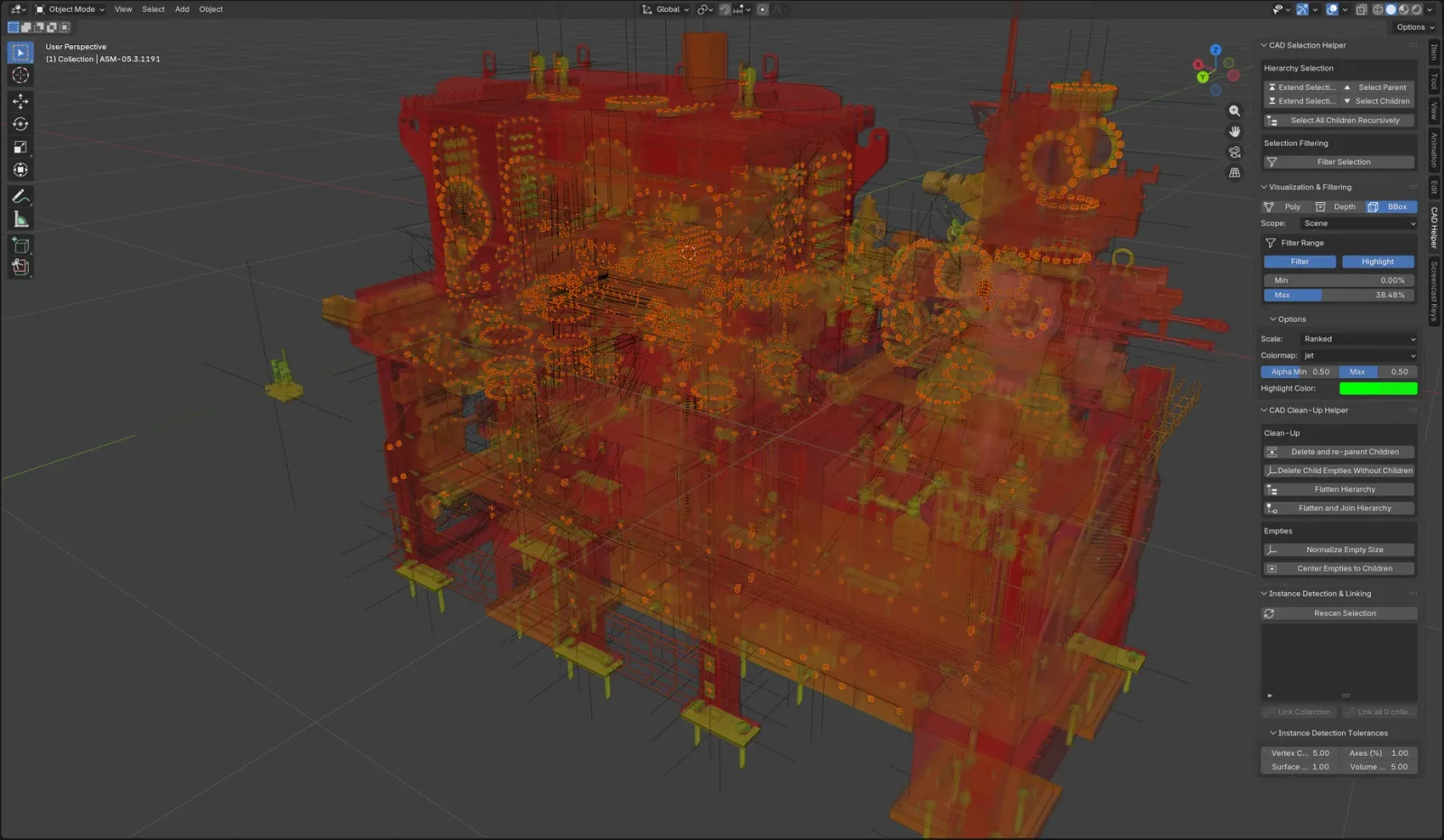
CAD-Helper is a Blender extension for organizing imported CAD assemblies, especially scenes with many parts and nested sub-assemblies. Its selection, filtering, cleanup and instance tools work with objects in the assembly hierarchy. The Blender Extensions listing identifies the add-on and links to its developer project.
Select and filter assembly parts
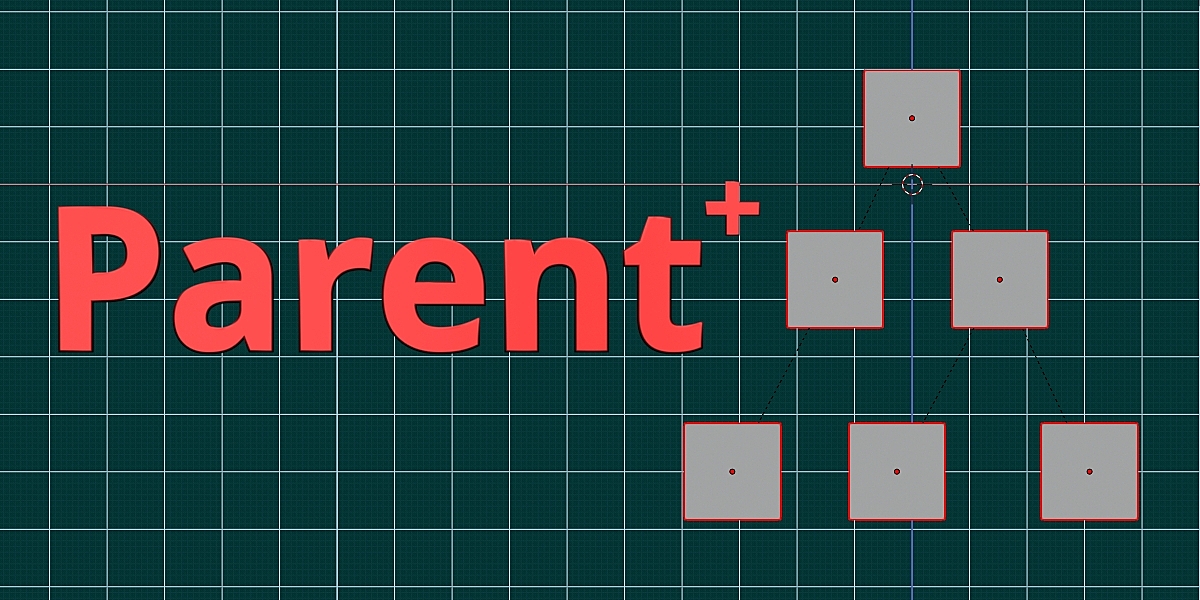
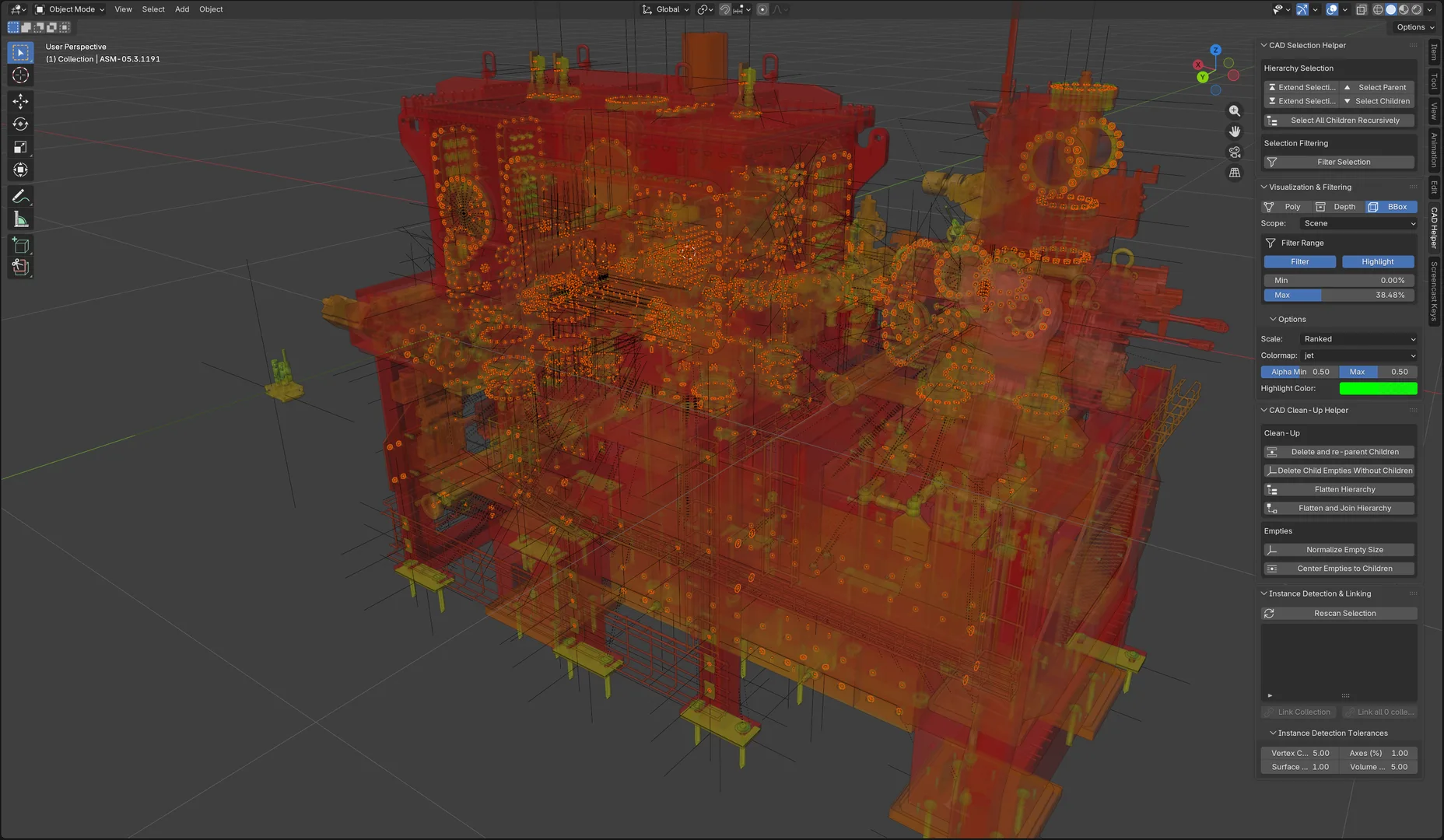
Select parent or child objects, or recursively select all descendants. Selection can extend the current selection or replace it. Filters narrow objects by name, including regular expressions, or by type such as Empty, Mesh and Curve. Other filters use polygon count, hierarchy depth and bounding-box size.
These controls help isolate parts or sub-assemblies before editing. For example, filtering by object type can separate mesh objects from Empty objects, while hierarchy depth can help locate deeply nested items.
Restructure and clean the scene
Cleanup operators can delete objects while reconnecting their children to the grandparents, remove leaf empties, or flatten the hierarchy below selected objects. CAD-Helper can also flatten and join mesh objects after applying their modifiers.
Separate mesh cleanup tools remove custom split normals, merge by distance and recalculate normals outside. Empty objects can be resized without resizing their children, and an Empty's origin can be set to the average position of its child objects.
Find repeated parts
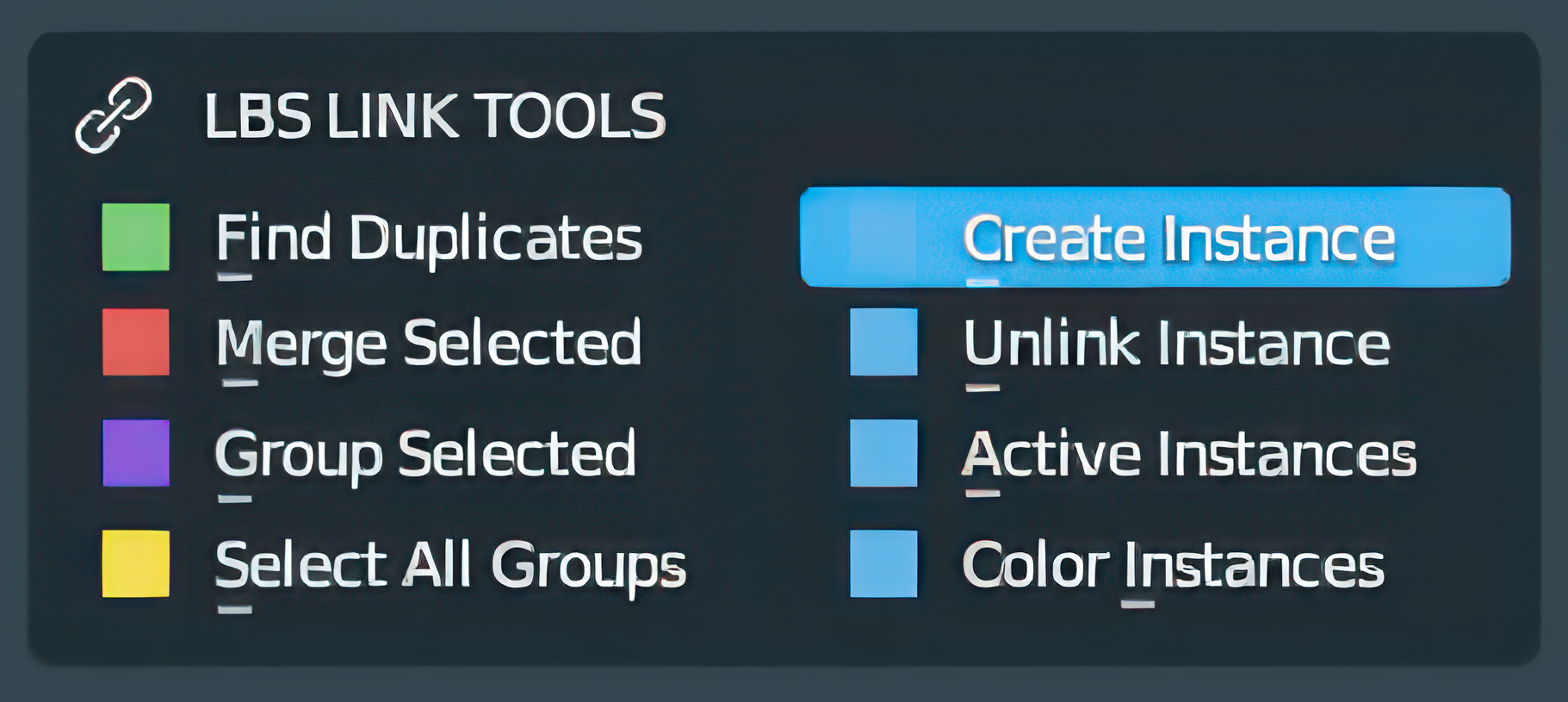
Instance detection compares objects using vertex count, face area, bounding-box dimensions and volume. Detected groups can be linked to share a mesh data-block. Similarity checks can produce false positives, so review a group before linking it, particularly in assemblies with many similar components.
Version and installation
The Blender Extensions catalogue lists CAD-Helper version 0.8.0 with Blender 5.0.0 as its minimum version. It lists packages for Windows x64, macOS arm64 and Linux x64, under the GNU GPL-3.0-or-later license.
Install it through Blender's Get Extensions panel by searching for CAD-Helper, or download the package and use Blender's Install from Disk instructions. The developer's GitHub project provides access to the source code and issue tracker.