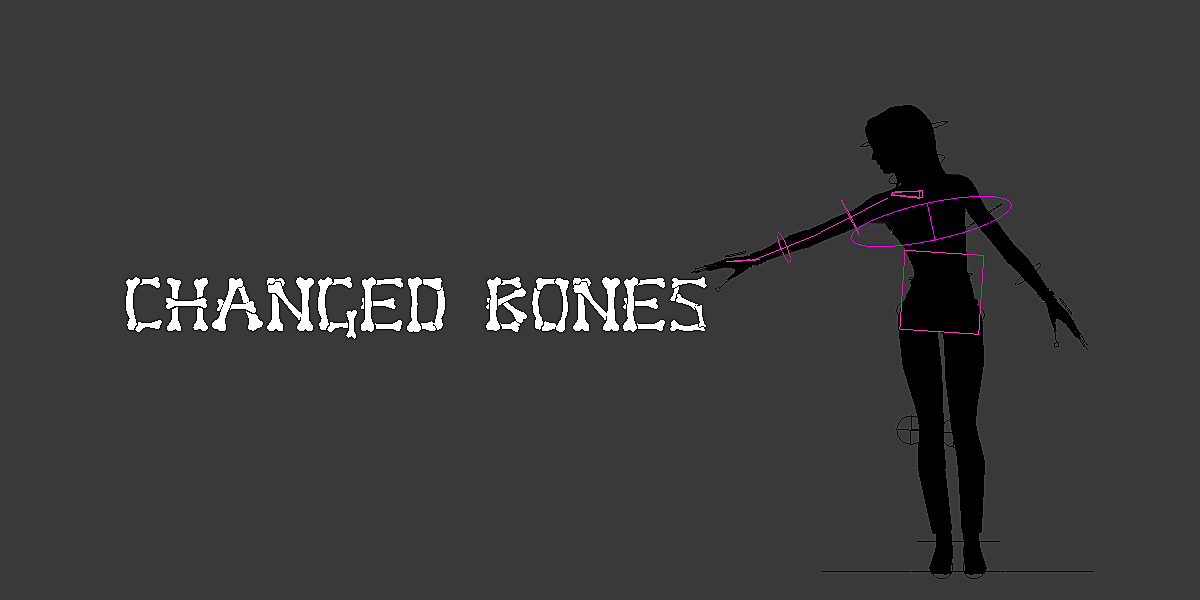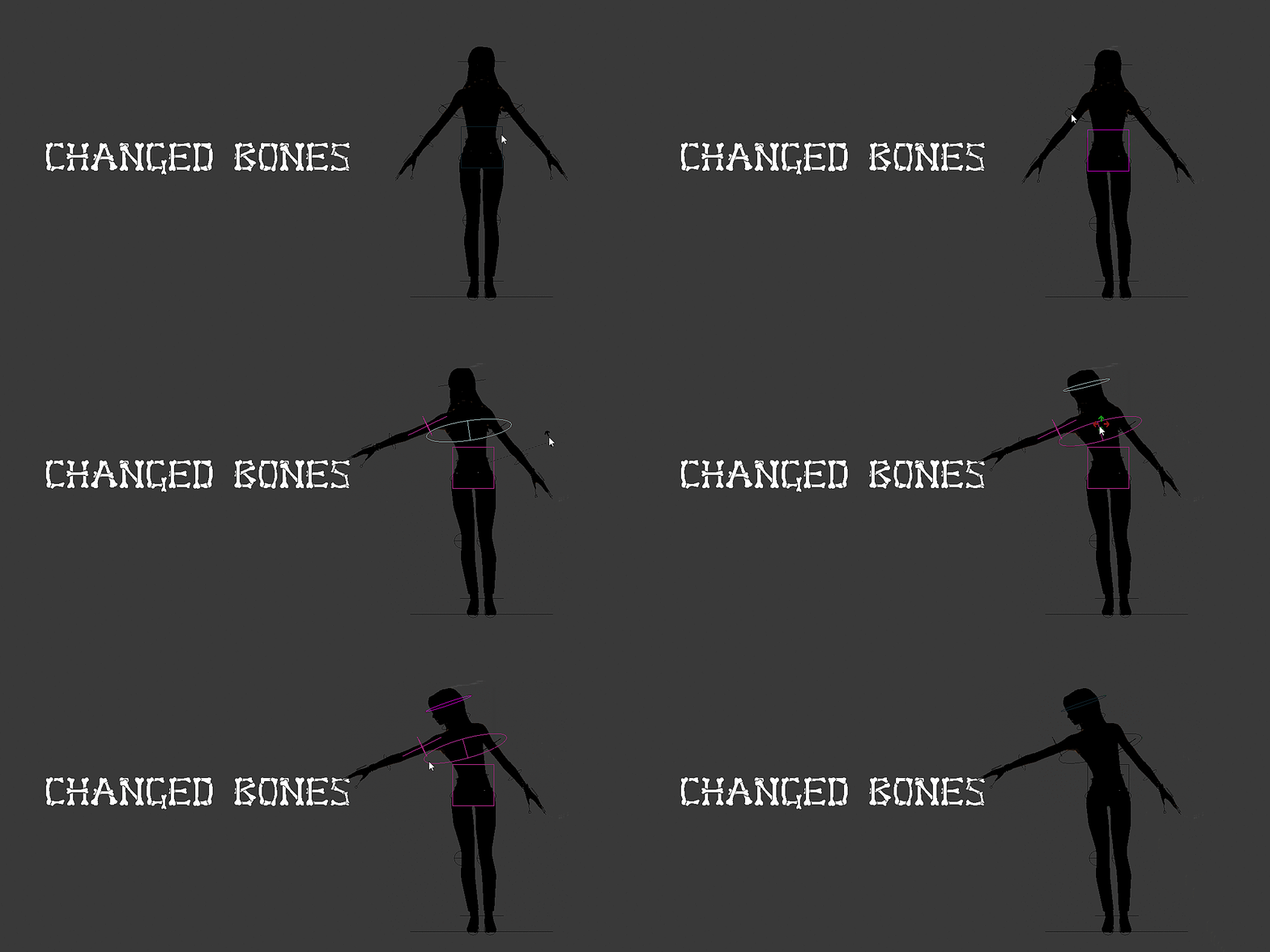
Changed Bones is a Blender add-on for animators who want to see which bones they have edited before inserting keyframes. A changed bone turns pink after you adjust its position, rotation, or scale.
Key only the edited transforms
When you are ready to set keys, press I and choose Whole Character (Changed Bones only). The add-on keys every changed bone without requiring you to select them individually. It adds only the altered position, rotation, or scale transforms. The pink changed state resets after keys are set or when you move to another animation frame.
Install and check Blender compatibility
Install changed_bones.py through Blender’s add-on preferences: choose Install Add-on from File, select the script, then activate it. The Superhive listing identifies Denis Chera as the developer, lists Blender 2.79, and describes the license as Creative Commons. That version listing does not establish compatibility with newer Blender releases, so check the developer’s information for your setup. AnyPlugins lists the add-on as free to download.
Workflow limits
The add-on may not work as intended with a different animation hotkey mapping. Clearing position, rotation, and scale on several bones at once with Alt+G, Alt+R, and Alt+S can take a little longer. For copying and pasting poses, use Ctrl+C and Ctrl+V or Ctrl+Shift+V; the interface buttons will not update the Changed Bone state. See the listing’s license details for applicable terms.