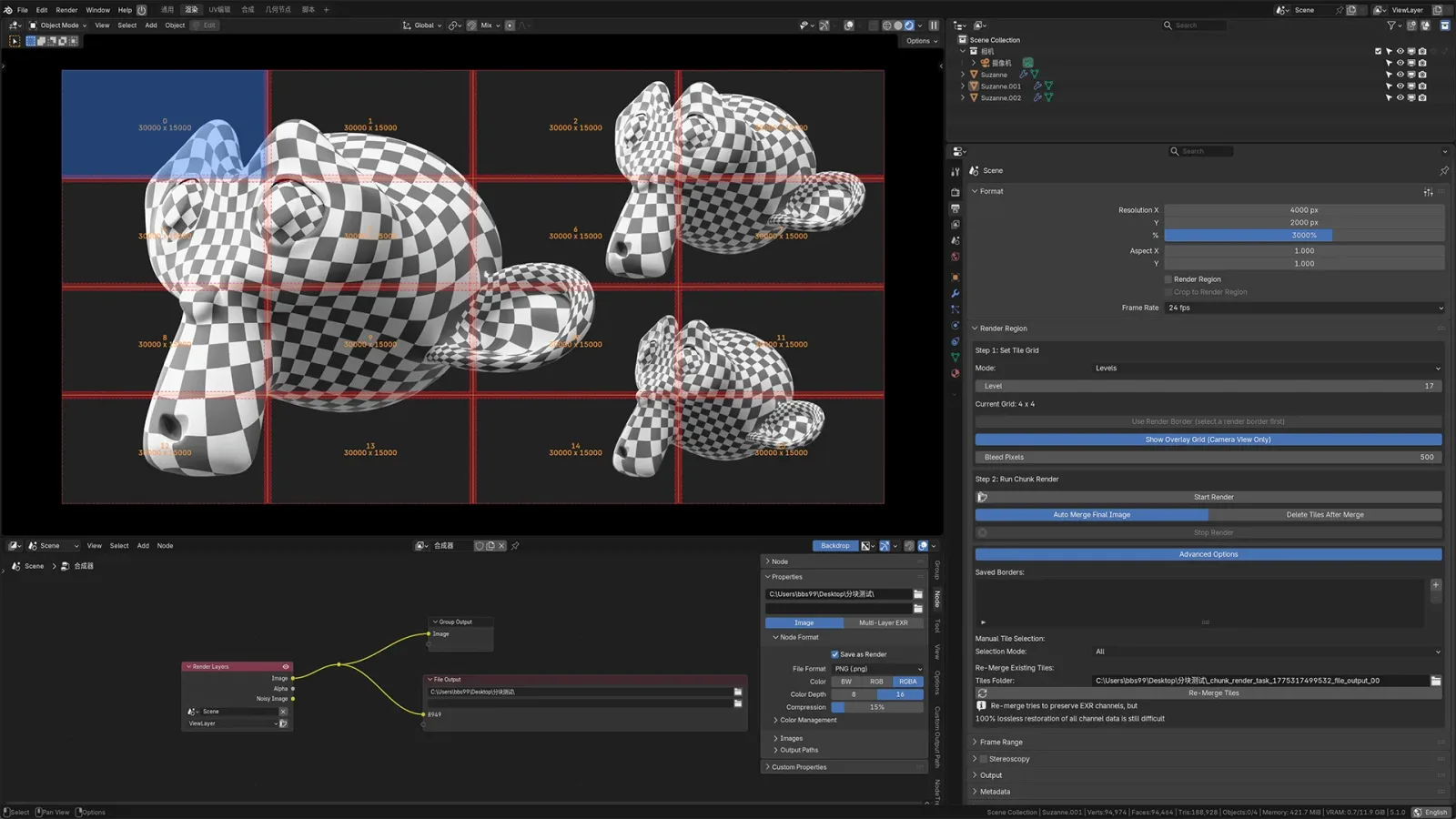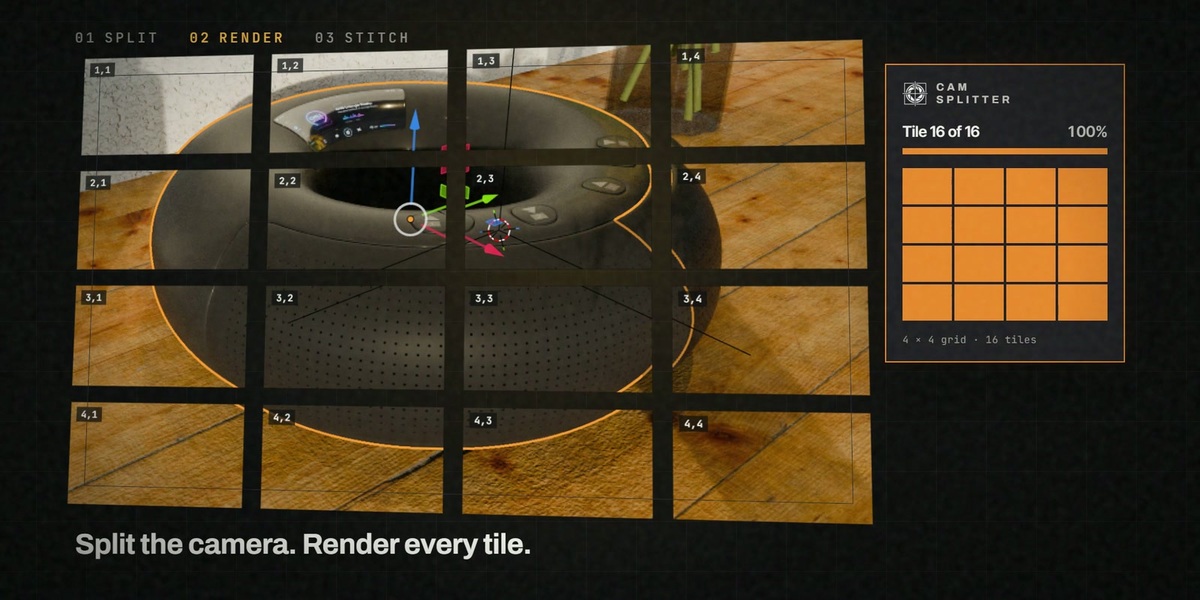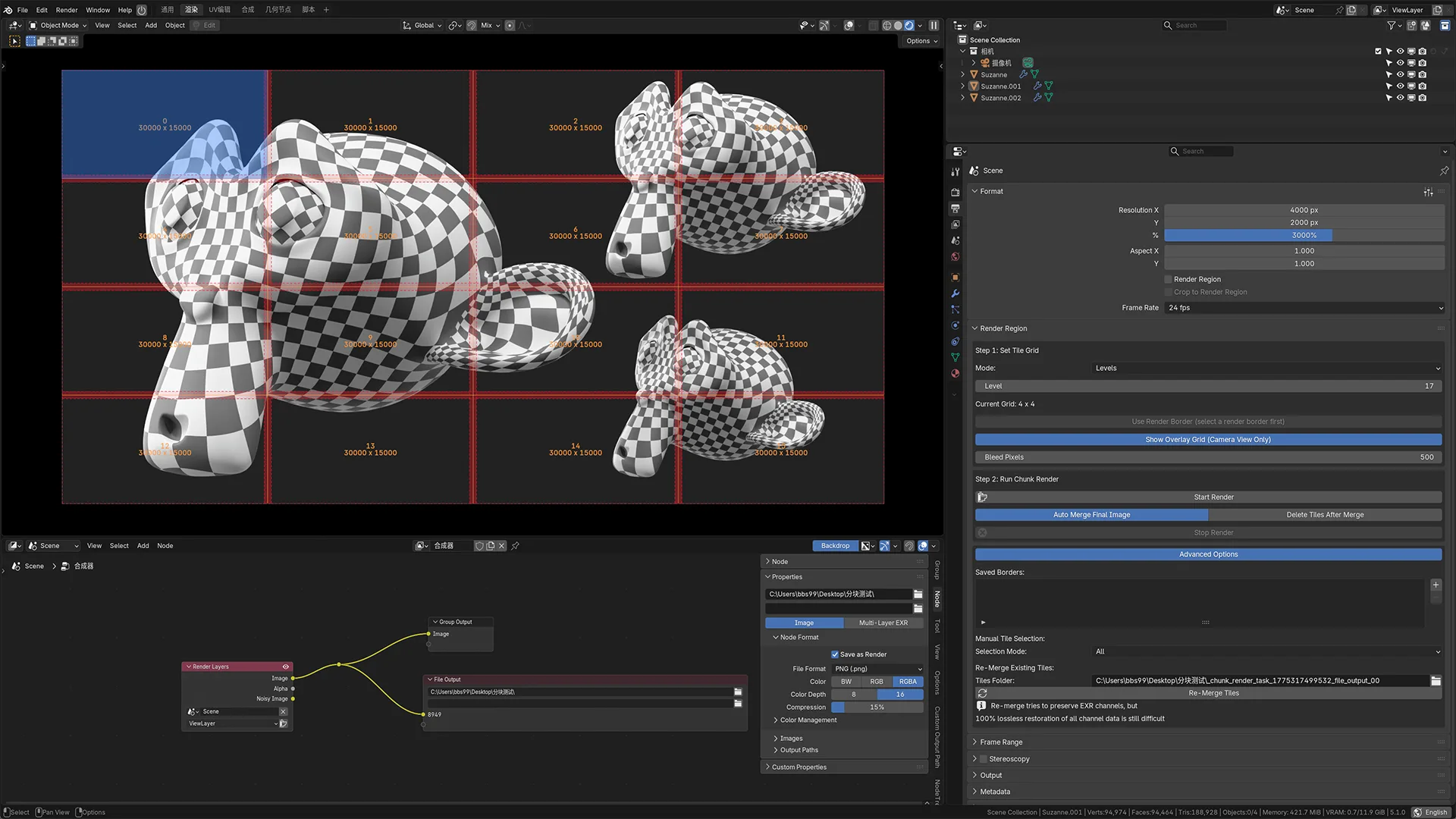
Chunk Render is a Blender add-on for tile-based rendering. It divides a final image into smaller regions, renders the tiles one by one, and merges them into a complete image. You can choose preset levels or set rows and columns, then render every tile or select specific tile indices.
Set up a tile render
Chunk Render's controls are in Output Properties under Render Region. To prepare a render:
- Choose a preset level or enter the number of rows and columns.
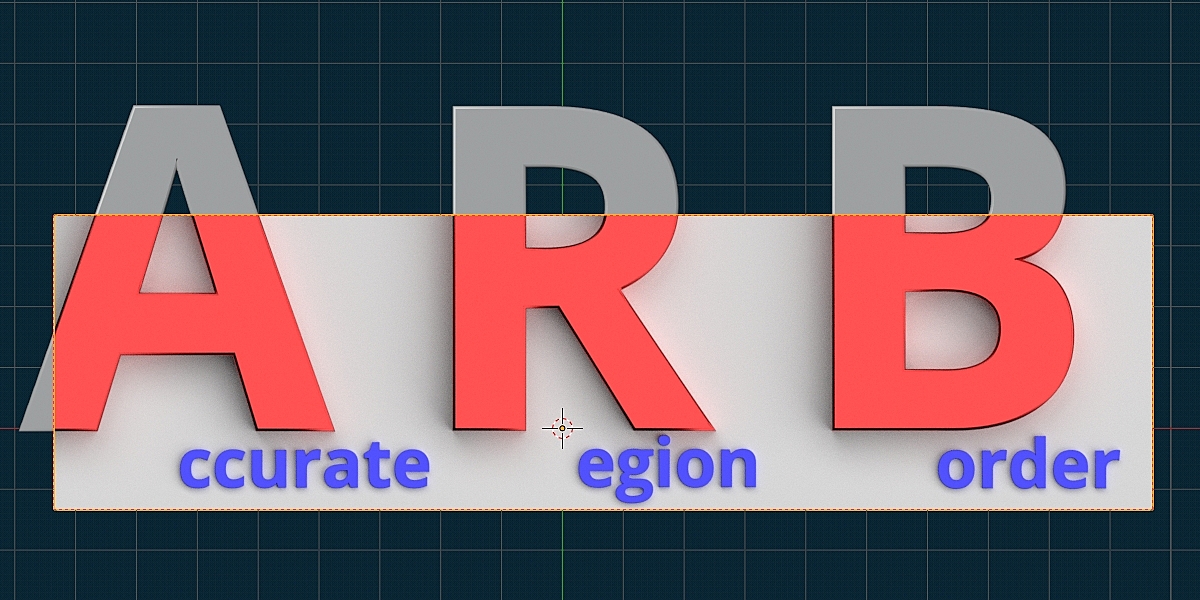
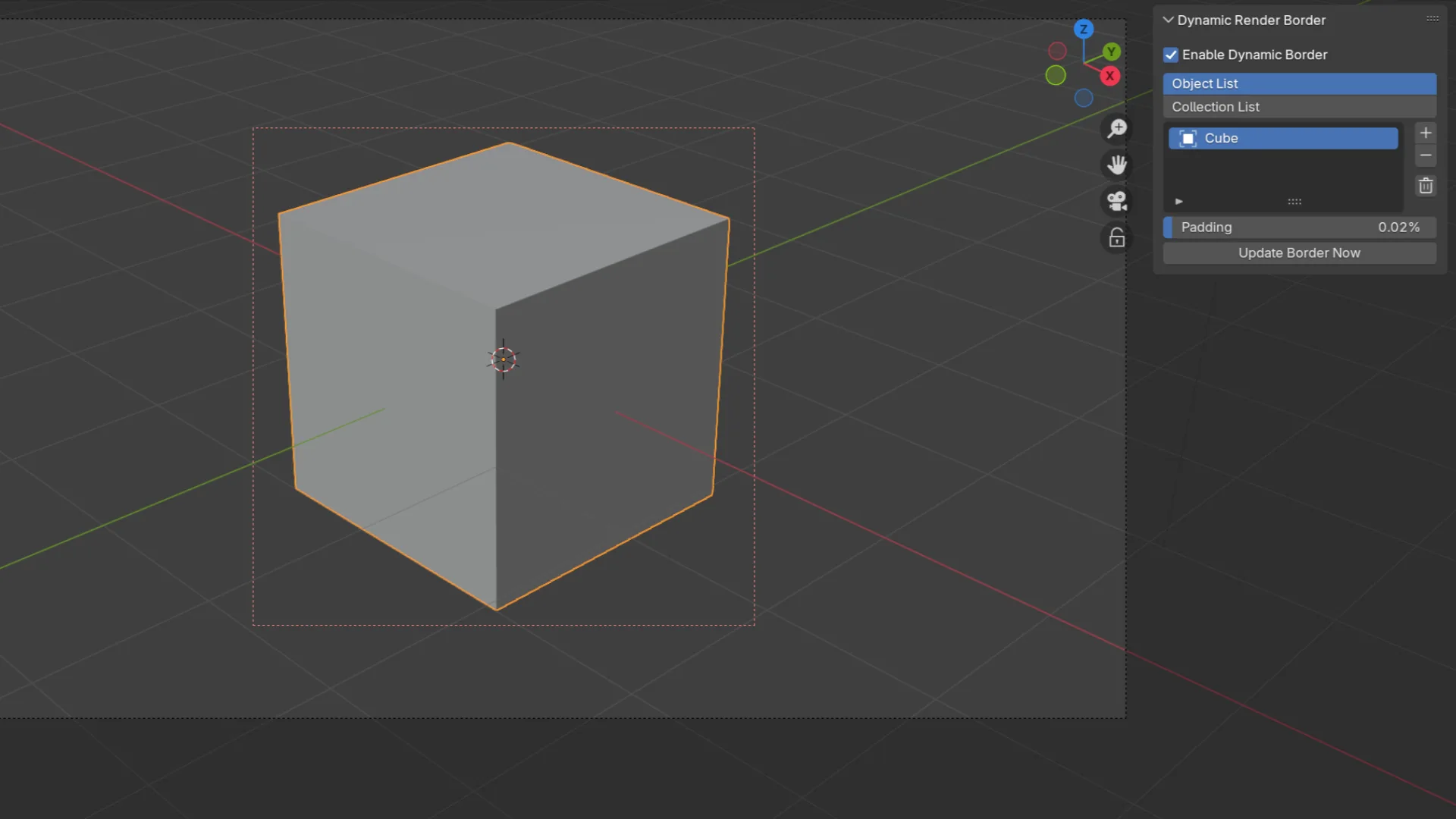
- To work inside an existing render border, draw one with Ctrl+B and enable Use Render Border.
- Choose whether to render all tiles or specific indices, enable Auto Merge Final Image if you want a full image after rendering, then start the render.
The controls also include border snapping to integer pixel boundaries, a tile-grid overlay in the camera view, and Bleed Pixels to help reduce seams. You can save and restore render-border regions for repeated work.
Output files and EXR support
Chunk Render supports standard image formats and the Compositor File Output node. It can optionally delete tile files after a successful merge. A valid output path is needed; if the main output path is unusable, use the Compositor File Output node instead.
Multi-layer EXR merging and re-merging use OpenImageIO (OIIO). Blender ships with OIIO by default, so a separate library is generally not needed. If OIIO is unavailable in your Blender environment, multi-layer EXR merging will not work. Standard image formats remain supported.
Version and installation
The Blender Extensions record lists version 1.1.6, Blender 5.0.0 as the minimum version, and the GNU GPL version 3.0 or later. Check the Chunk Render listing for current release details. For manual installation, follow Blender's Install from Disk instructions. The debug log output can help troubleshoot rendering and merging.