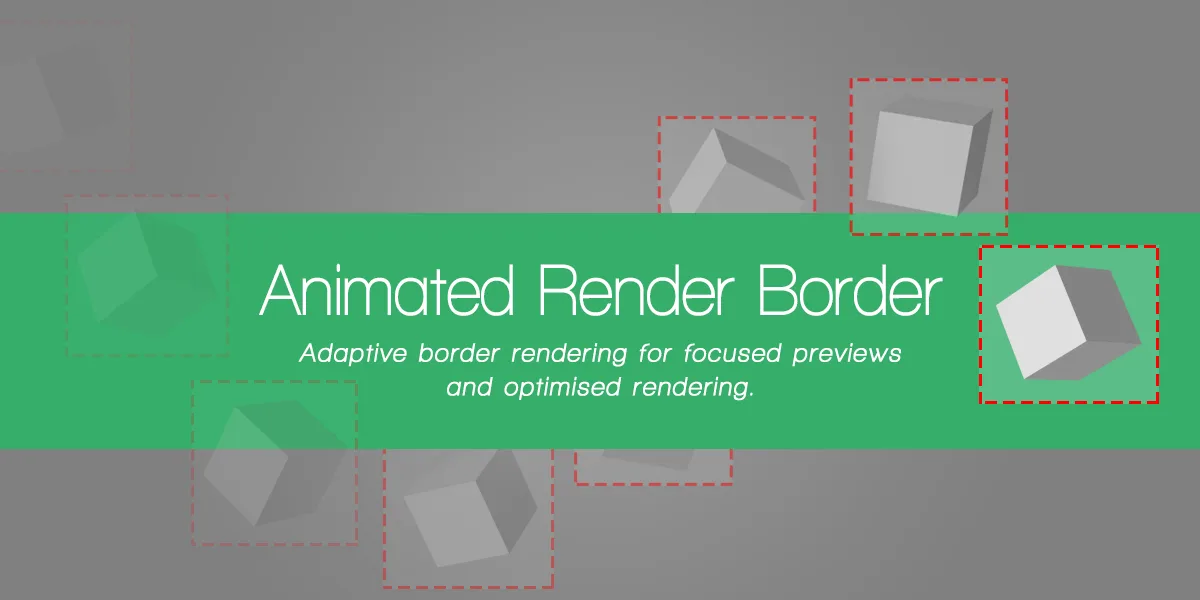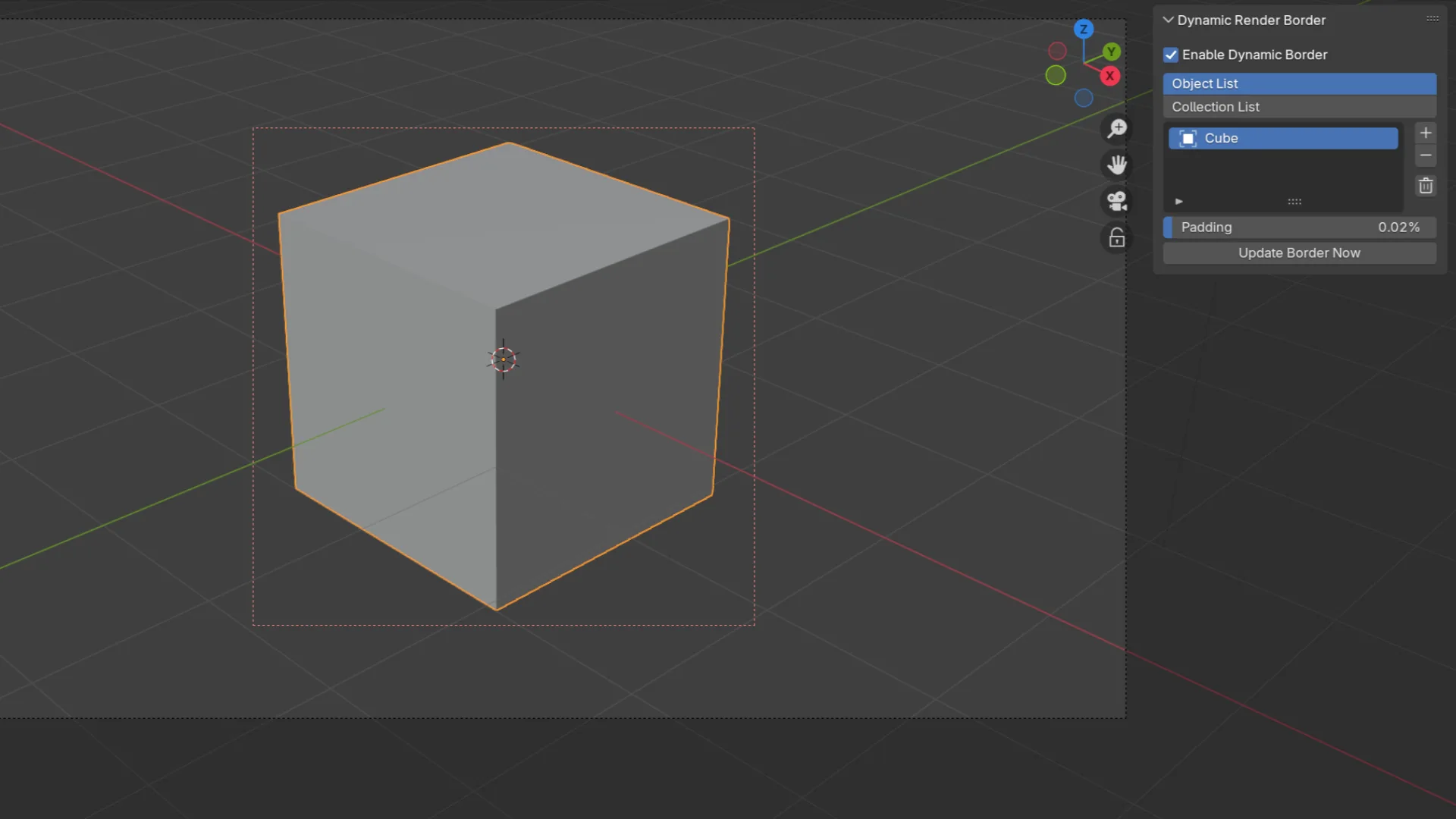
Dynamic Render Border is a Blender add-on that adjusts the render border around selected mesh objects or objects in chosen collections. The Blender Extensions catalogue lists version 1.0.1, a minimum Blender version of 4.2.0, maintainer tobiaskummer, and a GPL-3.0-or-later license. View the Blender Extensions listing.
Target objects or collections
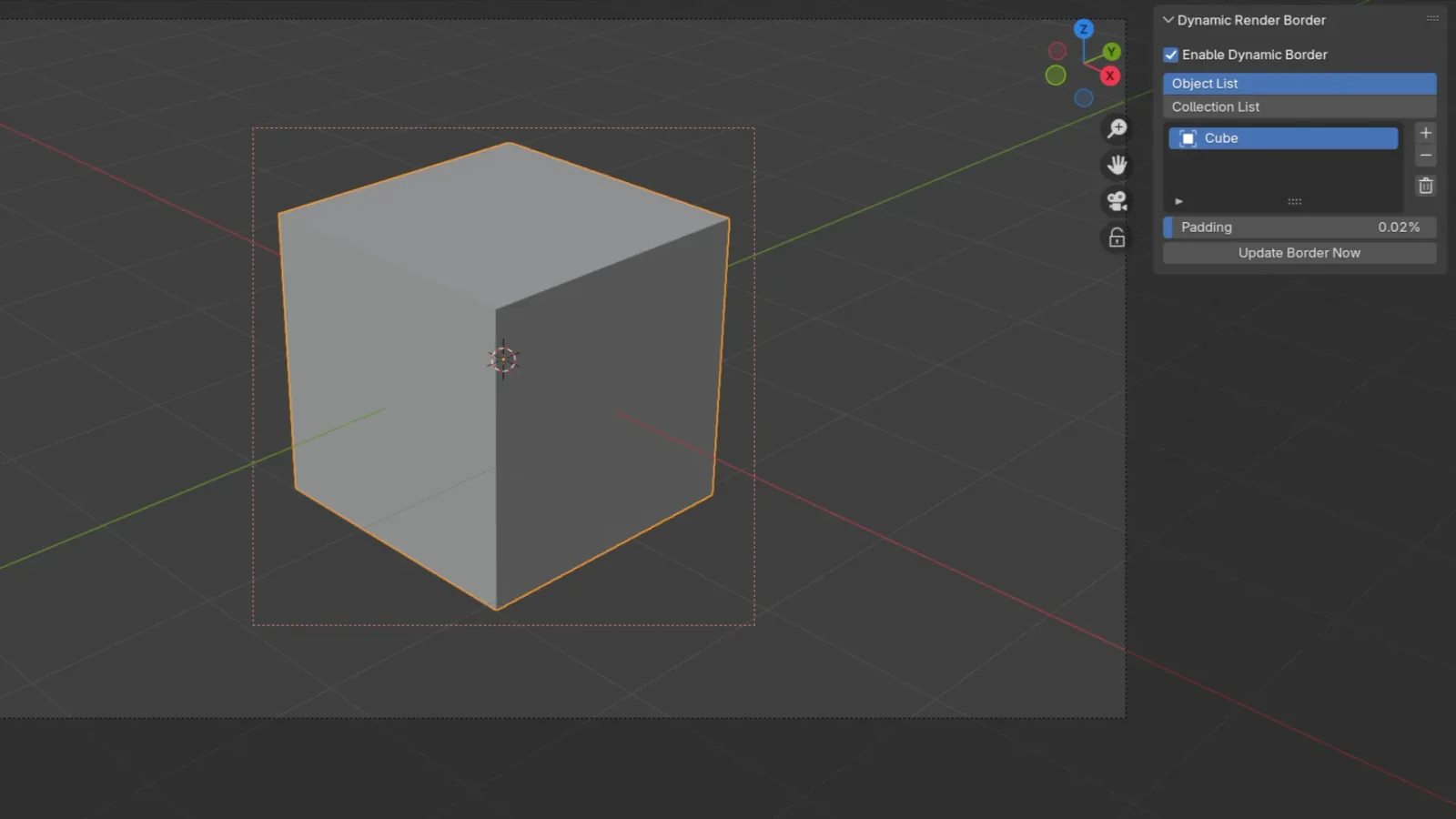
The add-on’s controls are in a DynBorder tab in the 3D Viewport sidebar. Add individual meshes through the Object List, or choose collections; the collection option includes mesh objects in nested sub-collections. A padding control adds space around the calculated border. You can enable or disable the feature and use “Update Border Now” to refresh it manually.
With dynamic updating enabled, the border is described as updating when the animation frame changes. The feature needs an active camera. It considers mesh objects visible in both the viewport and the render. If it finds no valid targets, or the targets move outside the camera view, it disables the render border.
Check animation behavior in your Blender version
Rendering a smaller image region may reduce unnecessary rendering, though the time saved depends on the scene and render setup. Two user reviews on Blender’s listing report render-time issues: one says the border did not seem to update dynamically during animation rendering in Blender 5.0.1; the other reports crashes or no effect when rendering with Cycles in Blender 4.5.1. Test the add-on with your Blender version and render engine before relying on it in production.
When it may fit
Dynamic Render Border may suit a scene where a few mesh objects occupy only part of the camera frame and move over an animation. It is less suitable when the render depends on curves, lights, empties, or other non-mesh objects to define the region, since those objects do not contribute to the calculated border. For the release and compatibility details, check the version history and the developer’s repository.