Cinecraft, listed on Superhive as CineCraft, is a Blender add-on for animating cameras and organizing shots. It combines camera moves, procedural operator motion, focus and shake controls, camera presets, shot management and batch rendering. Camera moves, Path Walker motion and shake can be baked to keyframes, leaving the resulting animation available for editing in the scene. The Superhive product listing calls the add-on CineCraft Pro in its feature copy; its documentation gives installation and feature details.
Camera animation, focus and shake
Camera Moves include Orbit or Turntable, Crane or Boom, Dolly Zoom, Push In or Pull Out, and Truck or Slide. You can bake a move to keyframes, stack a primary and secondary move on one camera, and retain separate settings for each camera.
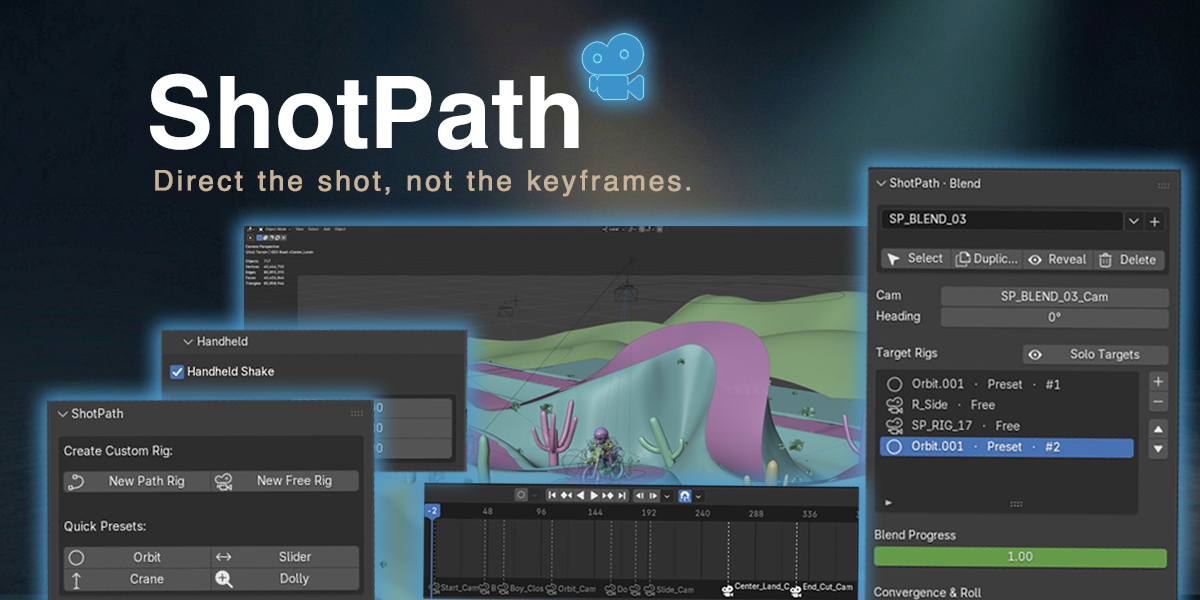
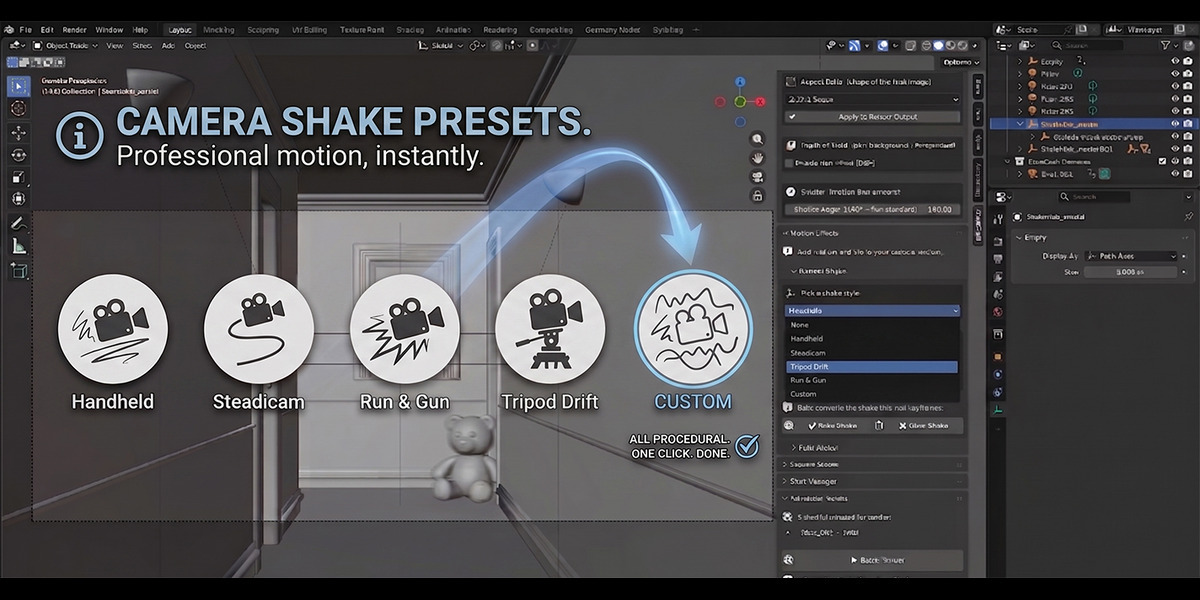
Path Walker follows a curve and adds procedural footsteps, breathing, lateral sway and handheld jitter. It can aim at an object, with adjustable operator lag, and bake its motion to keyframes. Focus Puller sets depth of field, a focus target and F-stop, simulates lens breathing, and displays the focus plane in the viewport. Camera Shake has five baked presets: Handheld, Steadicam, Tripod Drift, Run & Gun and Custom.
Camera setup and shot organization
Auto Cinema Setup configures each new camera with a Super 35 sensor, 35 mm lens, 180-degree shutter angle and 2.39:1 anamorphic framing. One-click lens and sensor presets include focal lengths from 18 mm to 200 mm, Anamorphic 2x, Full Frame, ALEXA 35, RED 8K VV and Sony VENICE. Aspect ratio presets include 2.39:1, 2.35:1, 1.85:1, 16:9, 4:3 and 9:16.
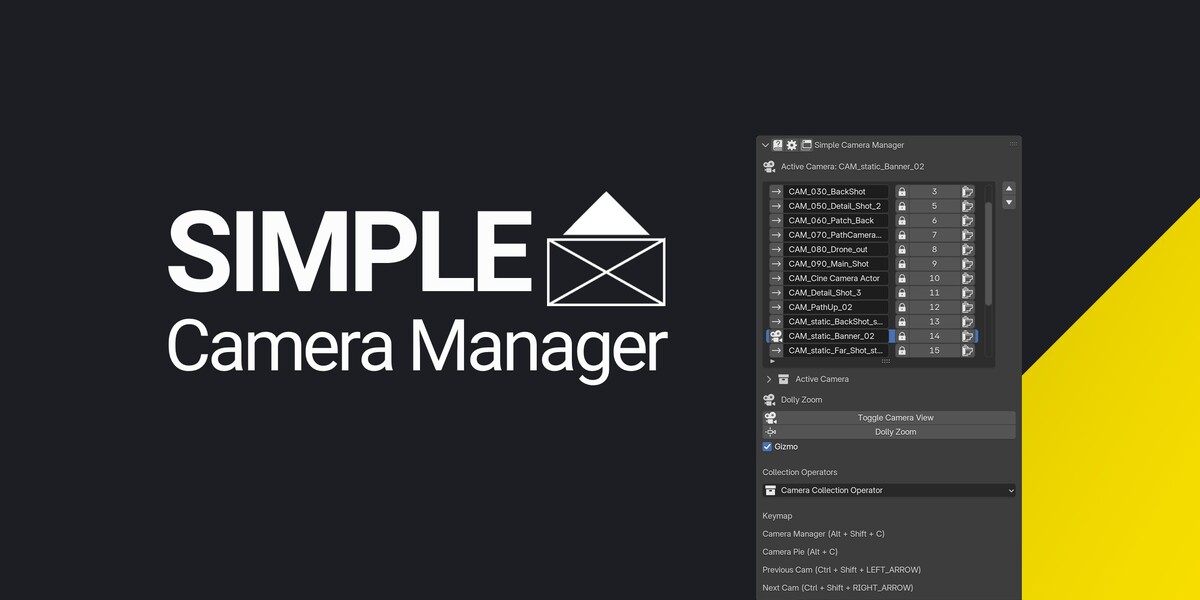
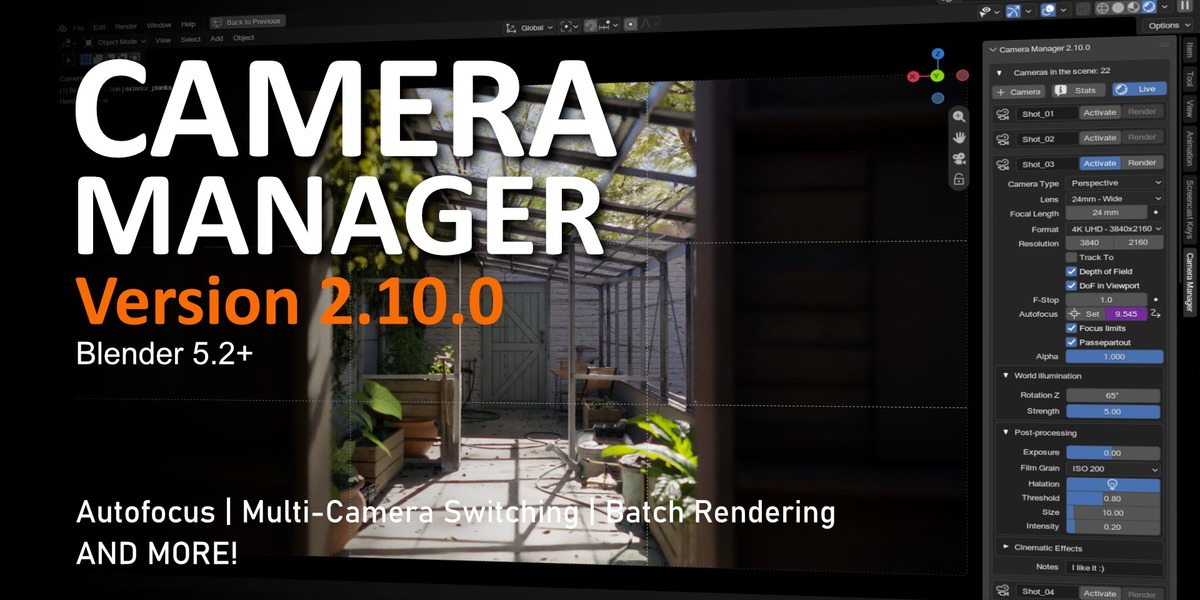
Shot Manager lets you name shots, assign cameras and frame ranges, jump between shots, and play them in sequence. Batch Renderer renders shots with their assigned cameras and settings, and shows a time estimate before rendering. The documentation lists Cycles, EEVEE, EEVEE Next and Workbench for Batch Renderer use.
Install and check compatibility
The seller’s documentation instructs users to install cinecraft_pro.zip through Blender’s Edit > Preferences > Add-ons > Install workflow, then enable CineCraft Pro. The panel appears in the 3D Viewport sidebar under the CineCraft tab, opened with the N key. Blender 3.6 through 4.x can also use the direct .py install; Blender 5.0 and later require the ZIP. The seller says the add-on has no dependencies.
Superhive’s listing and version details state Blender 3.6–5.2 and above, while its FAQ says Blender 3.6 through 5.1. Check the product listing or ask the seller about your Blender release before installing.