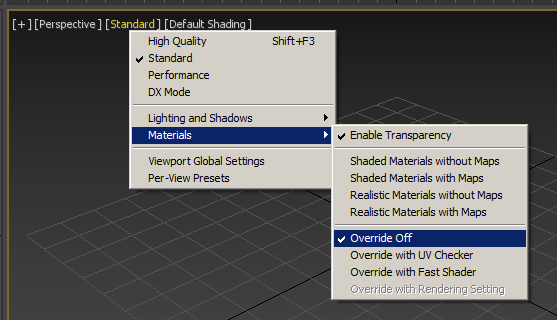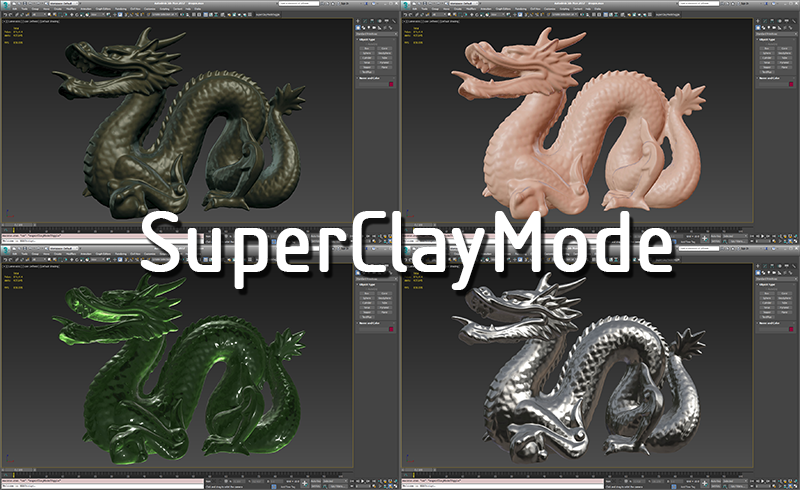
Clay Mode Advanced adds matcap-based clay-style shading to the 3ds Max viewport. It builds a ShaderFX shader with matcap UV, assigns it as the viewport override, and switches on Rendering Setting mode. The effect works as a toggle.
Install and use the toggle
- Unzip the download and drag the script into the viewport.
- Open Customize User Interface and find the command under csTools. Add it as a button or assign a shortcut.
- To choose a matcap, run the script while holding SHIFT. This opens the matcap selection dialog.
- Use the button or shortcut to toggle the shading. The selected matcap path is saved for later sessions.
Choose a matcap
The download includes 30 matcaps. You can add your own textures to the Matcaps folder, then select one through the matcap dialog.
Compatibility and source
The catalog lists version 1.1 and compatibility with 3ds Max 2018 and later. It identifies huynguyen as the developer and says the script is based on SuperClayMode v1.1 by Changsoo Eun, edited by Wuan Hyu. See the ScriptSpot listing and the SuperClayMode v1.1 release page.