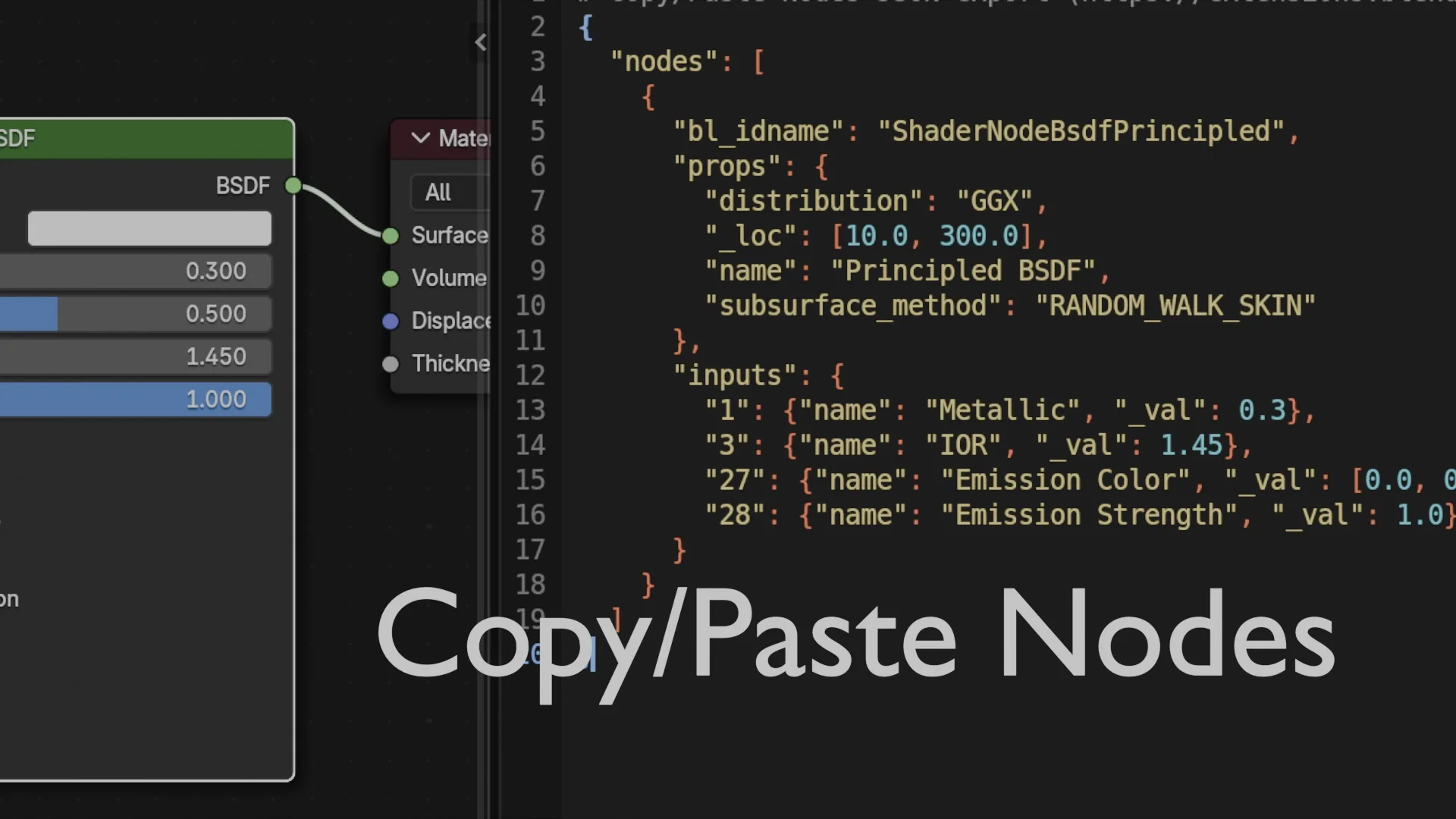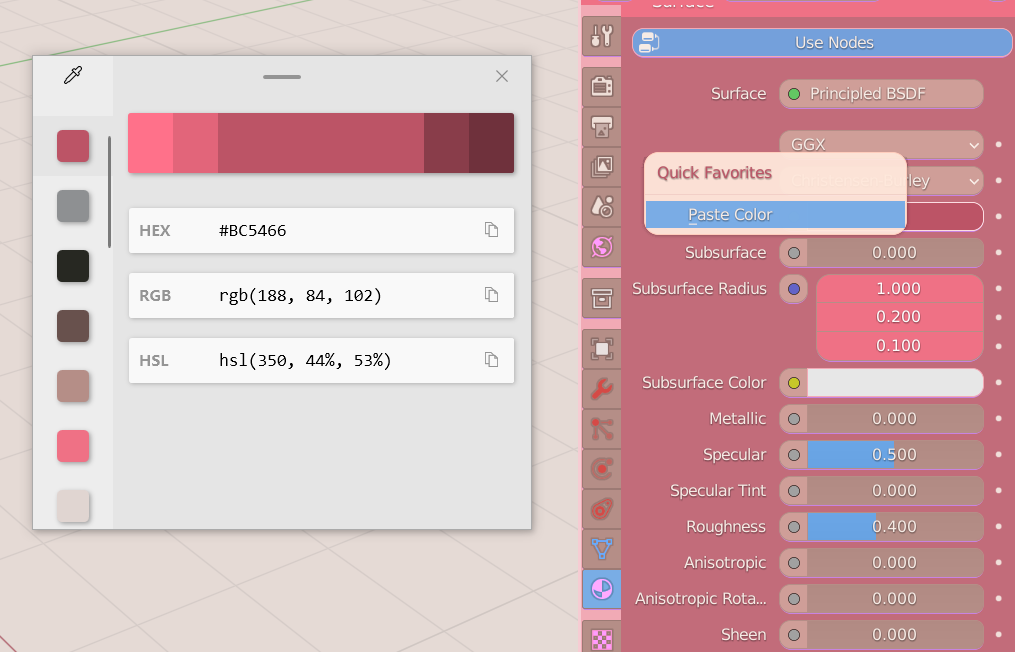
Color Paster is a Blender add-on by atticus_id that takes a color from the clipboard and pastes it into a color property, applying gamma correction. It supports Hex, RGB, and RGBA values, so you can copy a color from a picker or website and use it in Blender.
How to use Color Paster
Hover over the color property you want to change, then press F3 and search for “color paste.” You can bind the command to a keyboard shortcut or add it to Quick Favorites. Copy a color value from a picker or website, then trigger the command to paste it into the property.
Supported clipboard formats
Color Paster accepts Hex values with or without a leading hash. For example, both FFFFFF and #FFFFFF are supported. RGB values can be plain comma-separated numbers, such as 123,251,20, or written as rgb(123,251,20). Spaces after commas are optional.
Color Paster also accepts RGBA values such as RGBA(222, 33, 55, 0.5). The product listing says gamma correction is applied but gives no conversion formula or gamma-setting details.
Version, price and license
Superhive lists Blender 2.93 as the target version and the license as GPL. The listing describes the add-on as free. Compatibility with other Blender releases is not specified in the supplied product details, so check the developer’s repository if you use a different release. The Superhive product page has the listing details and download link.