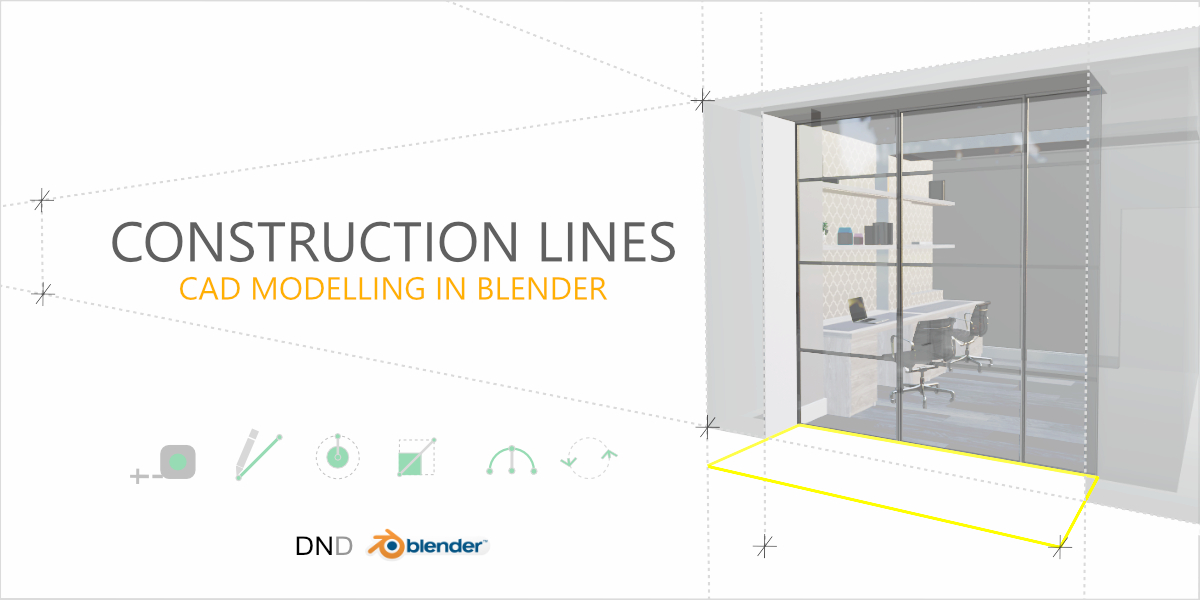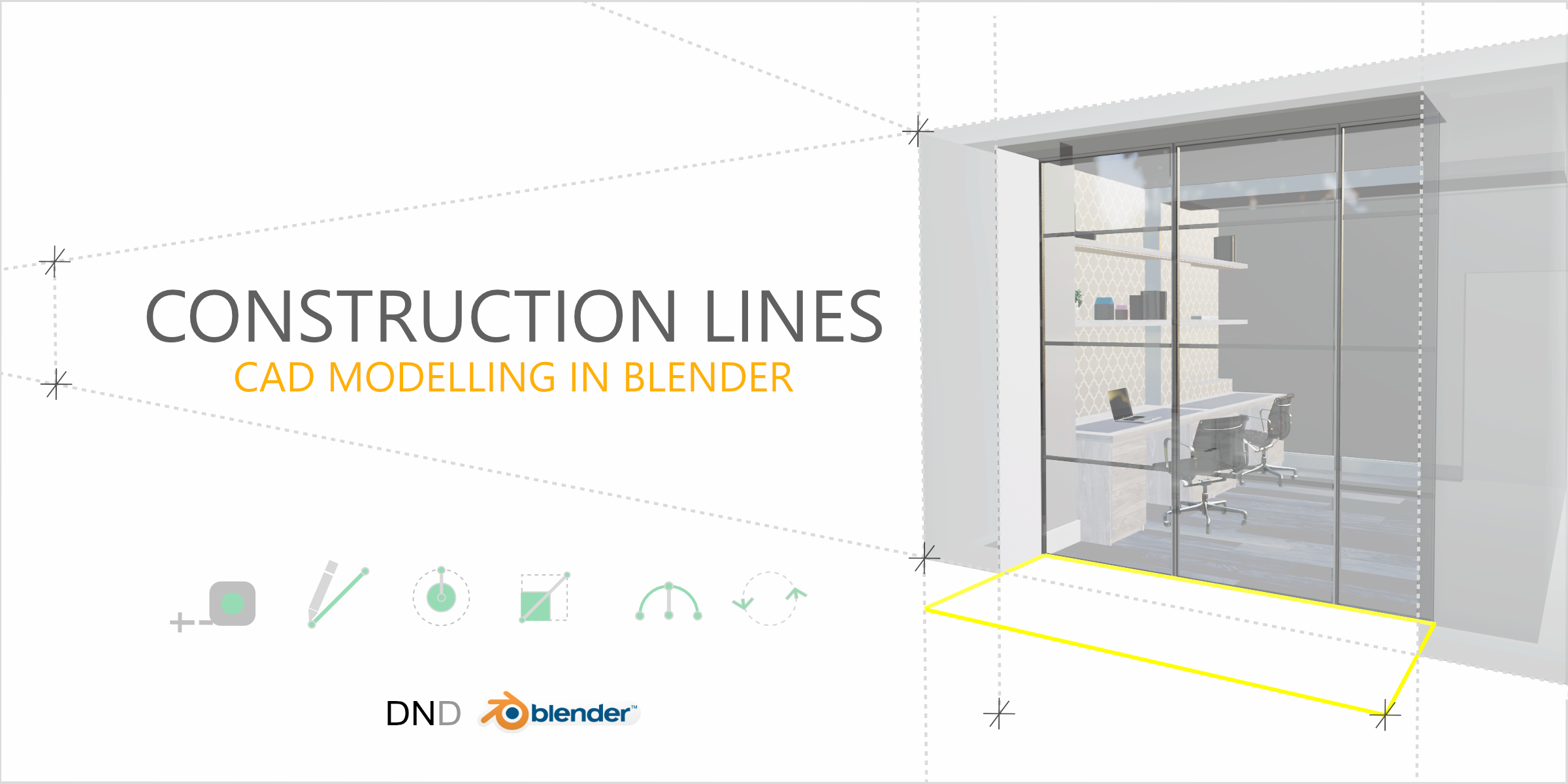
Construction Lines - Accurate Cad Modelling Add-On brings a guide-based, CAD-style workflow to Blender. In the 3D viewport, it lets you place guide points and edges, snap to scene geometry, and draw with numeric dimensions. Dan Norris’s product listing describes it as a beta add-on and advises against using it on very dense meshes.
Build from guides and snap points
Set guide edges and points as references, then build geometry against them. Guides stay separate from mesh geometry, can be toggled, and are not rendered. Draw lines by clicking and dragging; when the geometry closes, lines can create faces. Rectangles, circles, and arcs can start from snap points on existing geometry or guides, anywhere on a model without placing Blender’s 3D cursor first.
Drawing a shape on an existing face cuts into that face and creates the needed geometry. The tool works between Object and Edit modes, so you can use the same guide-based approach while creating objects or changing mesh geometry.
Set dimensions while modelling
Numeric input sets exact sizes and accepts the operators *, /, +, and -. You can constrain drawing and movement to the X, Y, or Z axis, snap to the grid, and use automatic snaps for perpendicular directions and edge extensions. The add-on also measures distances and moves objects using snap points or numeric input. Guide dimensions can remain visible after Construction Lines is no longer active.
Edit and cut mesh geometry
Alongside drawing tools, Construction Lines includes extrusion and cut-through operations, object rotation, box selection, and duplication. Duplication can create arrays, with an option to link objects. In Edit mode, you can move or delete geometry from within the add-on.
Fit and limitations
The guide-and-snap workflow may suit Blender users who need aligned, dimensioned geometry, including people familiar with packages such as SketchUp. The developer describes Construction Lines as beta software that receives regular fixes and improvements. The listing says it is not intended for very dense meshes, so check the current product details if your scene contains very dense meshes.
Check compatibility before installing
The vendor lists support for Blender 3.6 through 5.2. Its installation note specifies the file ending in _extension.zip for Blender 4.2 and later, and _legacy.zip for Blender 3.6 through 4.1. See the vendor’s installation instructions and documentation for the package that matches your Blender version.