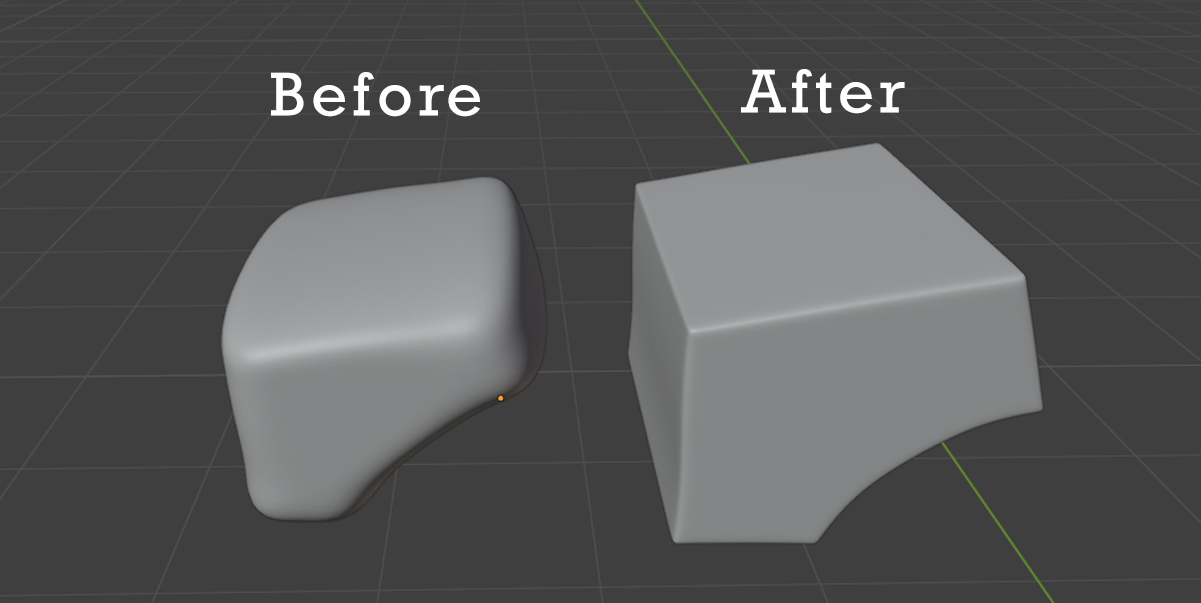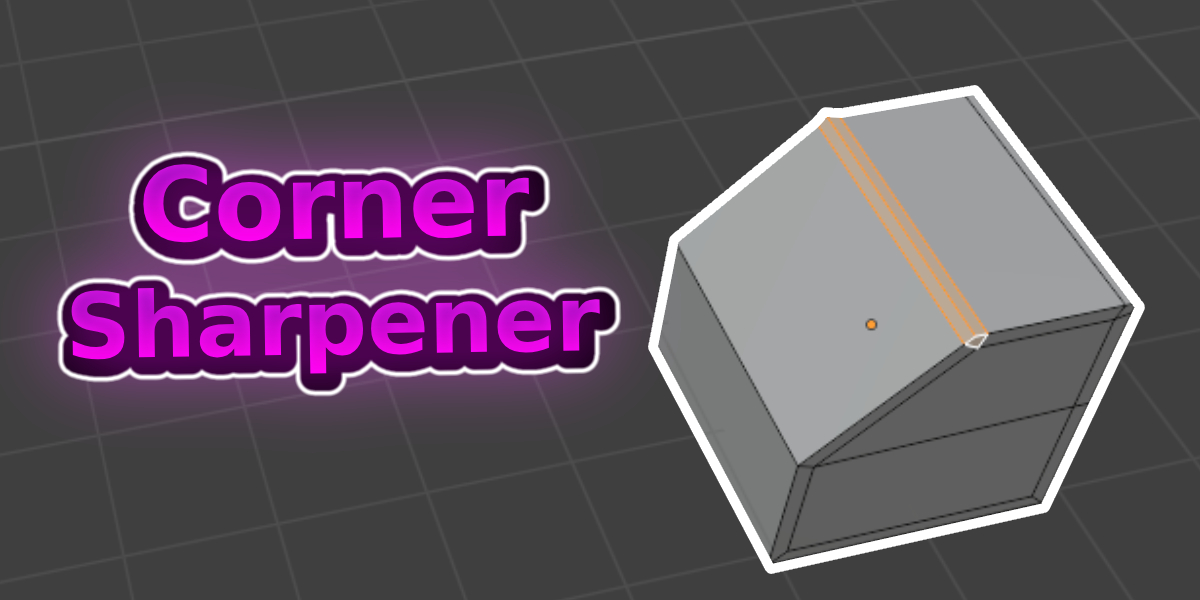
Corner Sharpener 2D & 3D is a Blender add-on by Johnbogle for sharpening corners on 2D and 3D objects under a subdivision modifier. It creates supporting edges and removes face edges, tasks that are typically done by hand with the knife tool. The product listing says it works best on convex surfaces, and each selected corner needs a specific mesh layout.
Check the mesh before sharpening
Each corner vertex must have exactly three connected edges: two boundary edges and one face edge. If the face edge is missing, inset the face for the 2D tool or the side face for the 3D tool. Skip the inset when the mesh already has that edge. Checking this topology before selecting corners helps you choose targets that match the tool's stated requirements.
Use the 2D Sharpener in Vertex Mode
- Switch to Edit Mode and select Vertex Mode.
- Confirm each target corner has the required two boundary edges and one face edge. Inset the face if the face edge is missing.
- Select the corner vertices you want to sharpen.
- In the Tool section, choose
Sharpen Itunder theSharpCornertool, then slide the Factor value to adjust the sharpness.
Use the 3D Sharpener in Edge Mode
- Switch to Edit Mode and select Edge Mode.
- Check that each corner vertex on the target edges has two boundary edges and one face edge. Inset the side face if needed.
- Select the corner edges you want to sharpen.
- Choose
Sharpen Itunder theSharpCornertool in the Tool section, then adjust Factor.
The product listing links separate 2D and 3D demonstration videos.
Blender versions and release history
The listing specifies Blender 3.0, 3.1, 3.2, 3.3, 3.4, 3.5, 3.6, 4.0, 4.1, and 4.2. Version 1.0.0 introduced the 2D Sharpener; version 2.0.0 added the 3D Sharpener. The listing identifies the license as GPL. Check the listed Blender versions before choosing a version to install.