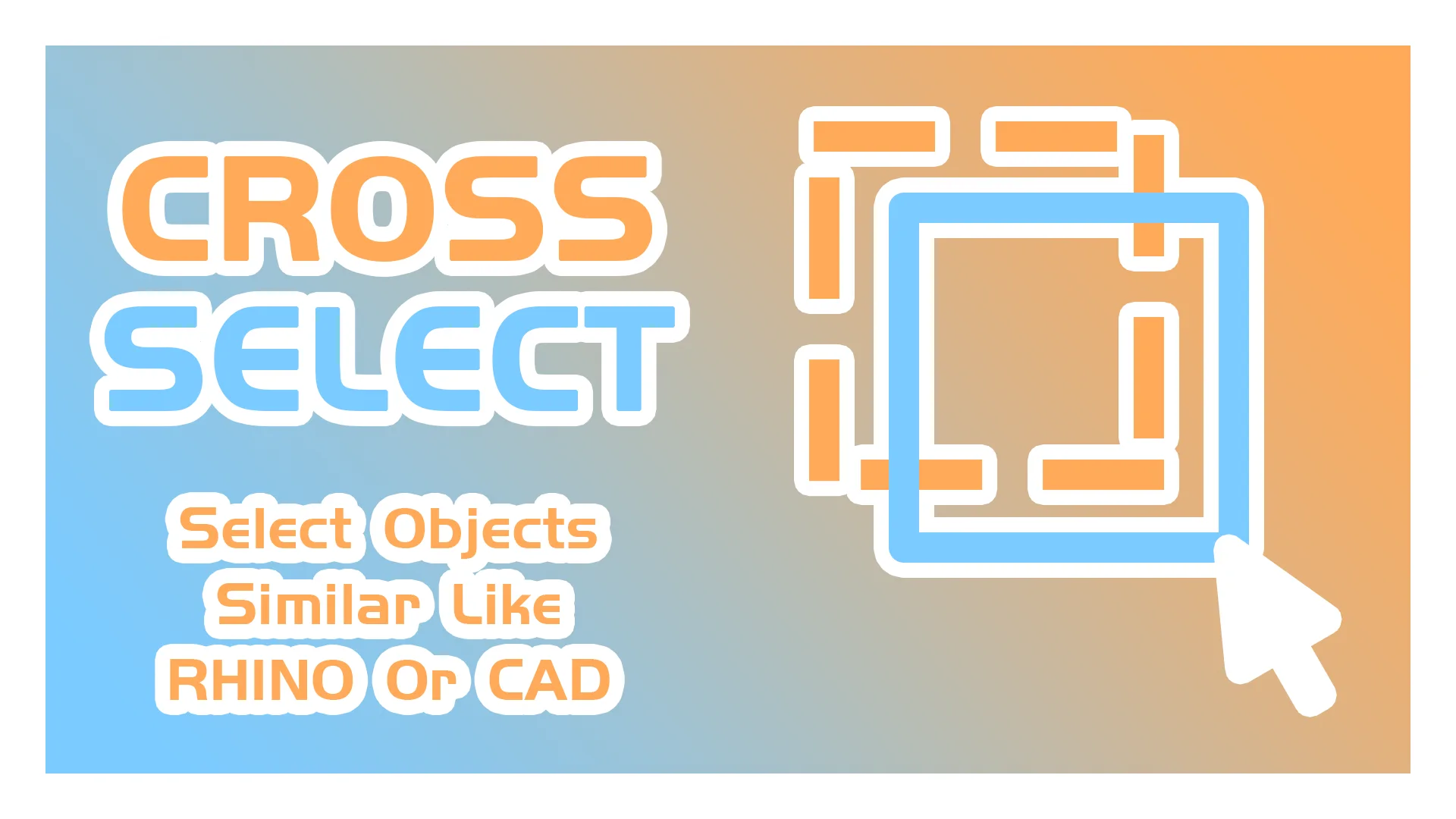
Cross Select is a Blender add-on for directional selection with a Rhino- and CAD-style workflow. The direction of a drag determines whether the selection requires a full match or accepts a partial match.
How selection direction works
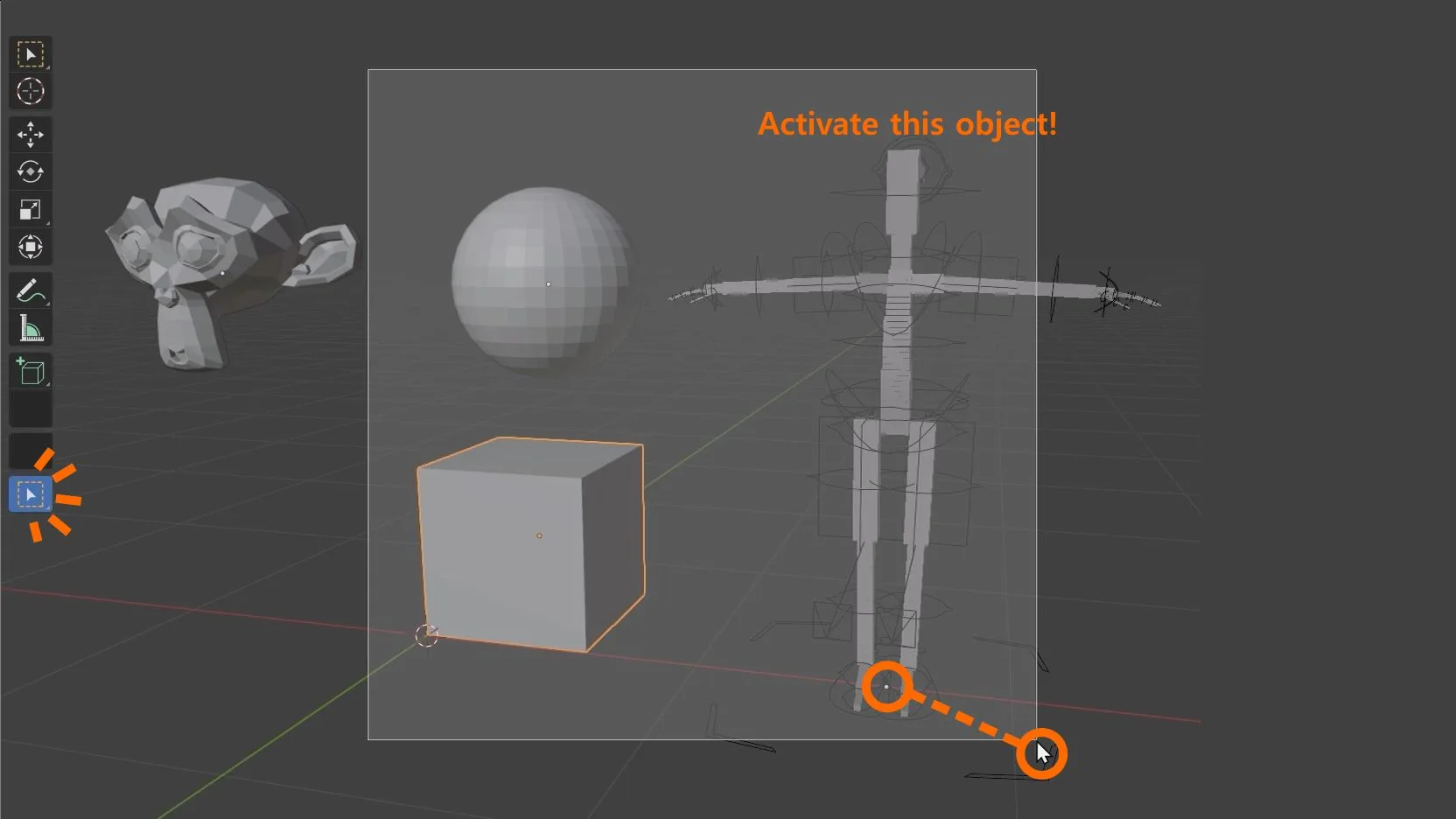
Drag from left to right for full-match selection: an object is selected when its vertices sit completely inside the drawn boundary. Drag from right to left for partial-match selection: an object can be selected when at least one vertex falls inside the boundary. Cross Select applies this behavior to both Box Selection and Lasso Selection.
In Edit Mode, it covers vertices, edges, and faces. In Object Mode, it covers meshes and other objects. Use a left-to-right drag to isolate elements enclosed by the boundary, or a right-to-left drag when you want a crossing selection. Box Selection draws a rectangle; Lasso Selection lets you draw a freeform outline.
Perspective selection and shortcuts
Version 1.0.9 adds a Perspective Selection parameter for see-through selection without enabling X-Ray. The add-on also has configurable shortcut keys, with their settings listed in its preferences.
Compatibility and installation
The Blender Extensions catalogue lists Cross Select version 1.0.9, maintained by RARA, with Blender 4.2.0 as its minimum version and a GPL-3.0-or-later license. Check the version history for release details. Blender documents installing an extension from disk in its Extensions preferences guide.