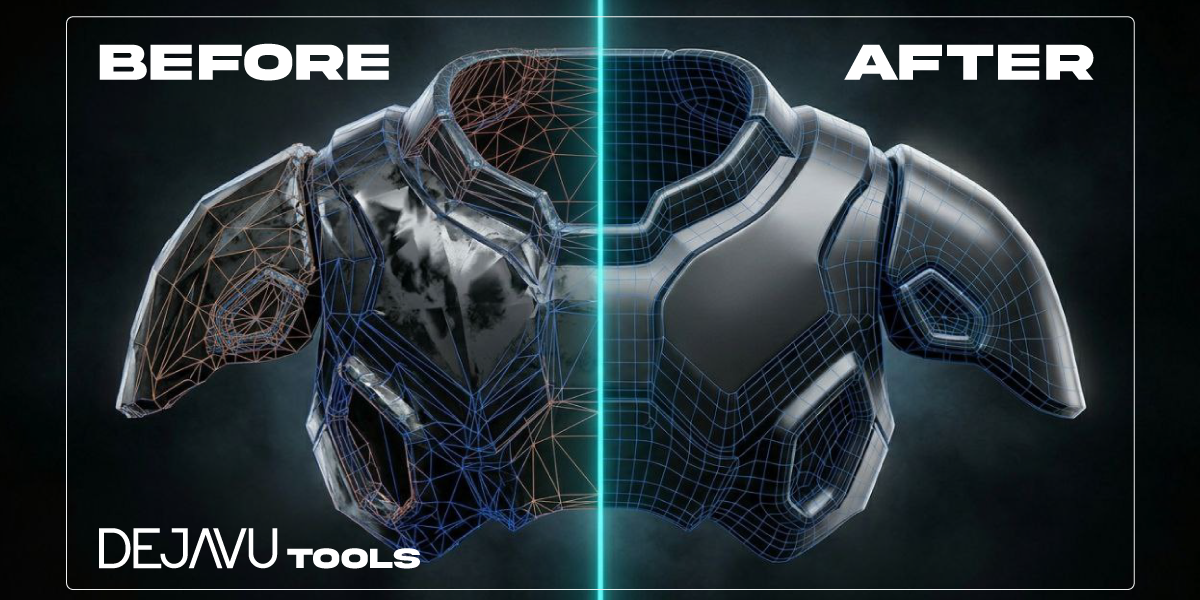
Curve Fitting is a Blender add-on for smoothing uneven mesh vertex arrangements while retaining the overall shape. Select connected vertices, and the add-on fits them to an approximated curve or surface. The Blender Extensions listing describes local bump removal on 3D scans as one use, including work with thousands of vertices at a time.
How the fit works
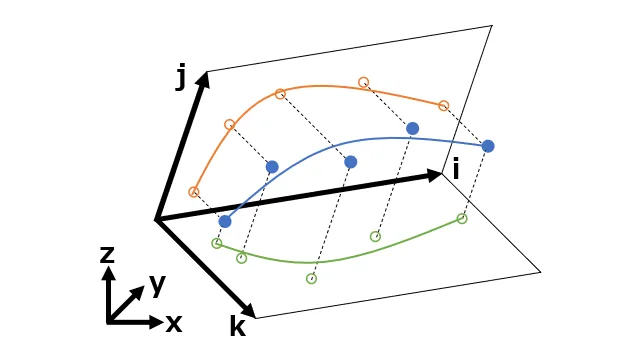
The add-on calculates a polynomial from the selected vertices, then moves those vertices onto the fitted curve or surface. It determines whether to use curve or surface fitting from the selection. Version 0.3.0 added surface fitting, so the extension can handle both types of arrangements.
Curve Degree and weight controls
Curve Degree sets the polynomial degree, up to 1000. Higher degrees can fit more complex arrangements, though the resulting fit may be less simple.
Ends Weight controls how resistant the first and last points are to movement during curve fitting. Its default is 10, and the minimum is 1. Border Weight controls how resistant surface boundary points are to movement, with a default and minimum of 1. Larger values make curve endpoints and surface boundary points harder to move; at the minimum of 1, those points can move according to the fitted curve or surface.
Select vertices and run Curve Fitting
In Blender, select the connected mesh vertices you want to fit. Run Curve Fitting from the right-click context menu or the Vertex header menu, then adjust the operator's properties. The result is based on the selected arrangement, so check that the selection covers the vertices you intend to smooth.
Limits and compatibility
The add-on’s algorithm is implemented only for Cartesian coordinates. Arrangements such as circles or spirals may fail if they overlap when projected onto a plane. Inspect the result on your mesh before relying on the fit, especially with shapes that fold over themselves.
The catalog lists version 0.3.0, Blender 4.2.0 as the minimum version, and the GNU GPL v3.0 or later. See the official extension listing for current release details, the developer README for usage and algorithm details.