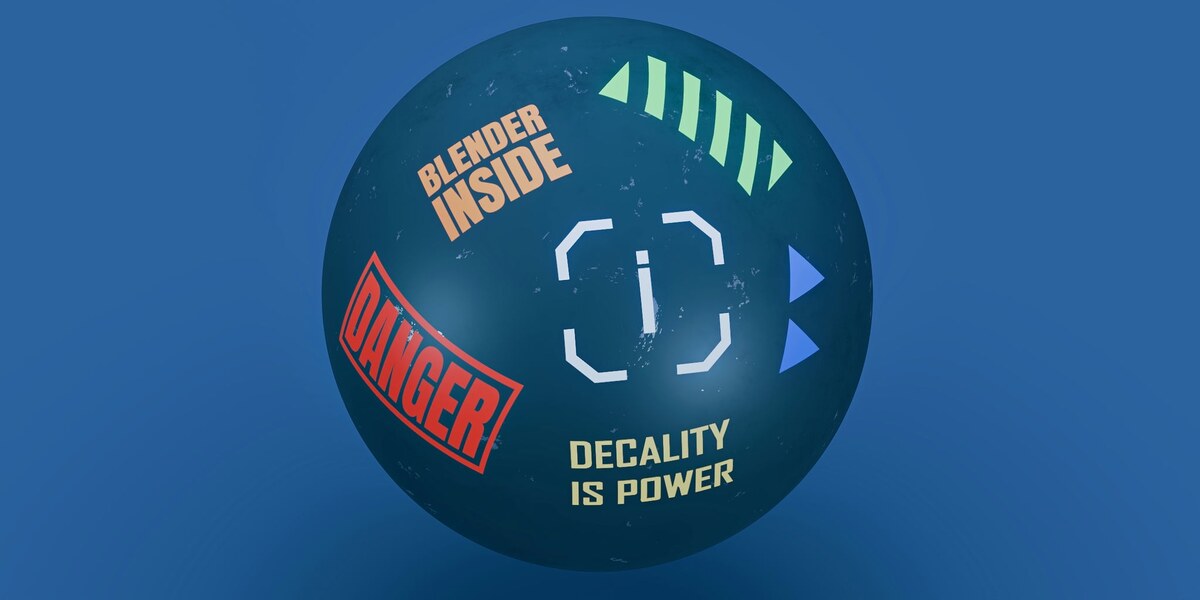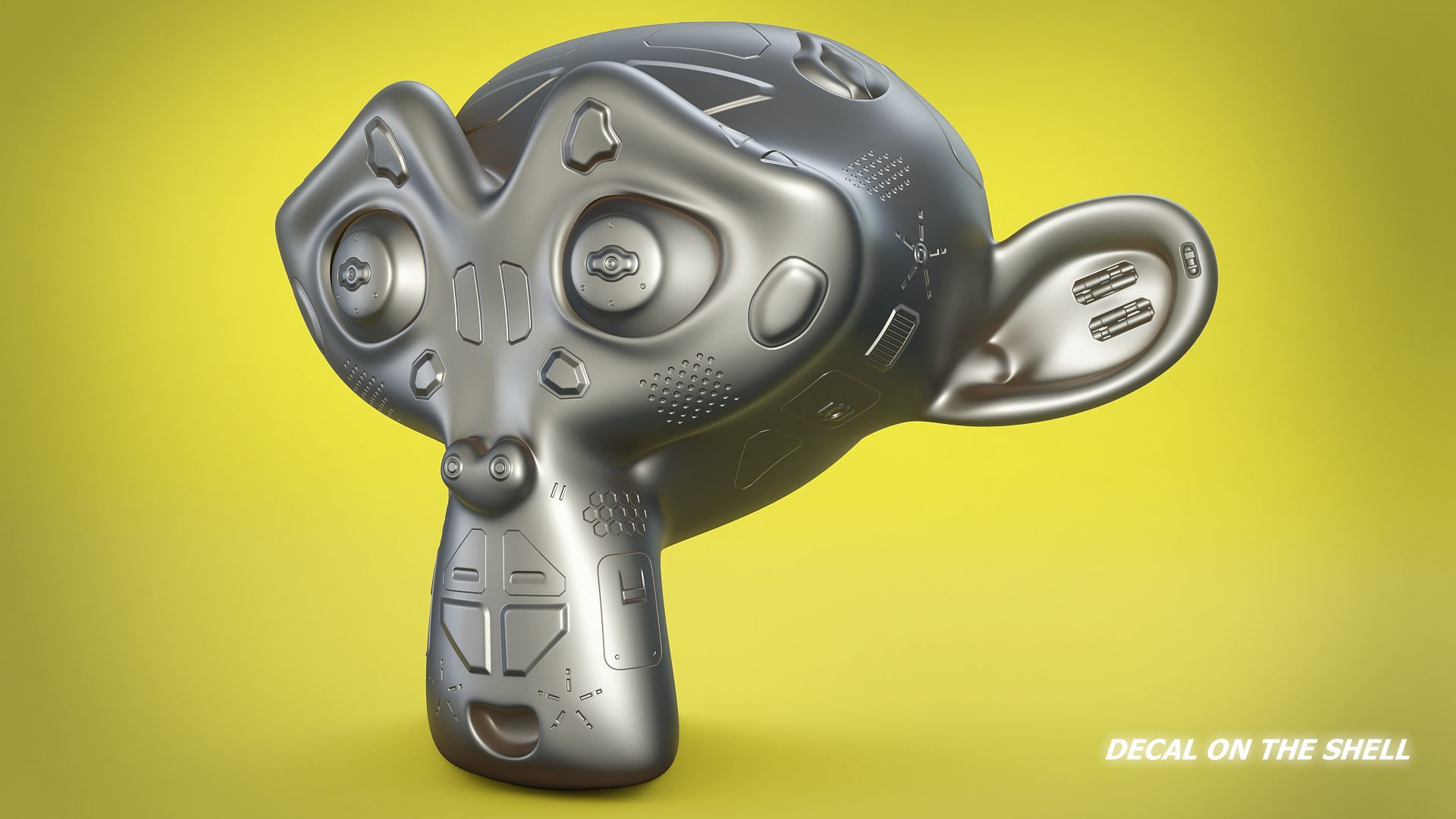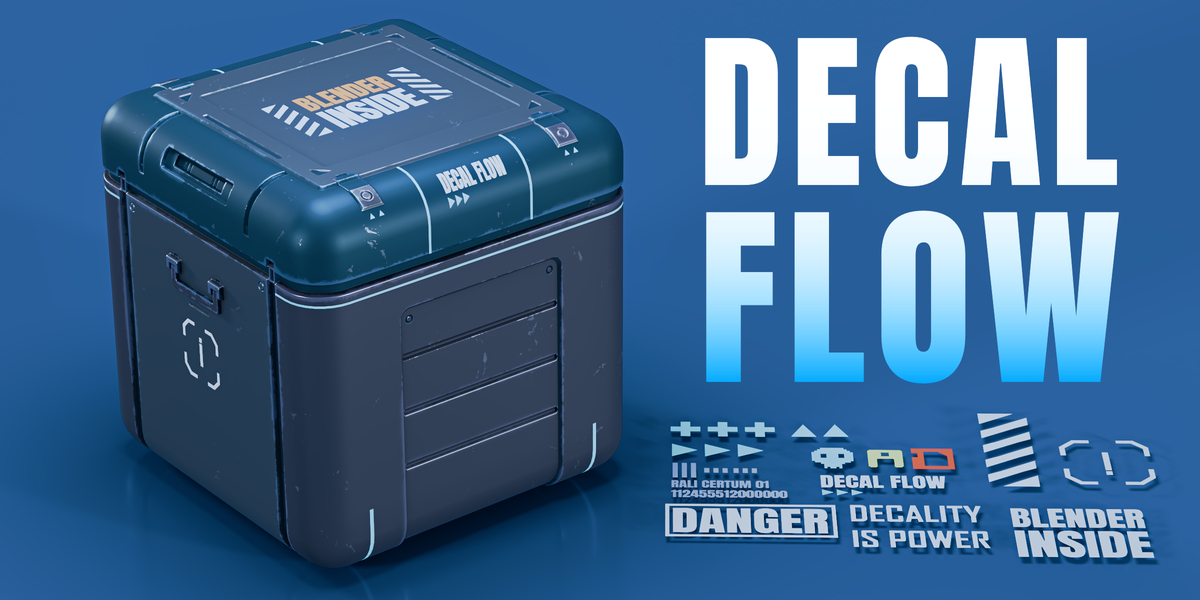
Decal Flow is a Blender add-on for projecting mesh-based decal designs onto other mesh surfaces. It can also generate meshes from images. Its workflow is built around making decal shapes in Blender, so artists can model and place those details without switching to external software for decal creation.
Decal design and projection
Blender Guppy describes shaping decals with Blender’s edit mode tools, using a grid-based structure made from faces. The add-on projects those mesh designs onto other mesh surfaces. This gives concept artists a way to sketch scene details with Blender’s modeling tools. For game artists, the listing describes baking decals into textures on a final low-poly mesh. Decal Flow can also generate meshes from images, though the documentation page does not yet explain that operation in detail.
The download includes a sample blend file for practicing with the video tutorial. Superhive marks the written documentation as a work in progress and points readers to a tutorial covering the add-on’s first iteration. The documentation page and video tutorial provide a starting point for exploring the workflow.
Compatibility and project fit
Superhive lists Blender 5.0 through 5.2 and marks the add-on as Blender Extension Compatible. It names Cycles and Eevee as render engines and GPL as the license. The listing also includes 12 months of support from Blender Guppy. Check the product listing for current compatibility details if your Blender version falls outside the listed range.
The sample file and tutorial can help you judge how the current workflow fits a particular mesh or image project.
Planned updates
The product page lists projection across multiple separate meshes, image projection using planes or grids, list UI enhancements, and additional draw controls as planned updates. Blender Guppy says future updates will be free. These items are listed as plans, so use the current feature description and available tutorial when deciding whether the add-on fits your project.