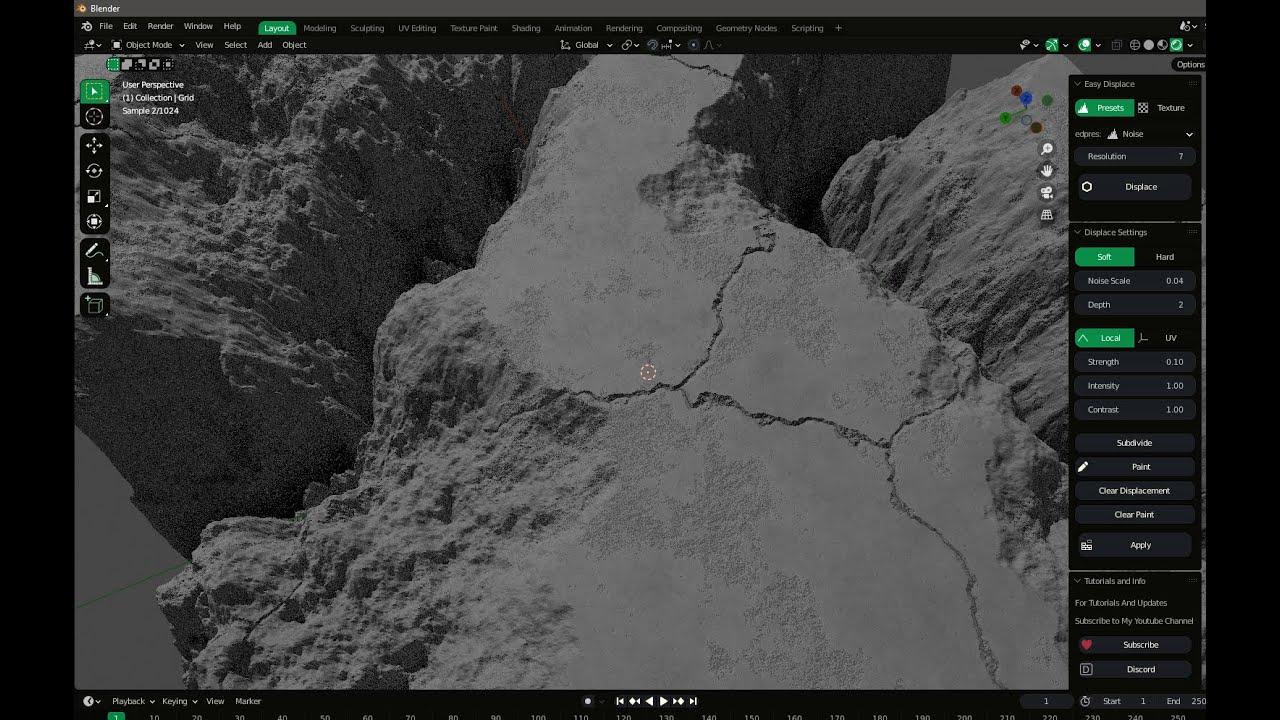
Easy Displacer Addon is a Blender modeling add-on for adding surface detail to geometry with displacement maps. Its product listing describes a workflow of no more than three clicks, reducing the setup steps involved in Blender's standard Displacement Modifier workflow. The developer presents it as a way to create realistic forms that can be difficult to sculpt by hand.
Choose a displacement preset
Start by selecting one of the 10 listed presets. Examples include Nose, Voronoi and Marble. The presets can be adjusted before applying them to an object, giving you a starting point for different surface patterns without having to prepare every map yourself.
Load a custom displacement map
You can use your own image as well. Open the Texture tab, the add-on's second tab, and load a displacement map for the object you want to detail. This option is useful when a built-in preset does not match the pattern you need.
Adjust detail and apply the result
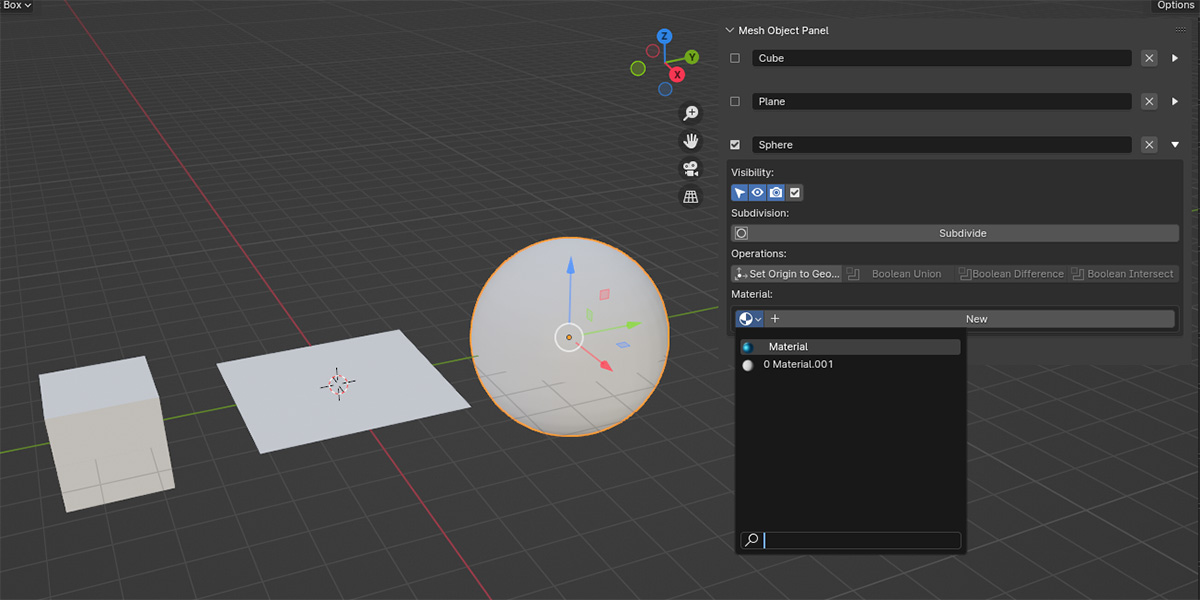
The resolution setting controls surface detail: higher values add more detail, up to the listed maximum of 15. The instructions recommend a value above 7 for objects with 500 faces or fewer, and 0 or 1 for a high-poly model. The listing also names Auto Subdivision. If your PC can handle a resolution above 10, the creator recommends using the Subdivide button for more detail. When ready, click Apply in the Settings panel to convert the object to an editable mesh for export.
For more than two displacements on different objects, click Apply before moving to the next object.
Check hardware and Blender compatibility
The creator says any PC can run the add-on, but not every PC can handle the geometry workload; PCs below the listed recommendation will be slow. The listing recommends an Intel Core i5-8700k with 16 GB of RAM. It also notes that more RAM allows work with more polygons, while more cores and a higher clock speed make displacement faster.
The product listing names Blender 2.8, 2.81, 2.82, 2.83, 2.9, 2.91, 2.92 and 2.93; versions 3.0 through 3.6; and 4.0. It identifies the license as GPL. The listing does not name later Blender versions, so check the Easy Displacer product page for current compatibility details before installing.