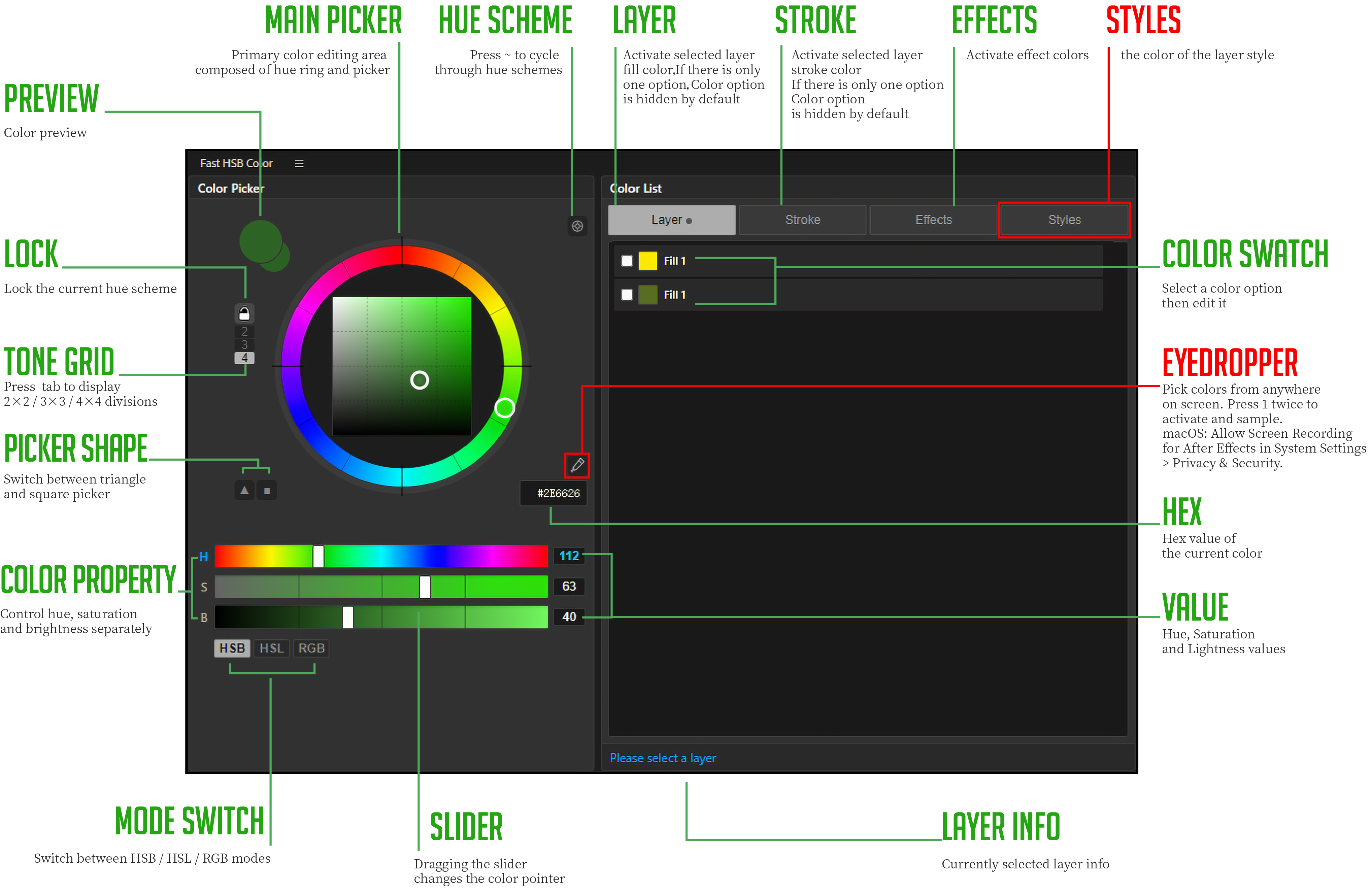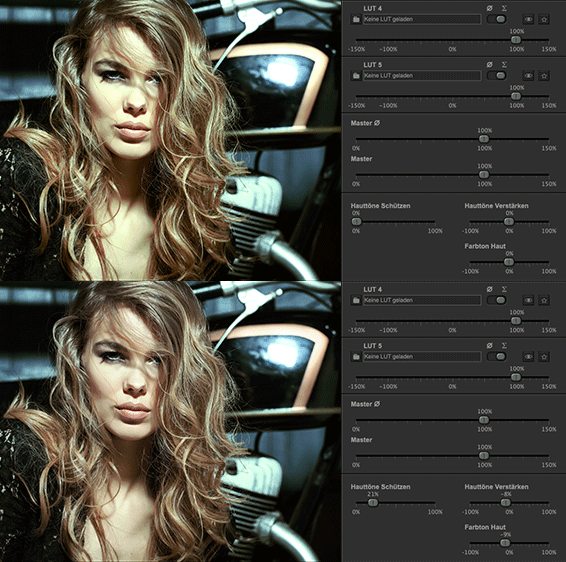
Fast HSB Color is an After Effects panel for collecting and editing color properties on selected layers. Select a layer in the timeline, choose a property from ColorList, then adjust it in the panel’s picker instead of opening the native color picker for each property.
Find and sample layer colors
ColorList automatically detects most color properties in After Effects, with Layer Styles excluded. Properties without colors appear gray, while color-bearing properties are highlighted. To sample a color, click the eyedropper icon and pick a pixel anywhere on the screen, including outside After Effects. You can toggle the picker with 1 or sample with a left mouse click.
Adjust hue and tone
The picker edits HSB, HSL or RGB values. Its Color Chessboard system is inspired by PCCS tone classification and supports triangular or quadrilateral picker modes. Choose from eight hue contrast schemes divided into 30° intervals with ~, or switch between 2×2, 3×3 and 4×4 tone grids with Tab. Multiple cursors let you compare tone regions at once. Adjust an elastic hue zone by holding Ctrl and dragging its boundary.
Windows shortcuts
On Windows, the arrow keys adjust saturation and brightness, Ctrl plus the left or right arrow rotates hue, and holding Shift with a shortcut makes a larger adjustment.
Compatibility and licensing
The listing specifies After Effects 2022-2026 on Windows and macOS, with 3D object color support in After Effects 2026. The listed license agreement grants one copy for use on one computer at a time; additional users or copies require appropriate licensing.