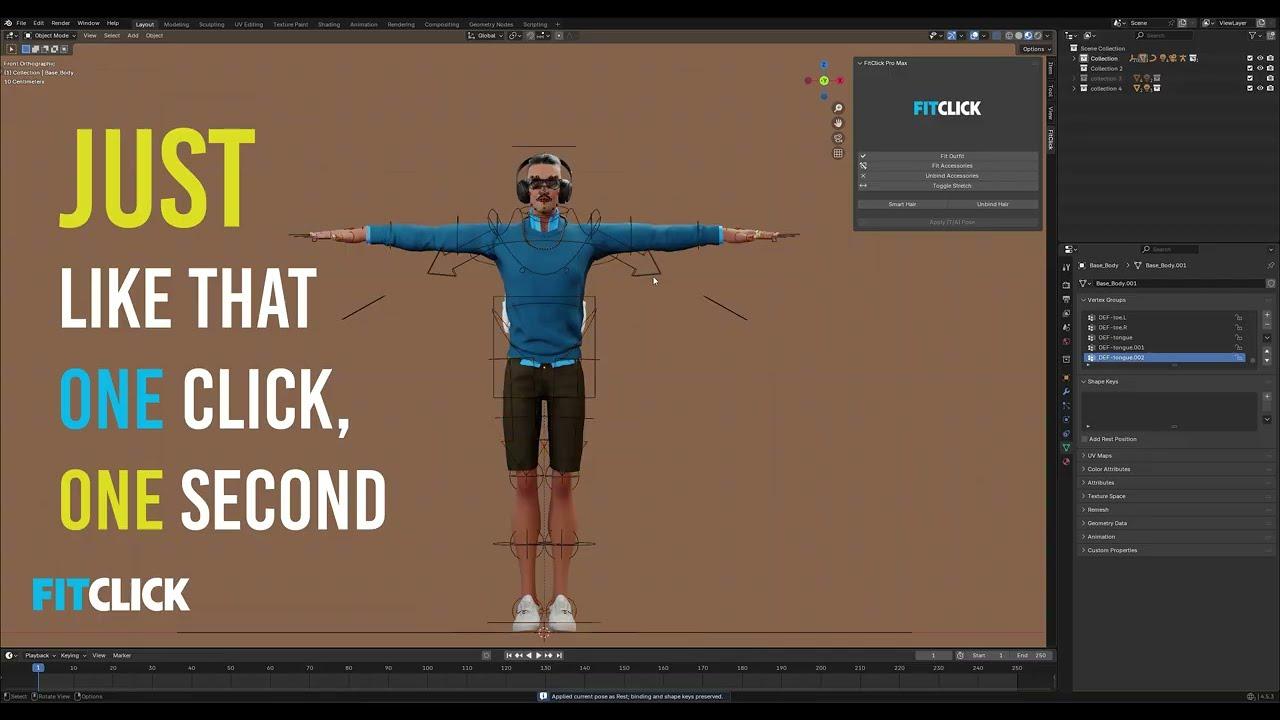
FitClick outfit binding in Blender
FitClick is a Blender add-on for binding clothing and other character items to a rig. The seller describes a workflow where you roughly align garments, select them, and bind them without choosing bones by hand. The listing says FitClick can detect its rig when only one character is visible. For a Basic multi-character scene, it says to select both the body and clothing so the add-on can identify the intended character. For the complete feature list, consult the FitClick listing.
What each version includes
- Basic handles clothing and is aimed at quick fitting when one character is visible. The seller says to use Basic's clothes button for garments only; using it on accessories may add unnecessary rig load.
- Pro adds the Smart Accessories System for items such as glasses, watches, headphones, rings, earrings, belts, and bags. The listing says it chooses a head or neck bone based on an item's placement and purpose. Pro also includes Auto-ignore for previously bound items and Toggle Stretch for optional scale inheritance.
- Pro Max adds the Smart Face Hair Binder for eyebrows, eyelashes, mustaches, beards, and head hair. The seller says it binds hair meshes only, ignores clothes and accessories even when selected, preserves hair shape keys, and follows facial expressions. It also includes T-Pose Freeze for changing the rig's Rest Position; the seller says this feature preserves shape keys and the original rig binding.
Rest Position and rig support
The seller says Pro Max's T-Pose Freeze converts a T-pose, A-pose, transition pose, or custom pose into a new Rest Position. The seller also says pressing it without changing the pose can prevent the body from passing through clothing. FitClick's listing names Rigify, Auto-Rig Pro (ARP), and custom rigs as supported. FitClick's documentation recommends applying all transforms before binding and using a clean T-pose or A-pose for accurate deformation.
The product page lists Blender 4.1–5 in its compatibility section, 4.0–5.0 in its version details, and the documentation says 4.0 and newer. Ask the developer to confirm support for your Blender version before installing. The listing also names Windows, macOS, and Linux as supported operating systems.
Installation
The seller's documentation gives the installation steps: download FitClick_Universal_v1.1.zip after purchase, then in Blender go to Edit → Preferences → Add-ons → Install, select the ZIP, choose Install Add-on, enable FitClick, and open it from the N-Panel. The product page says to leave the ZIP compressed during installation and tells Safari users to recompress the folder if the browser unzips it automatically.