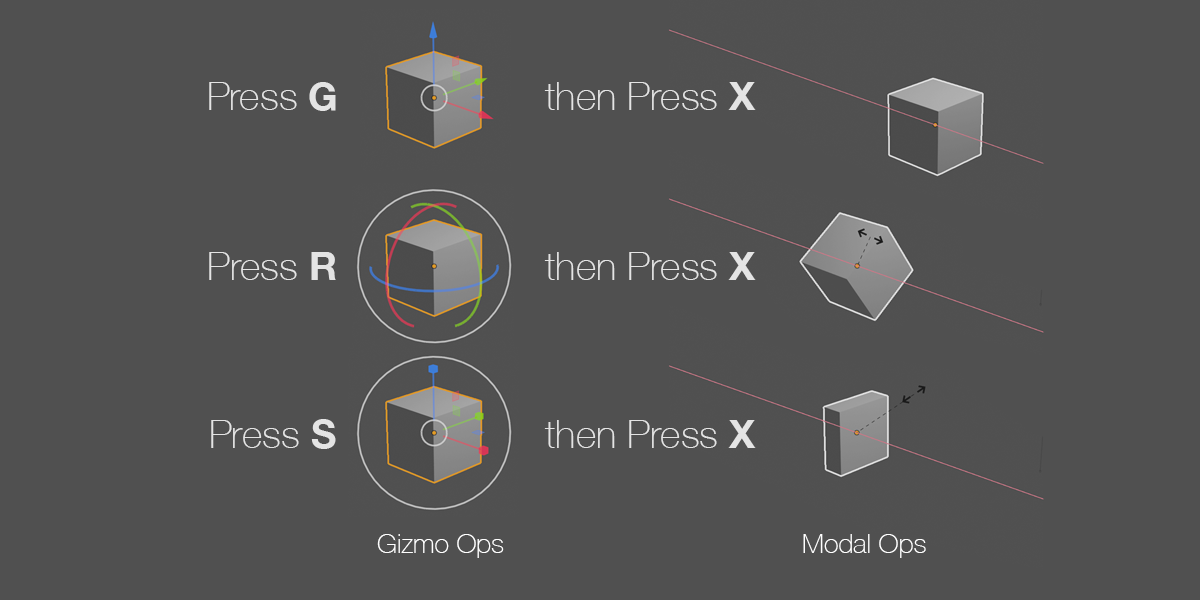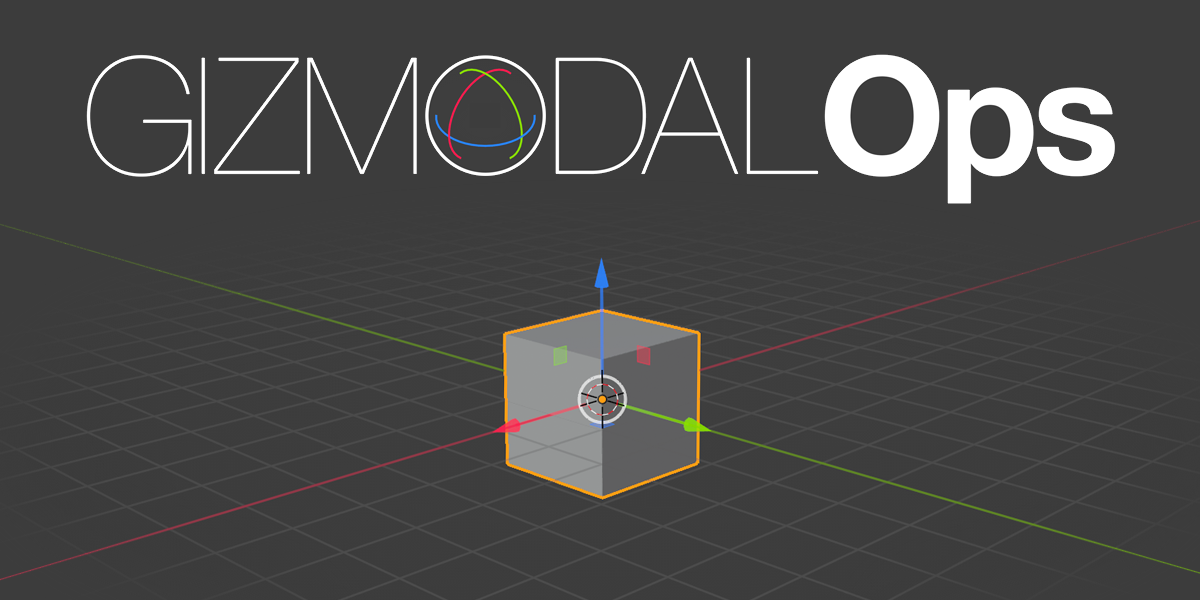
Gizmodal Ops is a Blender add-on for switching between visible transform gizmos and Blender's modal workflow. It listens to your keystrokes: a single key press keeps a gizmo visible, while multiple presses can switch to modal operations for moving, rotating and scaling. The creator describes it as a way for people coming from other 3D programs to use familiar gizmo controls while keeping Blender's modal operations available.
Use gizmos and modal transforms
The creator's documentation lists these controls:
G,RandSenable the corresponding gizmos for moving, rotating and scaling.- Press
X,YorZto activate the Modal Operator. - Pressing
G,RorSand moving the mouse also enables the modal operator.
A demo video is linked from the product listing if you want to see the keystroke behavior.
Install the add-on and save its settings
The creator's install instructions say to download the ZIP, then in Blender open Edit > Preferences > Add-ons and click Install. Choose the ZIP file, click Install Addon, and enable Gizmodal Ops with the checkbox. Its settings are in the Sidebar (N-Panel) under View > Gizmodal Ops.
If your settings disappear after closing Blender, check whether Auto-Save Preferences is disabled. In that case, use Edit > Preferences > Save Preferences. If you change Blender's active keymap and Gizmodal Ops stops working, the product FAQ says to restart Blender after enabling the new keymap.
Compatibility and download
The Superhive listing describes Gizmodal Ops as compatible with Blender 2.83 and above, with compatibility entries shown from 2.83 through 4.3. Check the Blender Extensions listing for current compatibility details. The add-on is marked GPL and is available free through Blender Extensions.