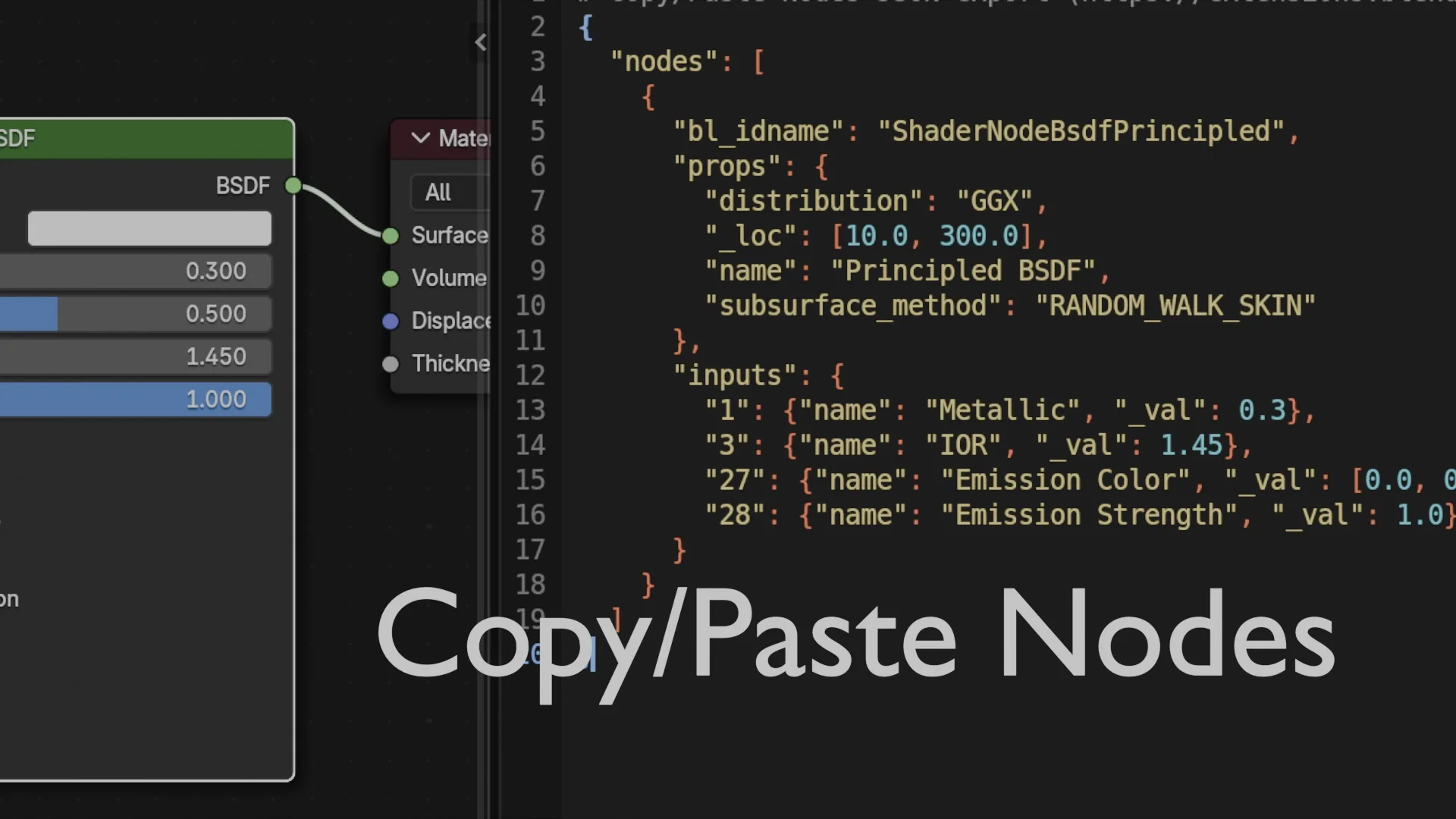
Global Copy Nodes lets you copy node setups between Blender projects, separate sessions, and running Blender instances. Its disk-based global buffer keeps copied nodes available as you move between those contexts. The extension listing identifies version 1.0.5 and sets Blender 4.2.0 as the minimum Blender version.
Copy and paste node setups
The add-on provides Global Copy Nodes and Global Paste Nodes operators. Their default shortcuts are Ctrl+Shift+C and Ctrl+Shift+V. With Copy to Internal Buffer enabled, the default, a copy also goes to Blender’s internal buffer. You can reuse node setups between projects without saving the node data manually.
The global buffer requires permission to read and write its file on disk. That storage is what allows the buffer to work across sessions and separate Blender instances. See the feature overview for the described preferences and default shortcuts.
Set the buffer and scene behavior
Custom Copy Path is off by default. You can enable it to choose where the global buffer is stored; the feature overview describes using that path to copy between different Blender versions. Check the target versions and buffer location when setting up that workflow.
Automatic Link To Scene is on by default. It links attached objects or collections to the active scene when pasted. If you turn it off, those items stay hidden until you link them manually. A separate preference controls whether attached objects go into a new default collection or the scene collection.
Compatibility and source
The Blender Extensions listing identifies hisanimations as the maintainer, version 1.0.5, a Blender 4.2.0 minimum, and the add-on’s disk read and write permission for the node copy buffer. It lists the GNU GPL v3.0 or later license. Consult the source repository for project details.
For installation, Blender’s manual explains how to install an extension from disk.