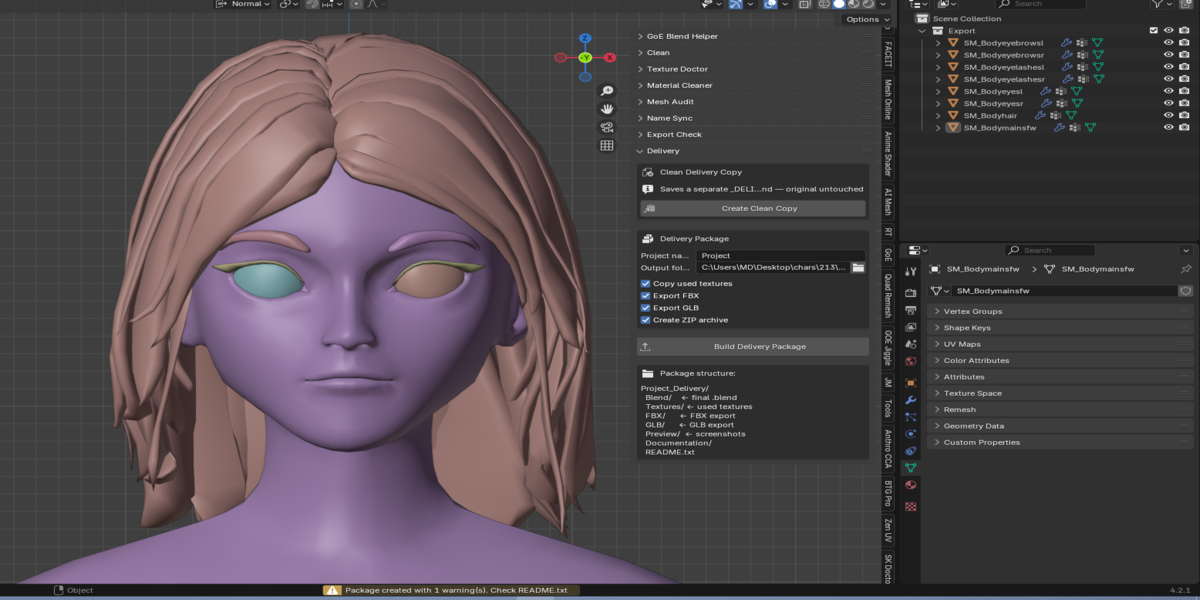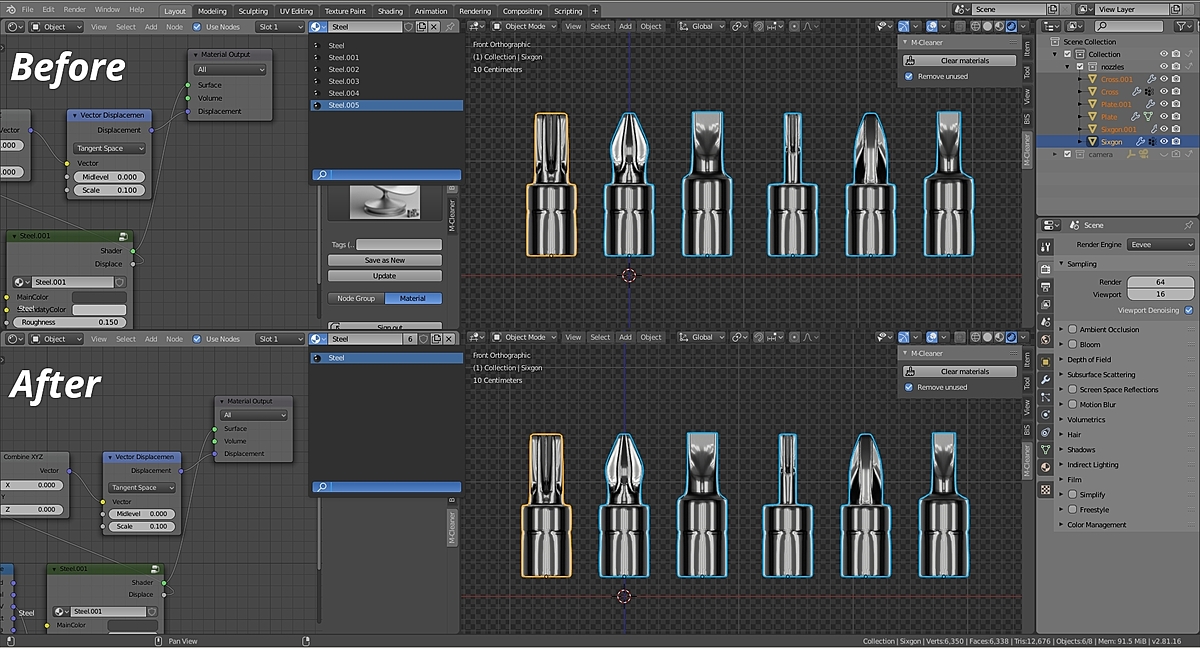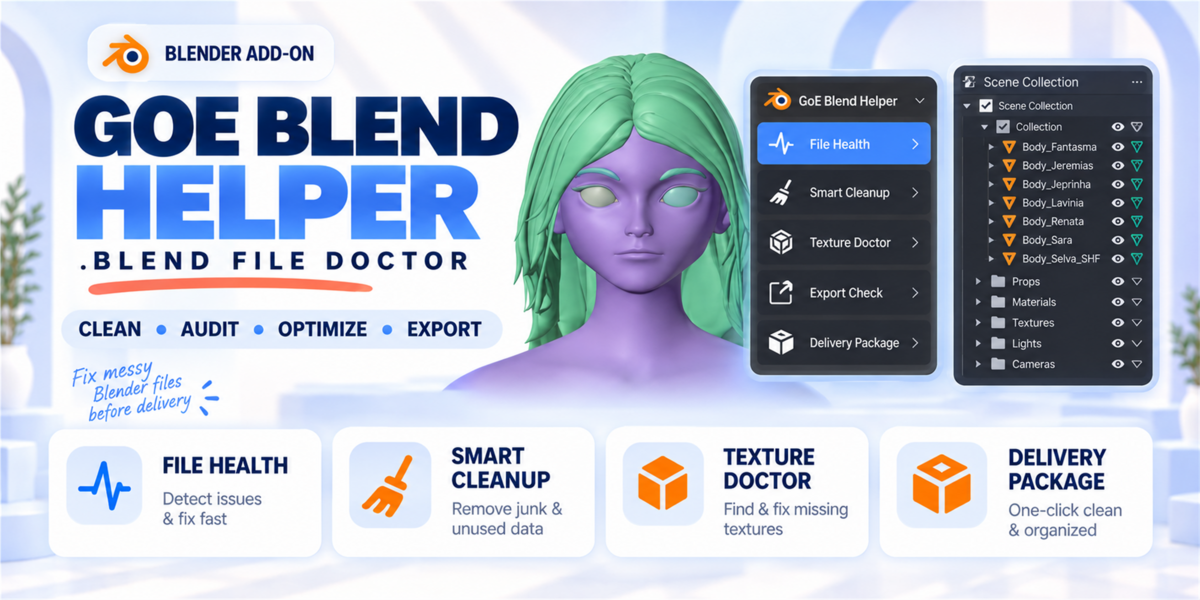
GoE Blend Helper - .Blend File Doctor is a Blender add-on for checking a project before export or client handoff. It scans for missing textures, duplicate materials, unused data, mesh issues, inconsistent names and export blockers, then gives you tools to address them.
Review scene health
A one-click File Health Dashboard reports file size, texture memory, missing textures, duplicate materials, orphan data, simulation cache size and potential space savings. It also provides an overall Health Score, giving you a summary before you decide what to inspect.
Choose what to clean
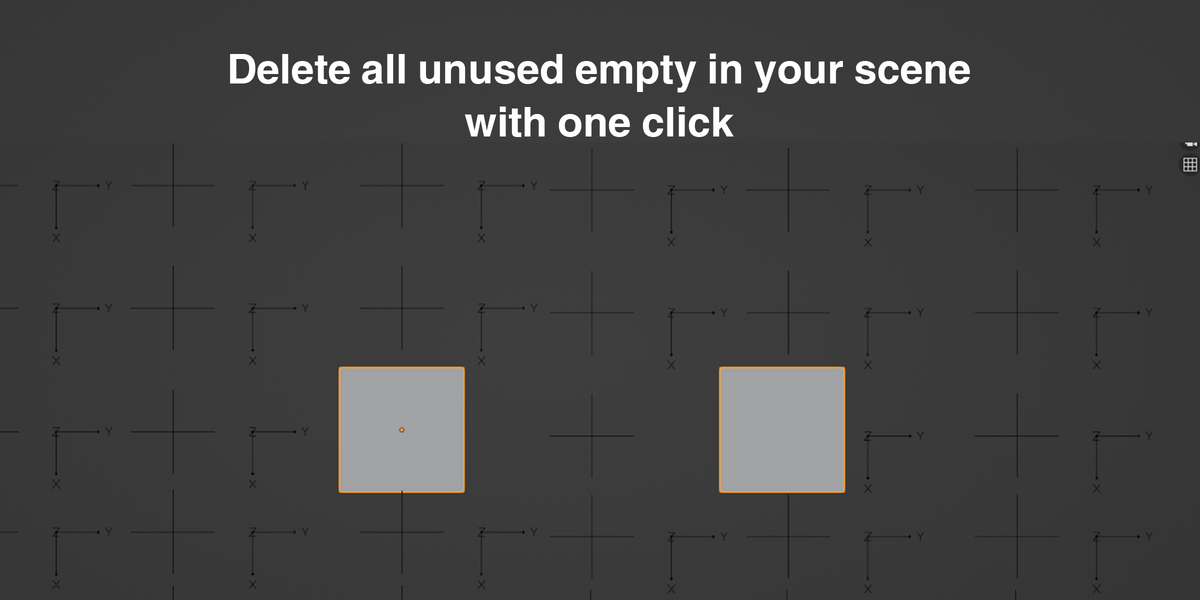
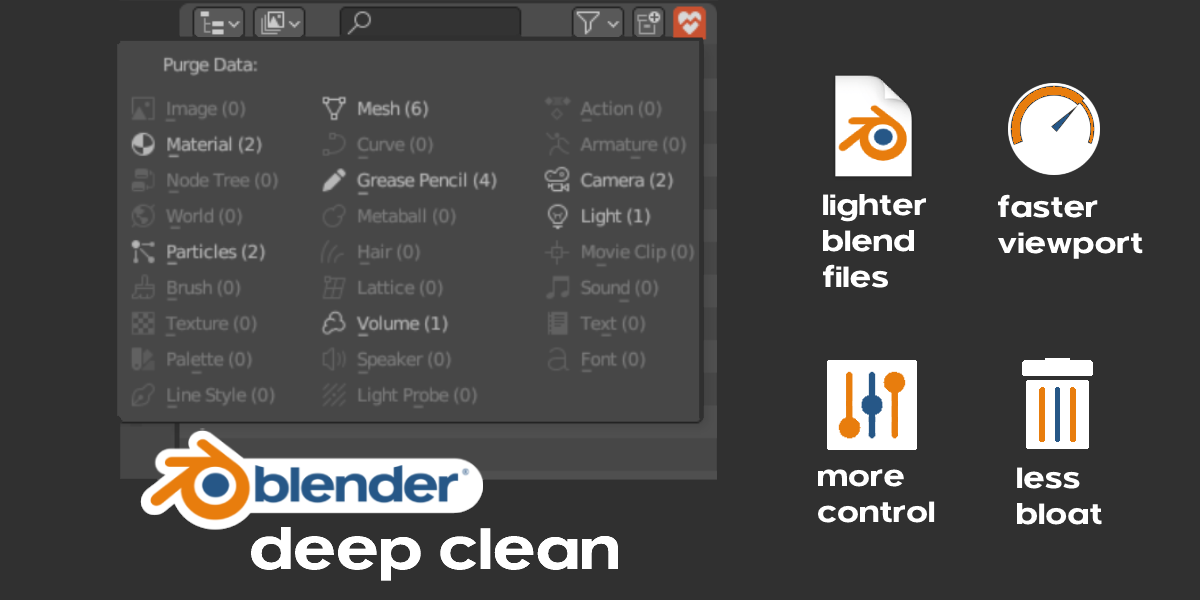
Smart Cleanup can remove unused images, materials, meshes, actions, node groups, worlds, empty collections and simulation caches. Each cleanup action shows a preview first, and you choose what to remove. You can create a clean delivery copy or package while keeping the original .blend file untouched.
Check textures and materials
Texture Doctor looks for missing, unused or incorrectly configured textures. It can relink textures from a folder, fix Normal Map colorspace, pack textures into the .blend file, or unpack them into a folder. Material Cleaner finds duplicate materials by name suffix and node tree structure, merges duplicates across the scene, and removes empty material slots.
Inspect meshes and object names
Mesh Audit checks for non-manifold geometry, loose vertices, N-gons, zero-area faces, missing UVs, missing materials and unapplied scale. Selecting an issue takes you to the affected object in the viewport. Quick fixes cover scale, loose geometry and normals.
Name Sync applies naming presets for common export workflows: PascalCase for Unity, SM_ plus PascalCase for Unreal, snake_case for Godot, or an Export Safe format that uses letters, numbers and underscores.
Check export readiness and prepare a package
Export Preflight checks readiness for Unity, Unreal Engine, Fab, Godot or client delivery. It returns a readiness percentage and a list of issues to review before sending the project.
Delivery Package can create a clean .blend file with used textures, optional FBX or GLB exports, preview and documentation folders, and an automatically generated README. You can also create an optional ZIP archive.
Compatibility and intended use
The Superhive listing identifies Blender 4.2 through 5.2 compatibility, marks the add-on Blender Extension Compatible, and lists a GPL license. The tools are aimed at freelancers, asset sellers, character and environment artists, and studios preparing Blender projects for clients, marketplaces or game engines.
See the Superhive product listing for the product details and compatibility information.