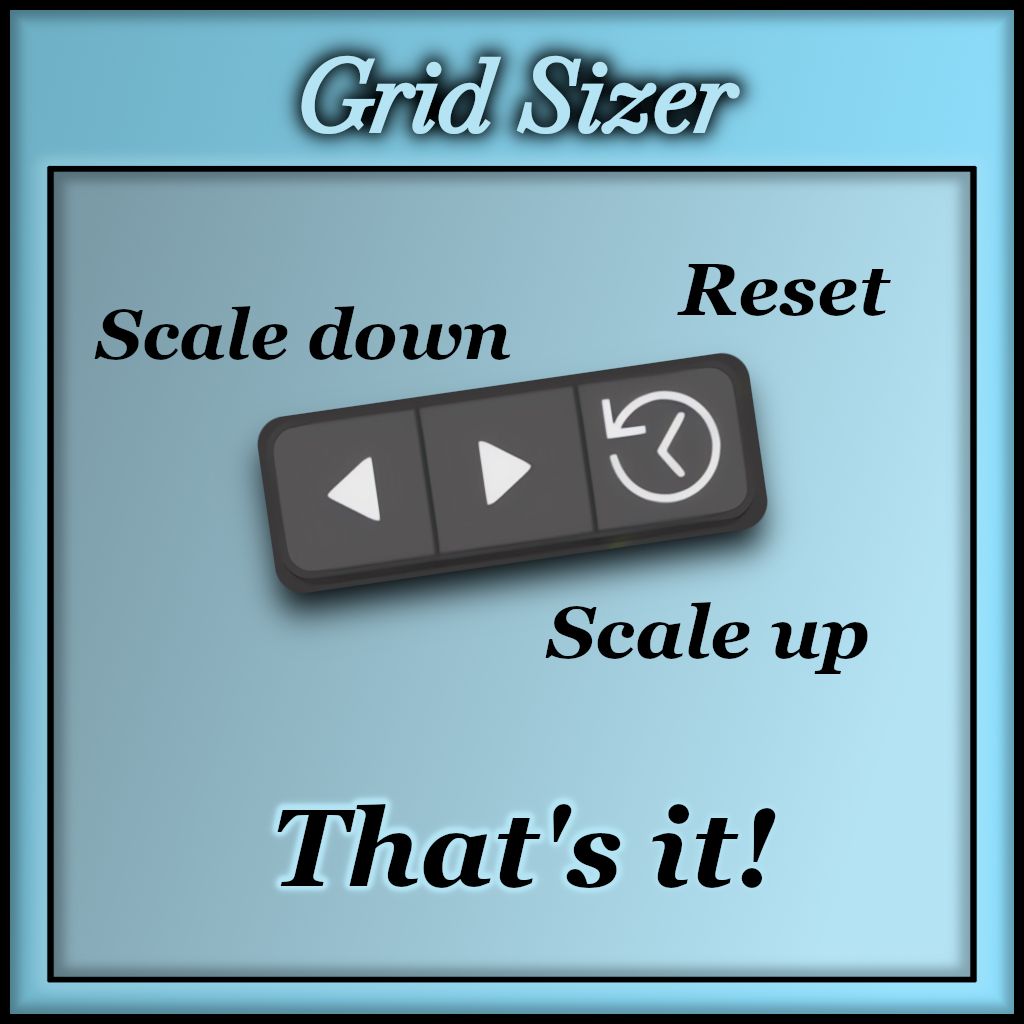
Grid Sizer is a Blender add-on for adjusting the 3D viewport grid. Its controls double or halve the grid size, reset it to Blender’s default, and can be assigned to hotkeys. That can help when laying out basic map geometry such as walls and floors, or when adjusting the grid during modeling, animation, or rigging.
Adjust by scale or fixed increments
Version 1.2 adds fixed increments alongside scaling controls. Increase or decrease the grid by a constant amount, or multiply or divide its size.
Synchronize viewports or adjust them separately
Grid changes can apply across all 3D viewports at once. In the add-on’s Preferences, you can turn off synchronization so each viewport responds to its own targeted resizing.
Show and limit the grid size
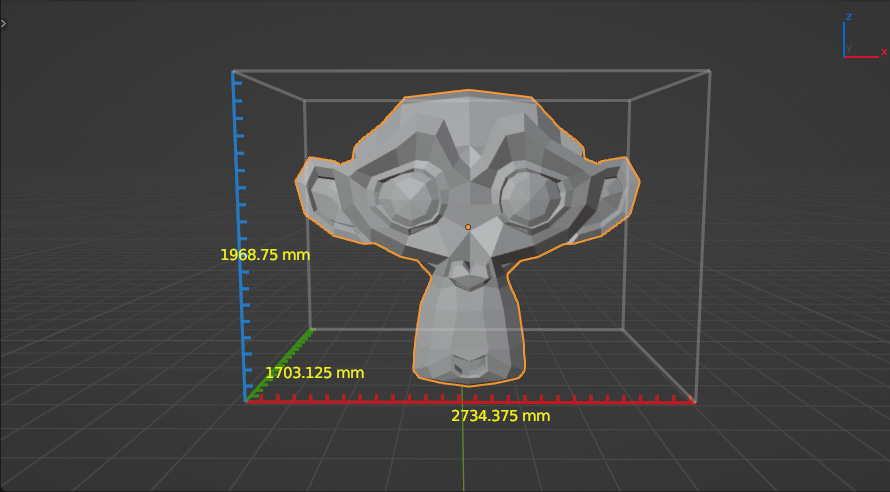
Preferences can display the current grid size on screen. The display supports metric and Imperial units, and can switch between cm/m and inches/feet below a given size. You can also set minimum and maximum grid values. For Imperial readouts, set Imperial as Blender’s default measurement system.
Compatibility and license
The Superhive product listing identifies Grid Sizer as a GPL-licensed add-on for Blender versions 2.83 through 5.0.