Helio is a Blender add-on that calculates the Sun’s position from GPS coordinates, date, and time, then applies it to a Sun light and Sky Texture. It uses the NOAA Solar Calculator algorithm and works offline. That makes it useful for architectural visualization and exterior scenes where the sun angle should match a real location and time. The developer’s README documents its controls and workflow.
Set sun and sky from a real location
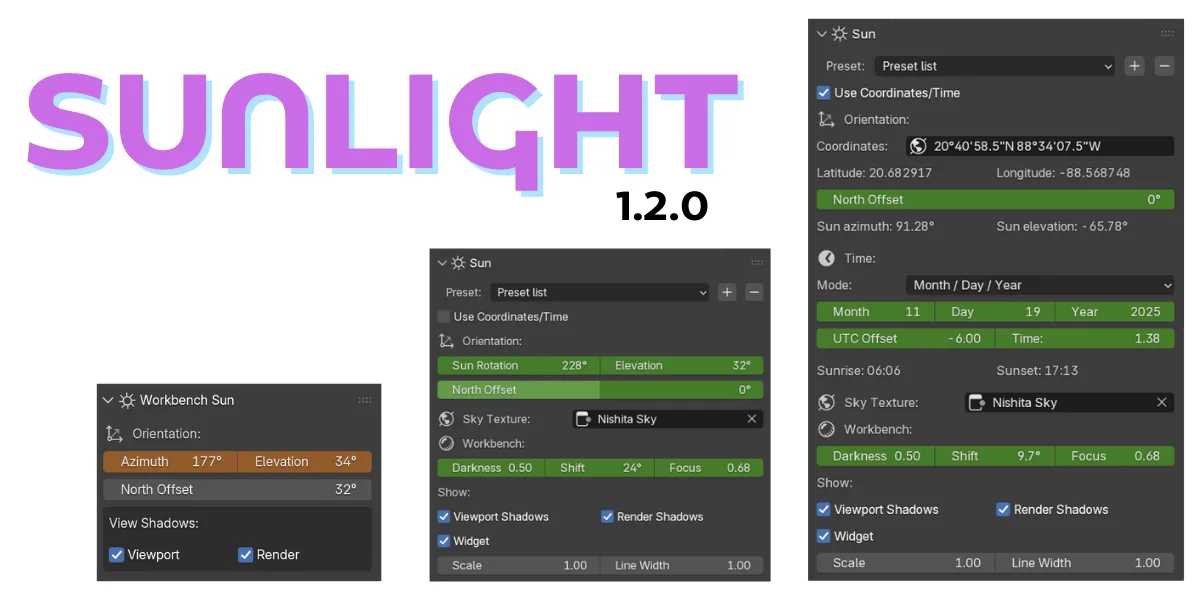
Enter coordinates in decimal or degrees-minutes-seconds format, then choose a date from 1901 through 2099 and set the local time. Helio detects the UTC offset from the coordinates, including daylight saving time, and provides a manual offset setting if automatic detection fails. After you apply the values, it updates the Sun’s position and the Sky Texture. Color temperature follows solar elevation, while sun intensity uses Kasten’s Air Mass formula with an altitude correction. Refraction correction adjusts the apparent solar position near the horizon, and Helio displays calculated local sunrise and sunset times.
You can choose the Sky Texture’s Single Scattering or Multiple Scattering model and select one of five environment presets: City, Countryside, Mountains, Desert, or Coast. Each preset adjusts air, aerosol, and ozone density. The non-City presets are visual approximations, with no claim of physical accuracy.
Set up Helio in a Blender scene
- Add a Sun light to the scene.
- Open the 3D Viewport’s N-panel and choose the Helio tab.
- Select the Sun light in the Sun Object field, then enter the location, date, and time.
- Click Apply to update the lighting. A green viewport line can show the scene’s north direction, with an offset available when the scene’s orientation differs from true north.
For installation, download the extension archive and use Blender Preferences → Extensions → Install from Disk, then enable Helio. The Blender Extensions listing identifies Blender 5.0.0 as the minimum version for the listed release.
Bake a time-of-day animation
Helio can bake Sun position and sky parameters as keyframes. Set a start and end time, choose the interval between keyframes, and select Linear, Constant, or Bezier interpolation. Clear Animation removes the keyframes Helio baked onto the Sun object and World. The documented controls use a selected date and a time-of-day range; the available documentation does not describe baking an animation across multiple dates.
The Blender Extensions catalog lists Helio under the GPL-3.0-or-later license. Check the extension listing and project repository for the current package and documentation.