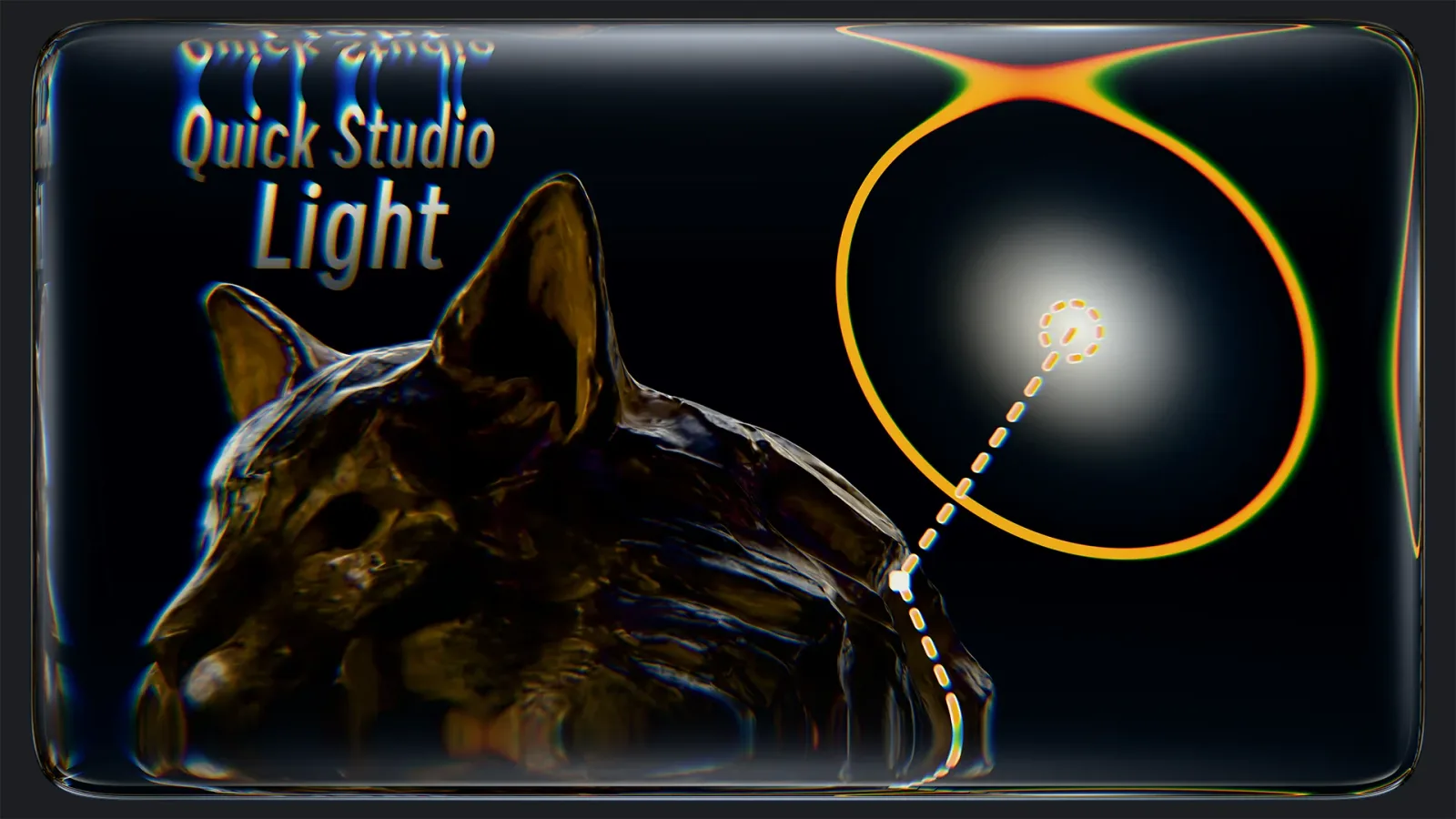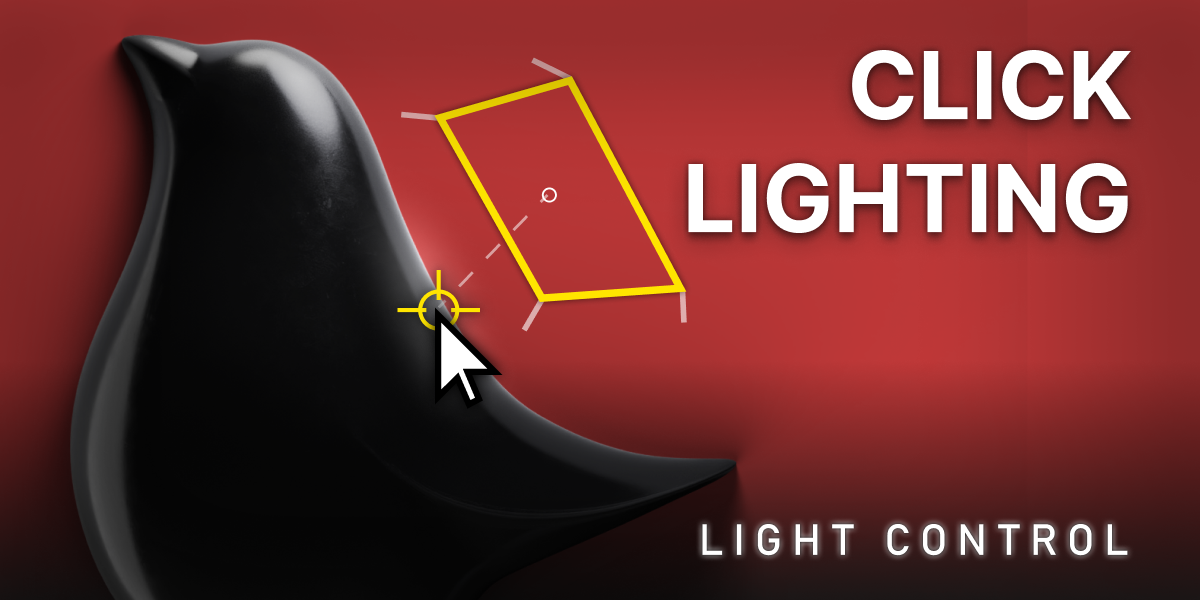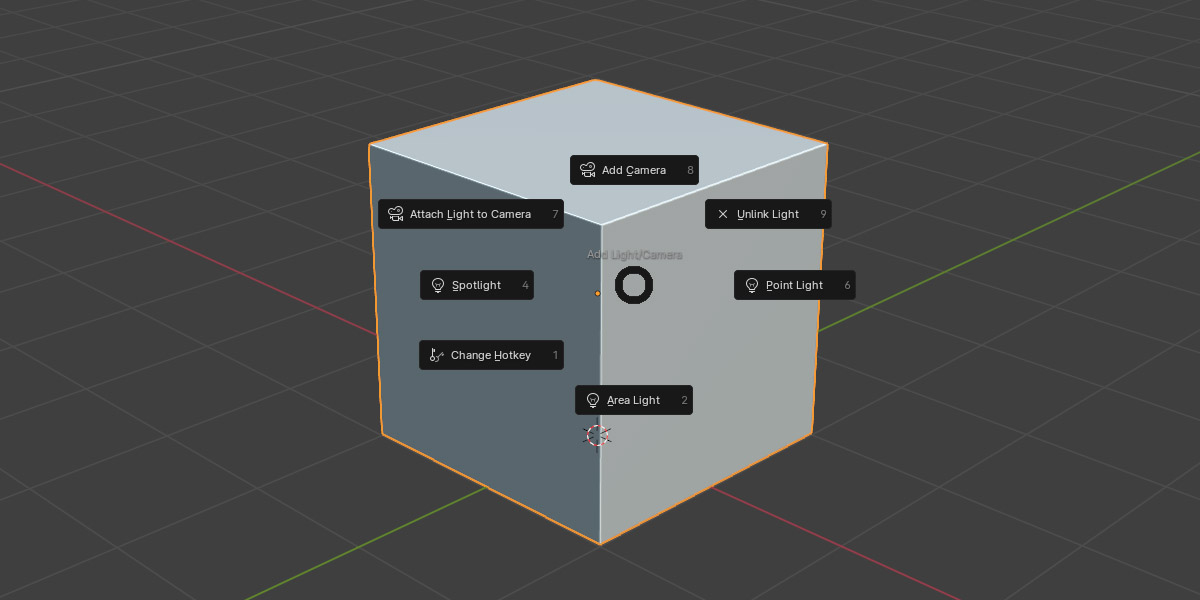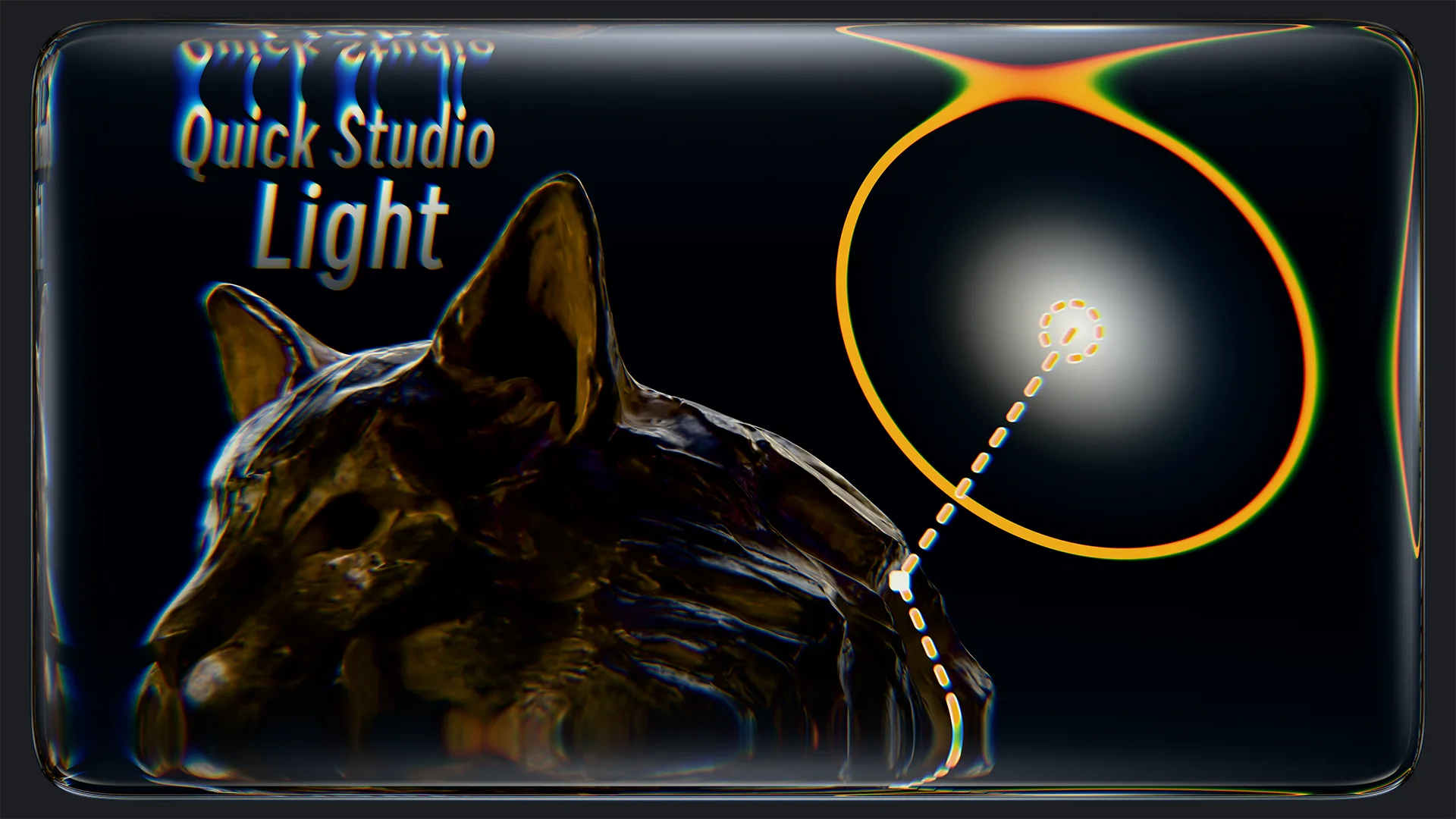
Quick Studio Light is a Blender add-on by Shuimeng for managing lights in the 3D View. Its controls include hover-based light placement , precision adjustment, the Light Parameters Panel and selection by lit area.
Place a light and confirm its position
Press Shift + R to activate Lighting Mode. Move the cursor over an object, and the add-on controls the light to illuminate the target area. Press Spacebar to switch to Precision Adjustment Mode, where you can confirm or cancel the placement.
- Left Mouse confirms the light placement.
- Right Mouse or Esc cancels it.
Adjust lights and find them by their effect
Press Ctrl + Right Mouse to open the Light Parameters Panel. It shows standard light settings and parameters retrieved from light node groups, so you can adjust node properties from the panel.
To select an existing light, use Alt + Right Mouse on an area that light illuminates. This can help when a scene contains several lights and you need to identify the one affecting a particular part of the object.
Shortcuts and compatibility
Quick Studio Light lets you customize its four main shortcuts in Preferences. The Blender Extensions listing identifies Shuimeng as the maintainer and lists version 1.2.2, Blender 4.2.0 as the minimum version, and the GNU GPL v3.0 or later license. Check the listing for current release details before installing.