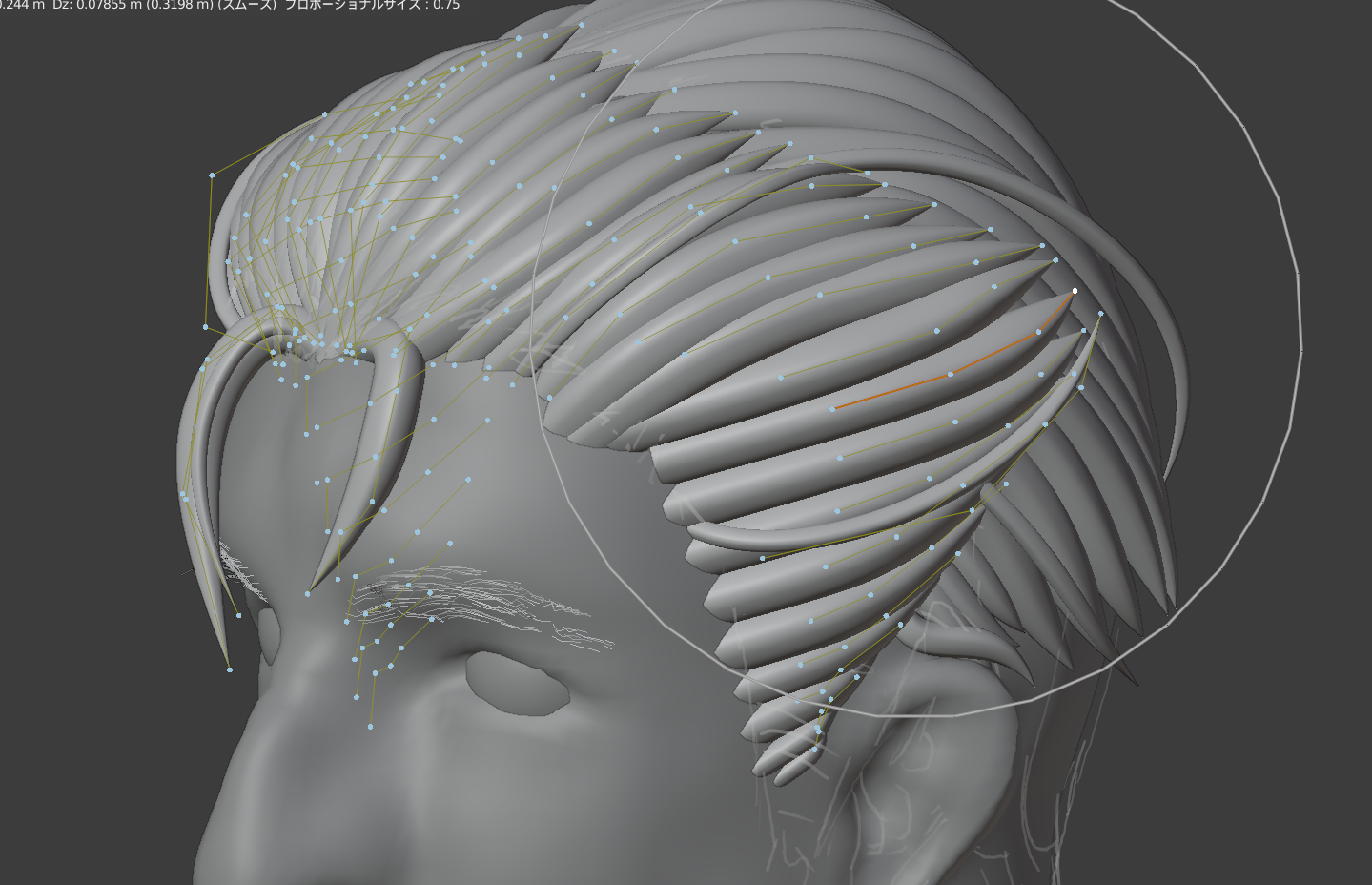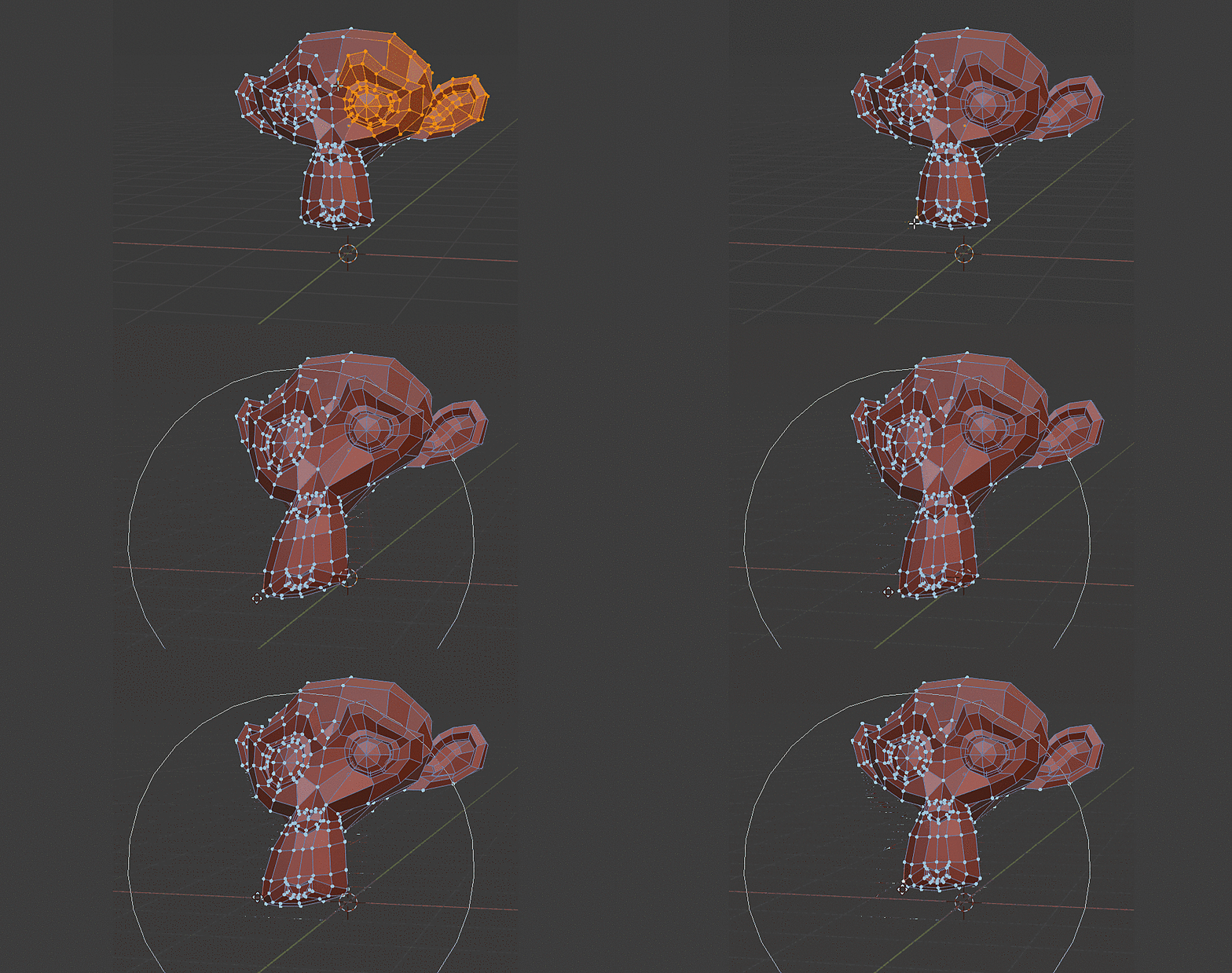
Hide Only Vertex [Lock Vertex] is a Blender add-on by Bookyakuno. It hides mesh vertices while leaving faces visible, and can also hide points on curves. The developer recommends using it as a temporary or simple way to lock editing. See the developer documentation for its workflow notes.
Hide vertices or curve points
For a mesh, choose Mesh > Show/Hide > Hide Only Vertex. For a curve, choose Curve > Show/Hide > Hide Only Vertex. The shortcut is Ctrl + Shift + H. To run Hide Only Vertex (Unselected), use Alt + Ctrl + Shift + H.
To restore hidden vertices or points, choose Reveal Hidden from the Mesh or Curve Show/Hide menu, or press Alt + H.
Compatibility and modeling notes
The product listing reports Blender versions 2.83 through 5.0 and a GPL license.
- Hidden vertices are cleared when switching to Weight Paint, Vertex Paint or Sculpt mode, so the add-on hiding method is not usable in those modes. The documentation recommends normal hide or a sculpt mask instead.
- In the UV Editor, hidden vertices are synced when UV Select Sync is enabled.
- Proportional Editing with Connected Only may behave poorly if you hide an outer edge loop and move adjacent vertices on both sides of the open edge. The documentation says temporarily adding a loop edge can let those vertices move normally.
- Blender operations may behave unexpectedly because they do not assume that only vertices are hidden. For example, dissolving loop edges can remove multiple loops. Reveal the hidden vertices before removing a loop edge.