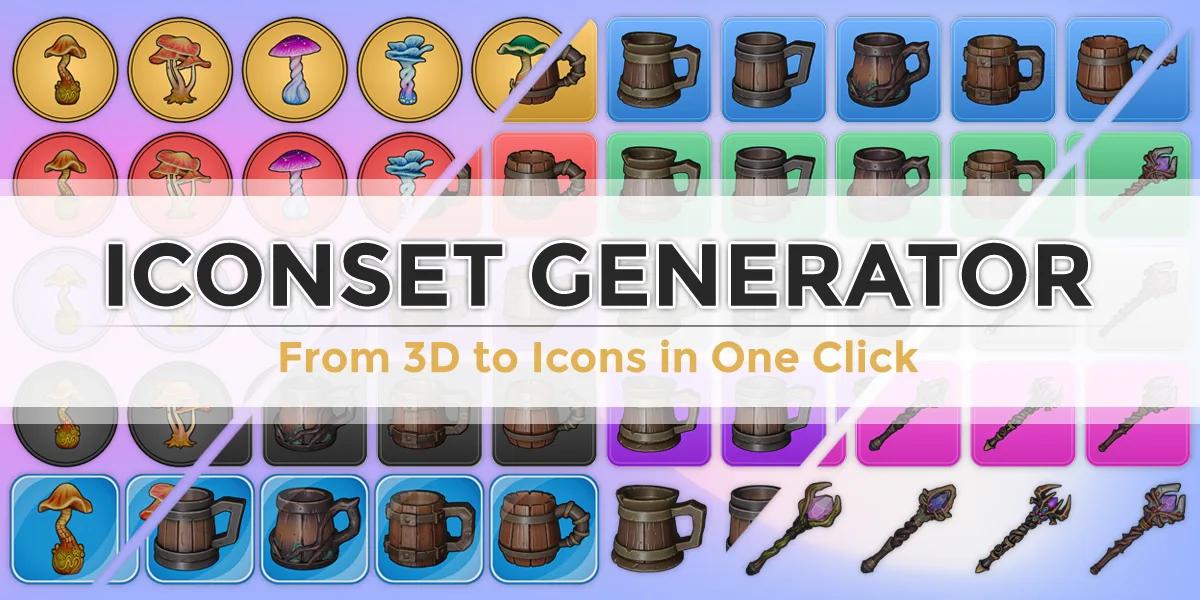
Iconset Generator is a Blender add-on from JMS Tools for rendering icons from 3D models in your scene. Select one or more mesh objects and run Generate to render them, then arrange the results into grid spritesheets. You provide the models, camera and lighting; the add-on automates rendering and image processing. See the product listing for its current details.
Render icons in batches
The add-on can render multiple selected objects and produce icons at enabled sizes of 512, 256, 128, 64 or 32 pixels. It can arrange them into iconsets, also called spritesheets, and organize results by preset. This suits projects that need a set of game, inventory, item, skill, shop or UI icons from existing 3D assets.
Set up the scene first
Iconset Generator uses the active scene camera. Its documentation says to frame the camera around the world origin and place source objects away from the center. For each render, the add-on temporarily moves a selected mesh object to (0, 0, 0), then restores its original position. It does not create or adjust cameras, lights or materials, so prepare those in Blender before generating icons.
The documentation recommends a render resolution of 2048 x 2048 as the master size. The add-on can downscale that render to the enabled output sizes; using a lower base resolution reduces final image quality. Marketplace details identify Eevee as the render engine.
Choose backgrounds and styles
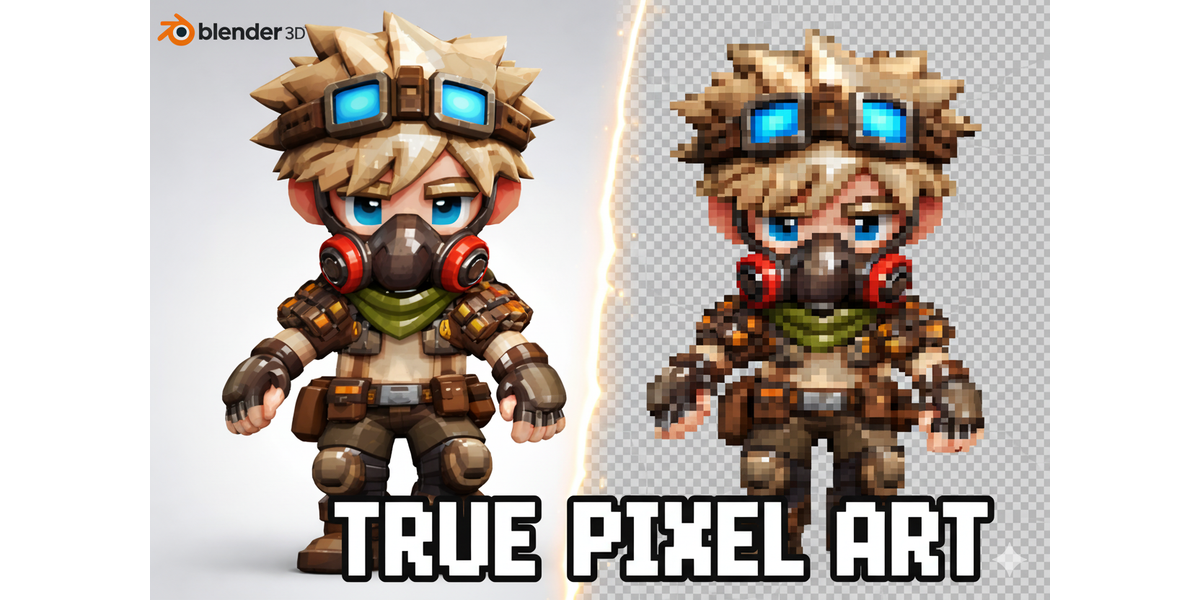
Procedural background cards come with presets, and custom background images are also supported. Automatic cropping and framing help prepare each render. You can add a silhouette border or use Pixel Art mode, which converts the generated icons to pixel-art versions and rebuilds the iconsets with pixel-perfect scaling.
Compatibility and first-run setup
The listing requires Blender 4.0 or newer and shows compatibility from Blender 4.0 through 5.0. It identifies the add-on's license as GPL; the documentation specifies GNU GPL v3. Icon processing uses Pillow. The product page says Pillow is included automatically, so manual installation is not normally required. Its documentation notes that an internet connection may be needed on first run if Blender must install Pillow; restricted systems may need manual setup. The first launch may also take a few seconds while internal components initialize.
Iconset Generator is suited to game developers, UI designers and asset creators who need repeatable icons from their own Blender models. It automates a rendering workflow; the models and scene setup remain yours.