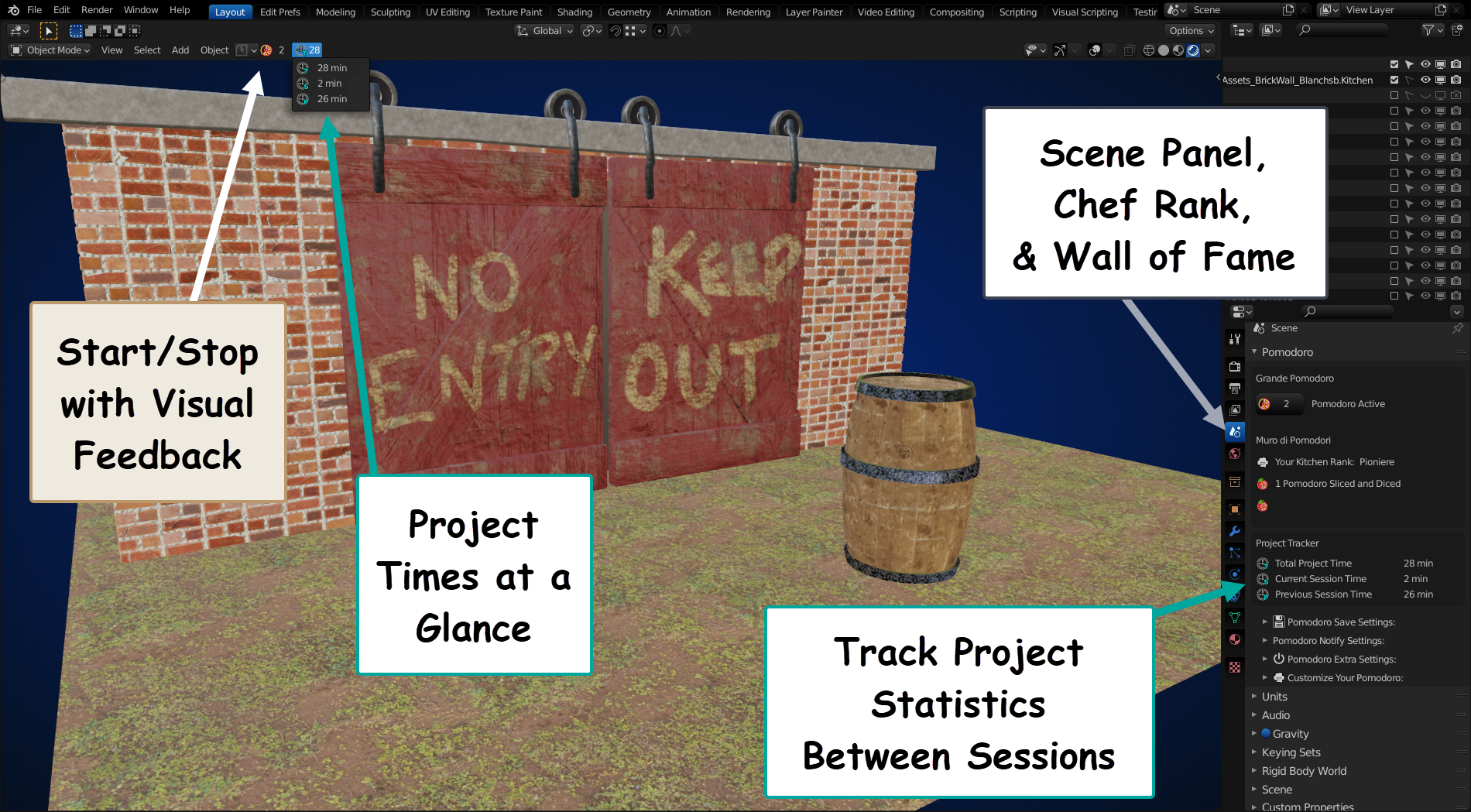
Il Grande Pomodoro is a Pomodoro timer add-on for Blender that breaks work into timed sessions and breaks, then tracks time for each .blend file. Shawn Blanch’s product listing describes timer controls, session notifications, autosave options and per-file tracking.
Session settings, file tracking and completion counts
Set work and break durations by the minute. Add-on Preferences hold defaults for all projects; Scene Properties let you customize a Pomodoro for one file. You can protect those per-file settings, and the version 1.0.1 changelog says they persist with the file when Protection Mode is enabled.
A compact menu in the 3D Viewport Header lets you start or stop a session and check the time remaining. The Project Tracker records total time across sessions for the current file, current session time and previous session time. Choose among three tracker displays for the header.
Completed sessions also count toward Kitchen Rank and the Muro di Pomodori, which tracks completed Pomodoros. These counters sit alongside the time records, so the add-on includes both per-file timing and a running completion tally.
Notifications and autosave options
Notifications can alert you when a Pomodoro ends. With auto-pause enabled, click OK in the notification to start the Pomodoro again, or restart it manually. Auto Start is available for getting a session underway with fewer manual steps.
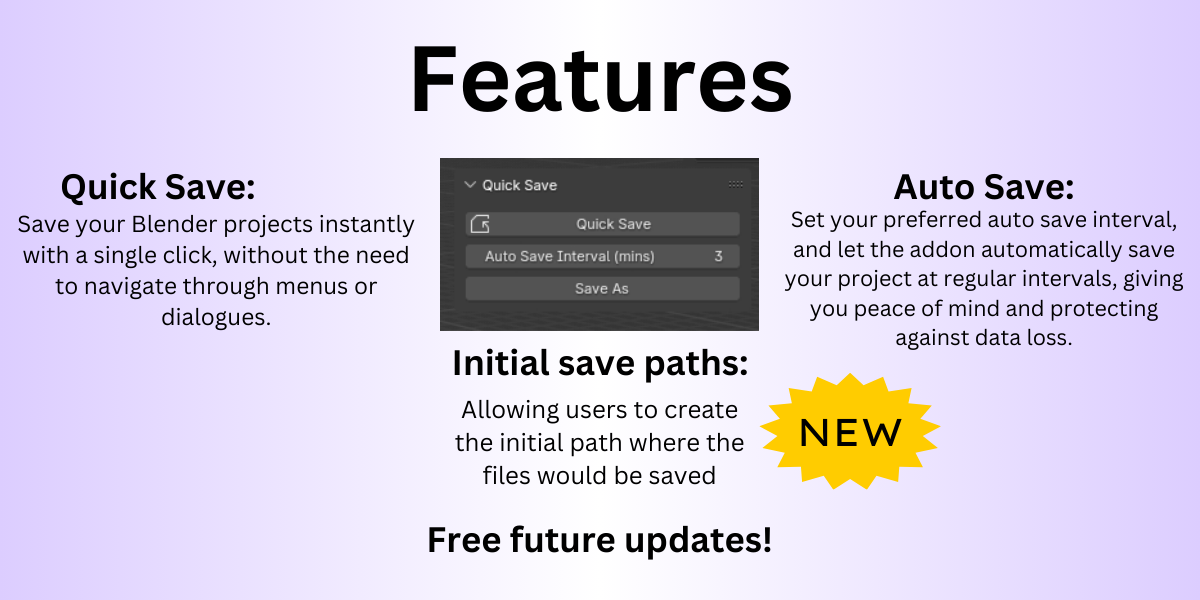
The add-on provides three autosave options. It waits until you have saved the project once with a file path, so autosave does not begin on an unsaved file.
What version 1.0.1 changes
The changelog lists Project Tracker selectors in the 3D Viewport Header and a time display that switches to hours and minutes when a duration exceeds one hour. It also says Pomodoro Reset now applies values from add-on Preferences to the scene. The documentation page links to a setup video.
Compatibility
The listing identifies Blender 2.93, and compatibility with later Blender releases is unconfirmed. Check the current product page before installing.