PomoFocus is a Blender add-on by mydream_art that brings a Pomodoro timer into Blender. It is listed as free to download and carries a Royalty Free license. The product listing names version 3.0.1.
How a PomoFocus work session runs
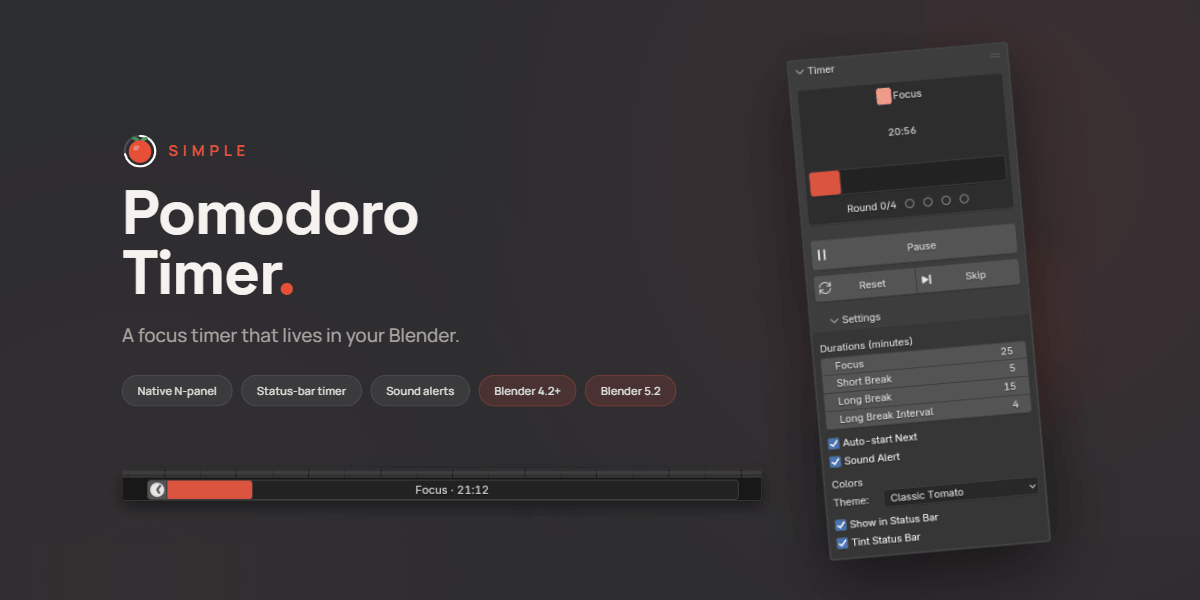
Choose a task, then start the timer with its default settings or adjust the times. Work until the timer finishes and take a short break, five minutes by default. Repeat the cycle and continue working on the task until it is complete. After four rounds, take a longer break. The listing does not specify how long that longer break should be.
Timer, sound and task reports
The add-on combines the timer with a few tools for following a session and reviewing completed work:
- Custom time settings for the work and break cycle.
- Sound while the timer runs and when a task finishes. Version 2.0.0 added a custom sound option and a reset button.
- A data report with details of completed tasks, added in version 3.0.
- An updater that checks whether a newer version is available, also added in version 3.0.
- An estimate of the time needed to complete a task, added in version 3.0.1.
- The original edition and the Blender 2.93 Special Edition were combined in version 3.0.
Blender versions and the 2.93 sound issue
The product listing names Blender 2.91, 2.92, 2.93, 3.0, 3.1, 3.2 and 3.3 as compatible versions. It separately says the add-on was tested with Blender 2.91, 2.92 and 2.93. The listing also records a known issue where sound does not work as expected in Blender 2.93. A Special Edition was made for that Blender release before being merged with the original edition in version 3.0. The listing does not say whether the sound issue was resolved in version 3.0.1, so check the publisher's current notes if you rely on timer sounds in Blender 2.93. It does not document compatibility with Blender releases newer than 3.3.
For the publisher's product details and download link, see the PomoFocus listing on Superhive.