Kritz Cam Pro is a Blender add-on for setting up cameras, focus controls and constraints in a scene. It also provides menus for changing focal lengths and F-stops. The Superhive product listing describes it as an option for Blender users who want to adjust these settings without repeatedly configuring cameras and constraints by hand.
Camera setup, focus and constraints
Its focus feature includes an easy camera focus control and a camera focus constraint. These tools are intended for users who make camera changes during a Blender workflow and want the controls close at hand.
Focal lengths and F-stops
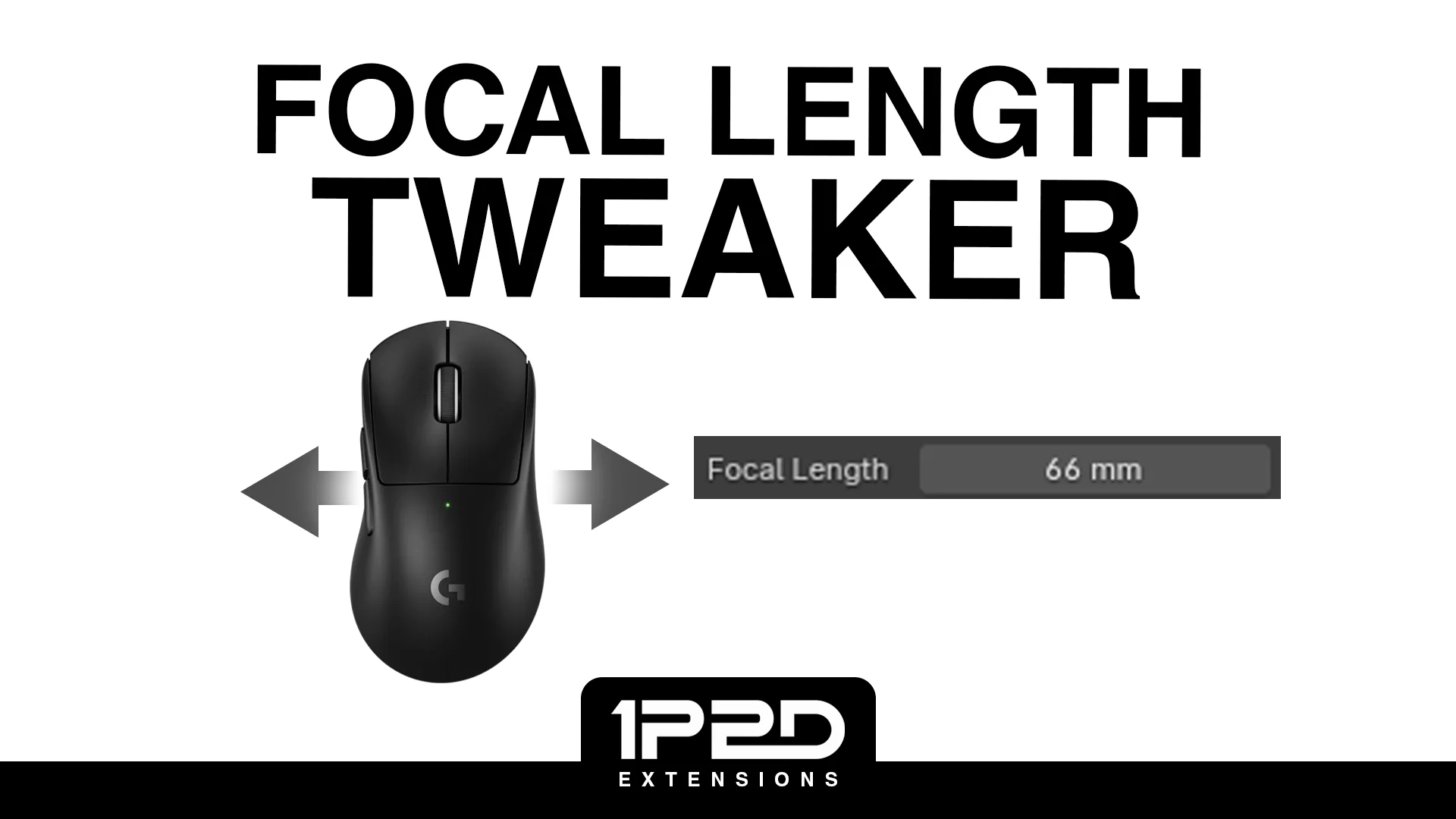
Kritz Cam Pro includes 7 fixed focal lengths and 11 F-stops. A focal lengths pie menu provides another way to reach the lens options, and the add-on includes a way to switch between navigation modes.
- Open the main Kritz Cam Pro menu with Shift + Home.
- Open the focal lengths pie menu with Control + Home.
Composition guides and scene controls
The menu includes Composition Guides and Passepartout control. The product update notes also list a scene lights random color generator and a renewed menu design.
Compatibility and license
The Superhive listing marks Kritz Cam Pro as Blender Extension Compatible and lists Blender versions 3.6 through 5.2, including a Blender 5.2 Ready update. It identifies the license as GPL. The AnyPlugins listing describes the add-on as free. Check the current Superhive listing for download availability and license terms.
Who may find it useful
Kritz Cam Pro may suit Blender users who regularly add cameras and adjust focus, constraints, focal lengths or F-stops. Its fixed focal length options and menu shortcuts are relevant when those controls are part of a repeated camera setup workflow.