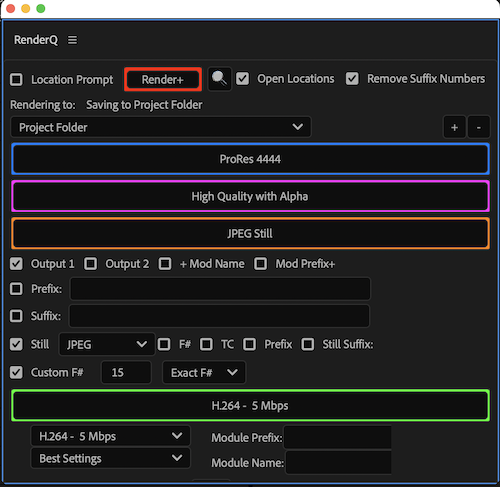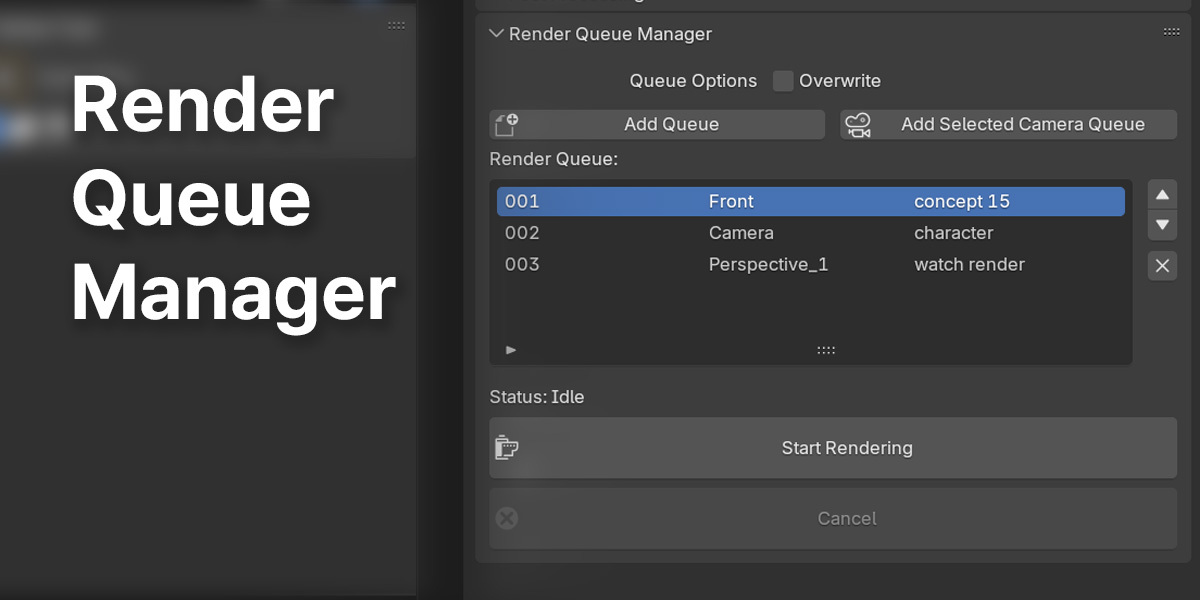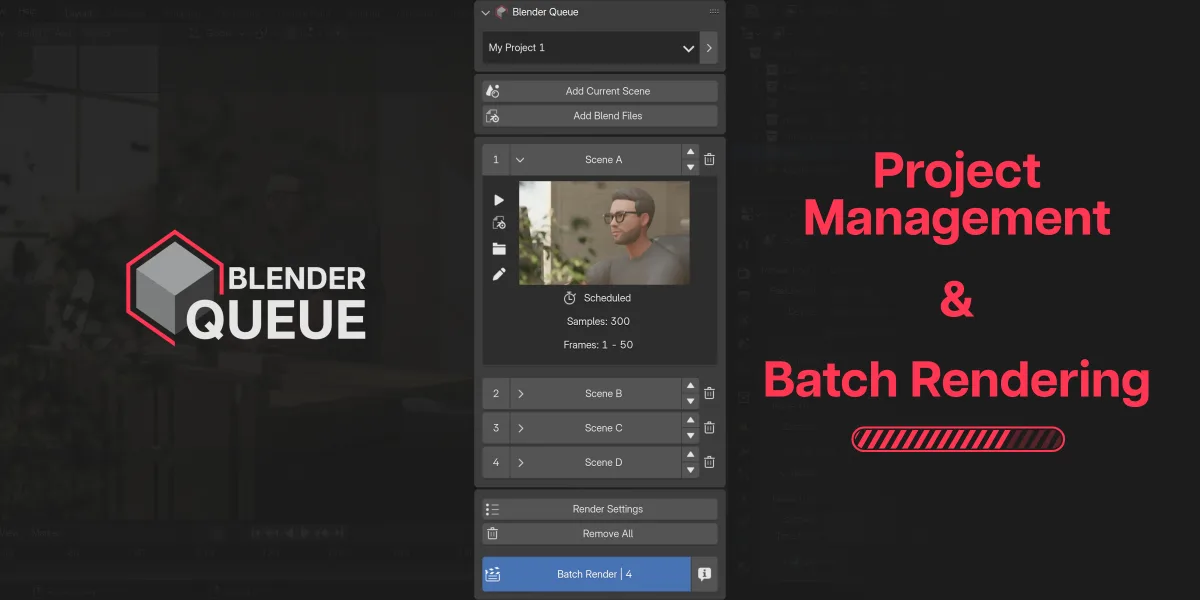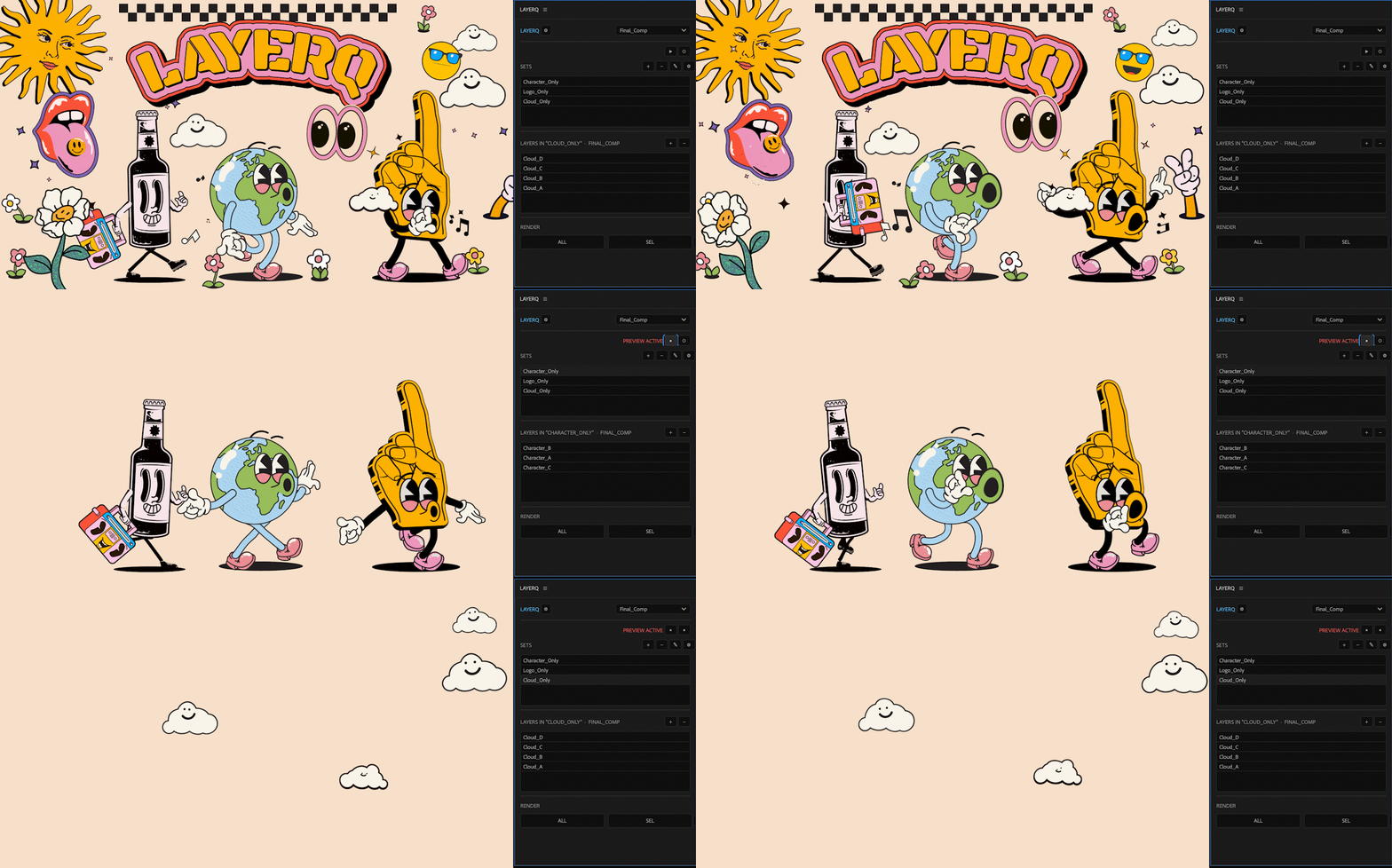
LAYERQ saves named layer-visibility configurations as sets in an After Effects composition. The definitions are stored in the composition marker and persist across project sessions. Preview a set with After Effects' native Solo property, or use Set Solo mode to focus on it by hiding other layers with shy mode.
Render variations across compositions
Render All queues every set, while Render Selected queues only the sets you choose. Add to Queue Only lets you build a batch across multiple shots, and cross-comp queue stacking supports jobs that span compositions. For nested precomps, LAYERQ applies visibility settings inside child compositions and recursively handles duplication and rendering through the comp tree. It places the necessary duplicated comps in a temporary folder and adds them to the Render Queue.
Set export options for each variation
Each set can have its own Output Module preset, Render Settings preset, filename template, and output folder. The interface supports English and Japanese, with translated alerts, dialogs, and tooltips; the language preference persists across sessions.
Compatibility and licensing
The product page says After Effects 2022 or later on macOS and Windows; its compatibility table lists After Effects 2023, 2024, 2025, and 2026. A trial is available. The product EULA limits installations and use to the licensed copies, users, and computers. aescripts' licensing guide allows a Single User License on up to two computers when they are not used at the same time, unless the product's terms say otherwise. Floating licenses require the Floating License Server on the network. The server is a command-line application intended for groups; each license allows one user at a time, and remote use requires VPN access to that network.