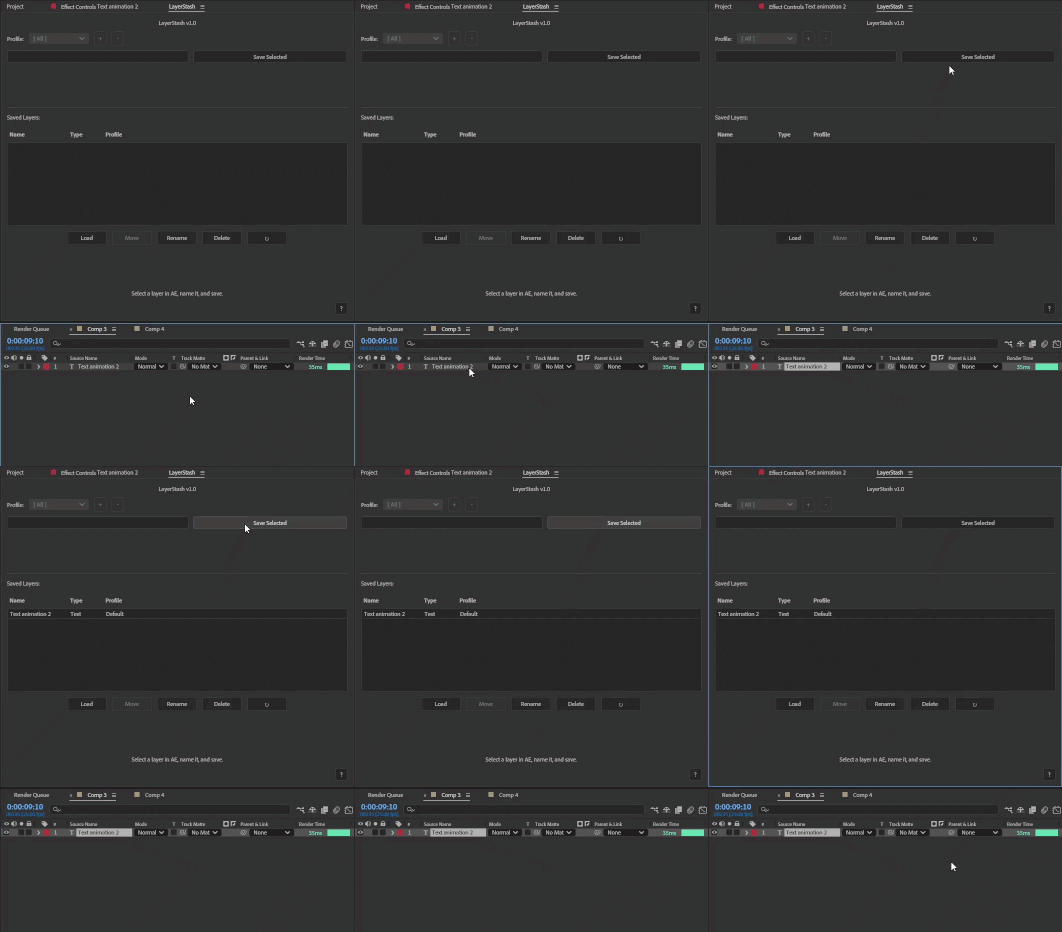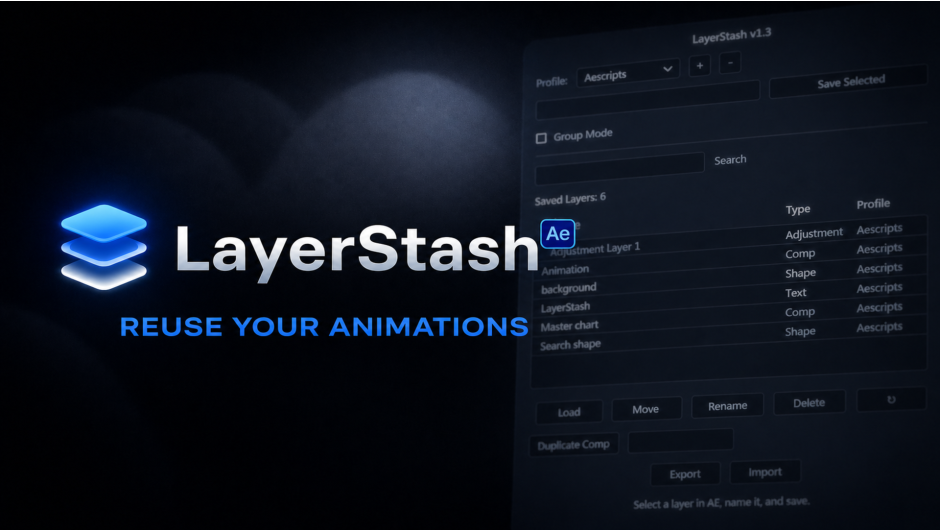
LayerStash saves selected After Effects layers to a reusable library. Select a layer in the timeline, save it, then load it into another project. The product supports text, shape, solid, adjustment, null, precomp, image, video and audio layers. Saved data can include keyframes, effects, expressions, text animators and audio levels.
Organize and reuse layer libraries
Create profiles for different clients or projects, then sort saved layers into folders. Search the library, pin items, and drag them into a preferred order; each profile keeps its own arrangement.
For multi-layer setups, Group Mode saves selected layers together and preserves parenting chains, track mattes and cross-layer expressions. The version 1.3 release notes listed Group Mode as a Premium feature; the version 2.0 notes describe it as a toggle but do not state its current license eligibility. Group loads restore the saved layer positions, while a single loaded layer is centered. The Duplicate Comp Hierarchy feature makes independent copies of a precomp from the timeline.
LayerStash can export selected layers or a whole profile as a .layerstash file for another editor to import. The file does not include media files, so footage may need to be relocated on the other machine.
Compatibility and limits
The product lists compatibility with After Effects 2021 through 2026. Camera and Light layers are unsupported. After Effects scripting cannot read curves or gradient colors; LayerStash reports these omissions when saving. Folders can be created and used, but cannot be renamed in the panel.
Trial and license terms
The product listing includes a free trial. Its license agreement permits one copy for one user on one computer at a time. Additional users or computers require appropriate licenses. Exporting a layer library lets another editor import the saved layers; it does not transfer the software license.