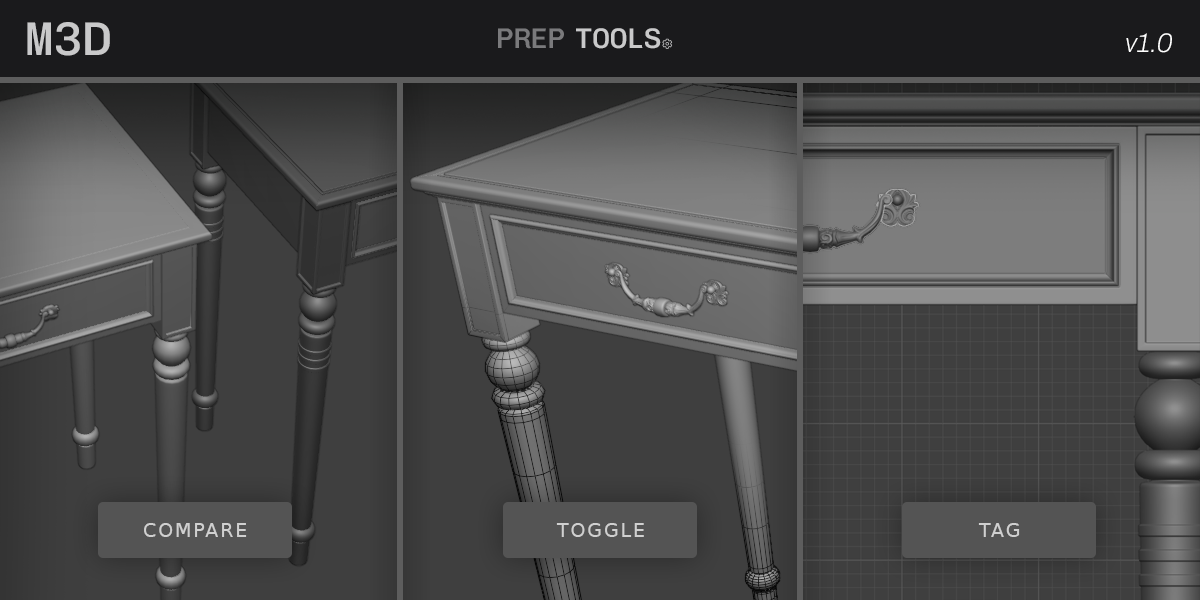
M3D Prep Tools 1.1.0 is a Blender add-on for preparing low-poly and high-poly game asset meshes for baking. It brings batch naming, collection management, viewport color tagging, bake-family checks, and FBX export into one workflow. Artists preparing assets for Substance or Marmoset can use it to keep mesh pairs organized before exporting.
Tag and organize bake families
Name Tagger groups meshes into low-poly and high-poly bake families. Choose Tag or Auto Tag, select an existing family or enter a base name, and the add-on renames the selected meshes, moves them into target collections, then hides them in the viewport. This helps keep names and collections consistent when a scene contains many bake pairs.
Compare groups and find missing partners
Mesh Group Hub works with two collections: MG1 for low-poly meshes and MG2 for high-poly meshes. Compare View shifts MG1 beside MG2 with an adjustable gap, so you can inspect both groups together without toggling visibility. Retopology Helper provides selection and visibility controls for each collection, including controls that cascade into subcollections. Select and Isolate actions are available for MG1, MG2, or a single bake family.
Bake Family Check scans both groups and flags families missing a low or high partner. Expand a row to see its LP and HP entries, then select or isolate the relevant meshes. The panel opens and refreshes after a tagging action. Bulk controls can select or toggle visibility for tagged meshes, or select all floating, untagged meshes.
Color meshes and export FBX files
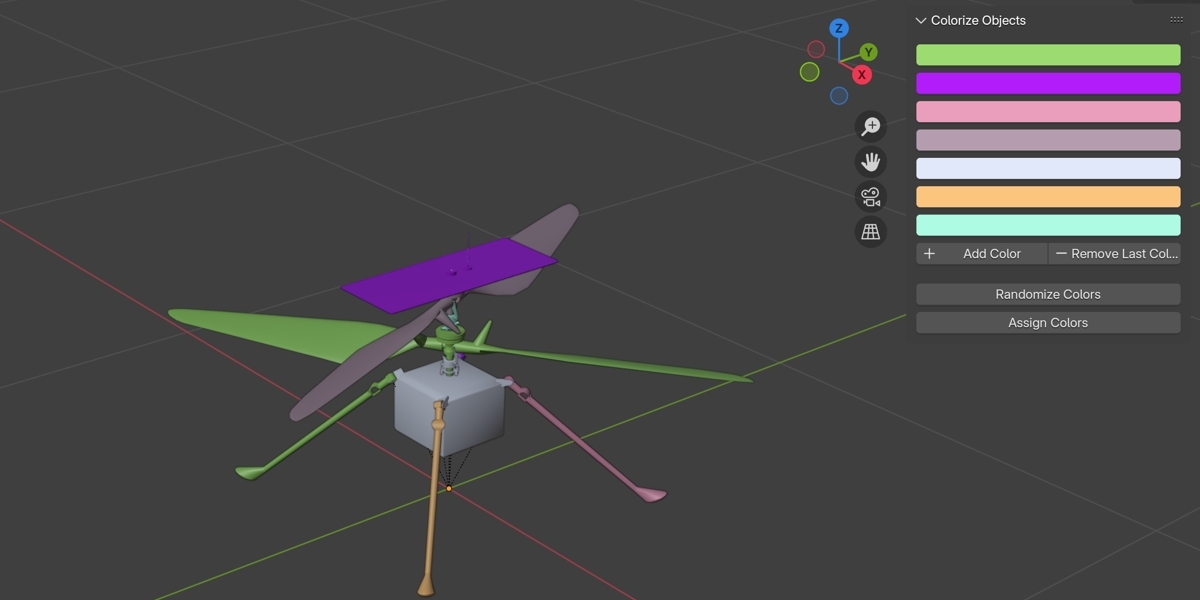
Color Tagger assigns distinct viewport colors through materials, vertex colors, or both. Quick mode applies preset or custom swatches. Auto mode assigns colors per mesh or family, using the primary palette before generating more distinct hues. Custom mode gives manual, layer-based control over object colors.
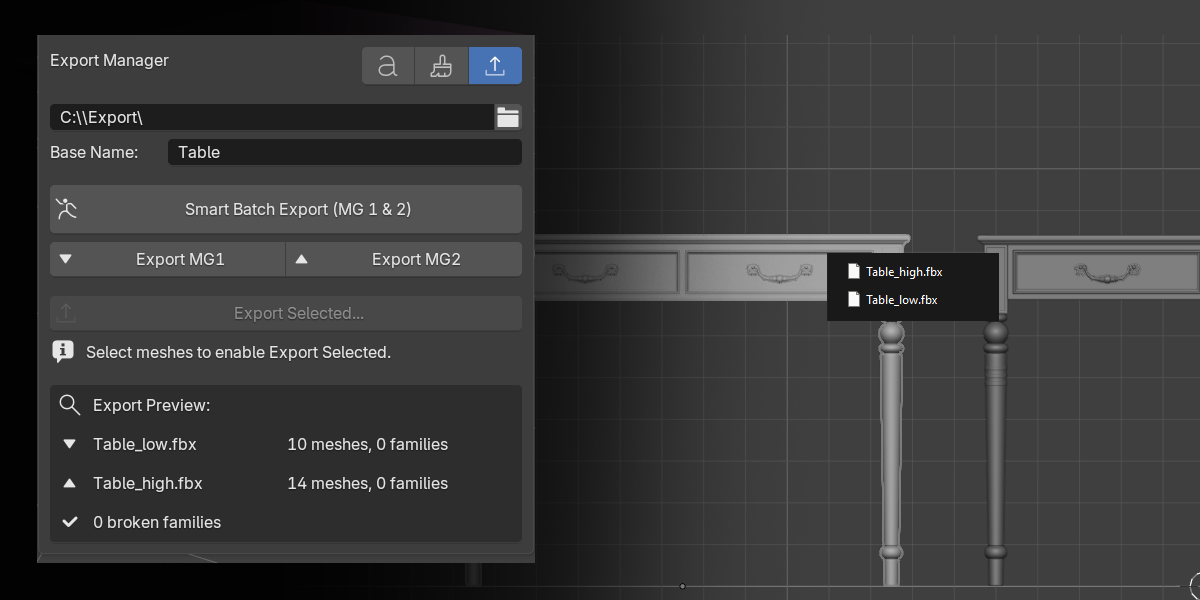
Export Manager exports MG1 and MG2 as separate FBX files in one action. It temporarily unhides hidden meshes and restores the scene afterward. You can override the default _low and _high suffixes, or use Export Selected to open a file dialog for each export.
Requirements and intended use
The product summary says Blender 2.80 or newer, while its Details section lists Blender 2.83 to 5.1. Those compatibility fields differ, so check the product listing for your Blender release before installing. M3D Prep Tools uses Blender Python and lists no external dependencies or pip installs.
The listed tools prepare mesh groups for baking in a separate application such as Substance or Marmoset; they cover setup, organization, colors, and export. AnyPlugins lists the add-on as free and links to the creator's product page. Superhive identifies its license as GPL version 3 or later, which permits use, study, modification, and redistribution under the license terms. Mik Santos discloses AI-assisted development and says he directed and iteratively tested the add-on with volunteer 3D artists.