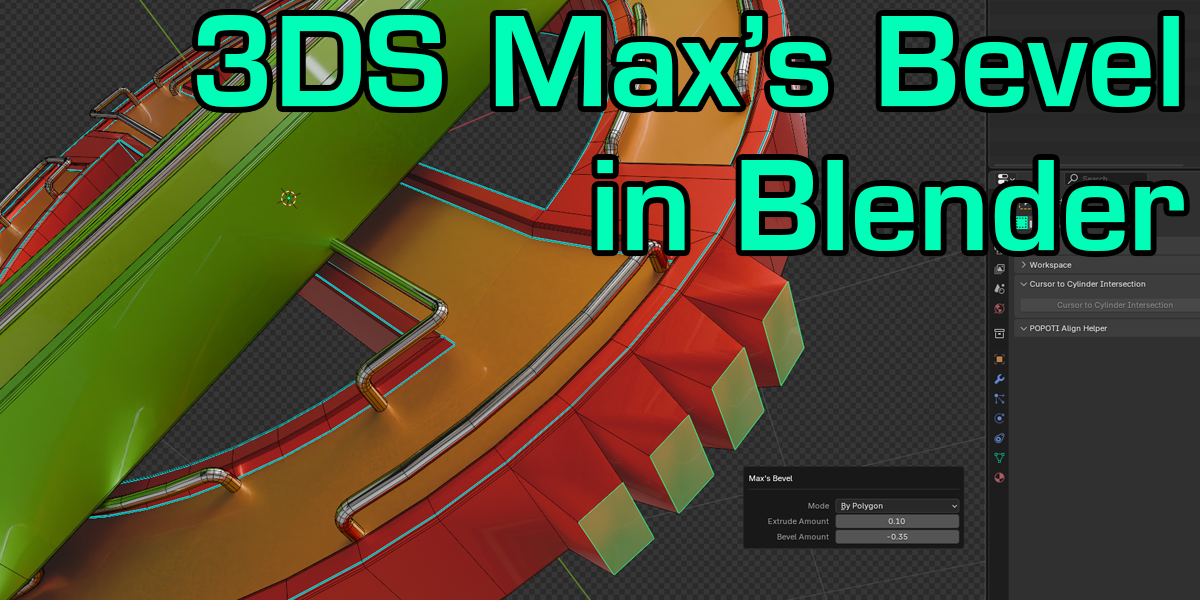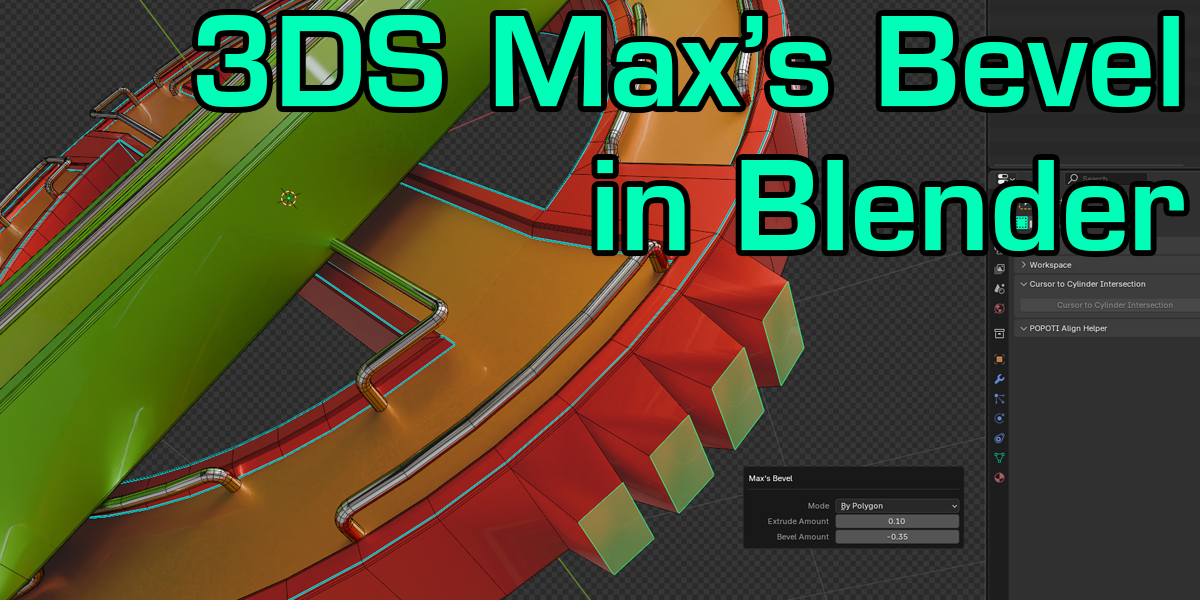
Max-Style Bevel is a Blender add-on for beveling selected faces with a Max-inspired extrude-and-outline operation. It combines extrusion and outlining in one controlled step, then cleans internal faces and edges. The listing says the cleanup is intended to prevent geometry artifacts and crashes. It is aimed at hard-surface and mechanical modeling and precision work.
Three ways to bevel selected faces
The add-on provides three modes. Choose based on how you want the selected faces to be treated:
- Group Mode bevels the selected faces as one unit using averaged normals. The listing describes this as the classic Max-style behavior.
- Local Normal Mode bevels connected geometry along smoothed local normals, without double transformations.
- Polygon Mode bevels each face individually for more control over the result.
It also uses normal-aware extrusion and scaling, with a focus on clean, repeatable topology.
How to use Max-Style Bevel
- Enter Edit Mode and select the faces to bevel.
- Open the tool from the right-click context menu, Ctrl + F Face Specials, or Alt + E Extrude.
- Choose a bevel mode, set the height and outline, then apply the operation.
The add-on combines extrusion and outlining instead of relying on modifiers or unstable edge operations.
Who it may suit
Max-Style Bevel is intended for Blender artists working on hard-surface or mechanical models, especially when they want a controlled face bevel with both extrusion and outline adjustments. It may also suit artists transitioning from a 3ds-style workflow to Blender.
Compatibility and license
The product details list Blender versions 3.1 to 5.0 and an MIT license. They do not give a separate add-on release number. Check the Max-Style Bevel product listing for current compatibility and license details before installing or relying on those terms.